Coming Soon
Celsius? Fahrenheit?
Why not both.
Weather with dual temperatures and personality-driven alerts, on every device you own, Apple or Android.
Join the BetaAvailable on
Requires iOS 26.2+ / Android 13+
Weather with dual temperatures and personality-driven alerts, on every device you own, Apple or Android.
Join the BetaRequires iOS 26.2+ / Android 13+
Whether you grew up with Celsius or Fahrenheit, or you constantly convert between them for friends, family, or travel, DualWeather shows both side by side. No toggling. No mental math. Weather, your way, with the depth to replace whatever weather app you’re using now.
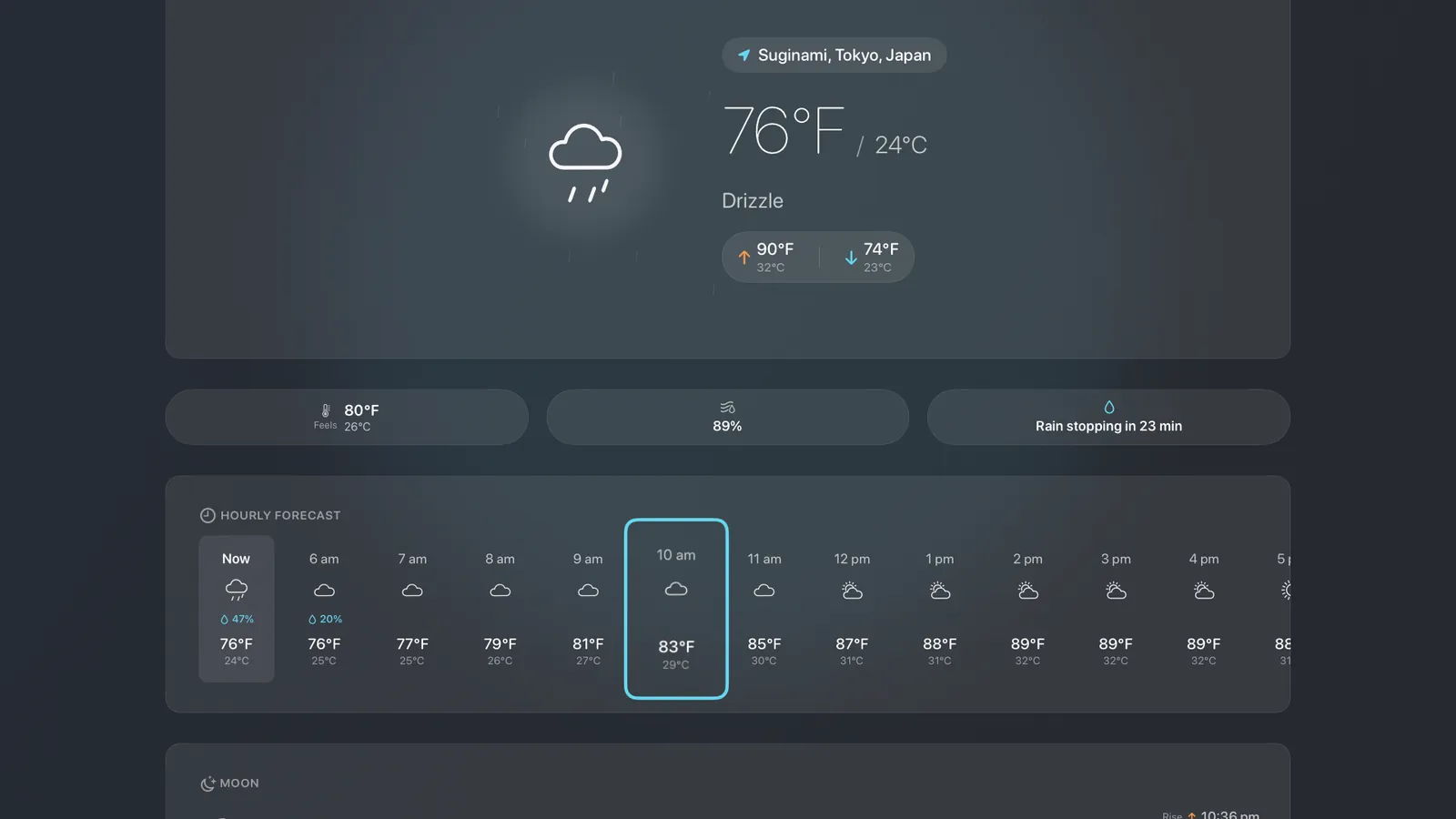
See °C and °F together: current conditions, hourly forecasts, and the 10-day outlook all show both scales simultaneously.
A 10-day hourly outlook with day and night split out, and every measurement that matters: precipitation, wind and gusts, UV, humidity, dew point, visibility, and pressure trends.
See when rain or snow is about to start or stop, right on the main screen, so you know whether to wait five minutes or take the umbrella.
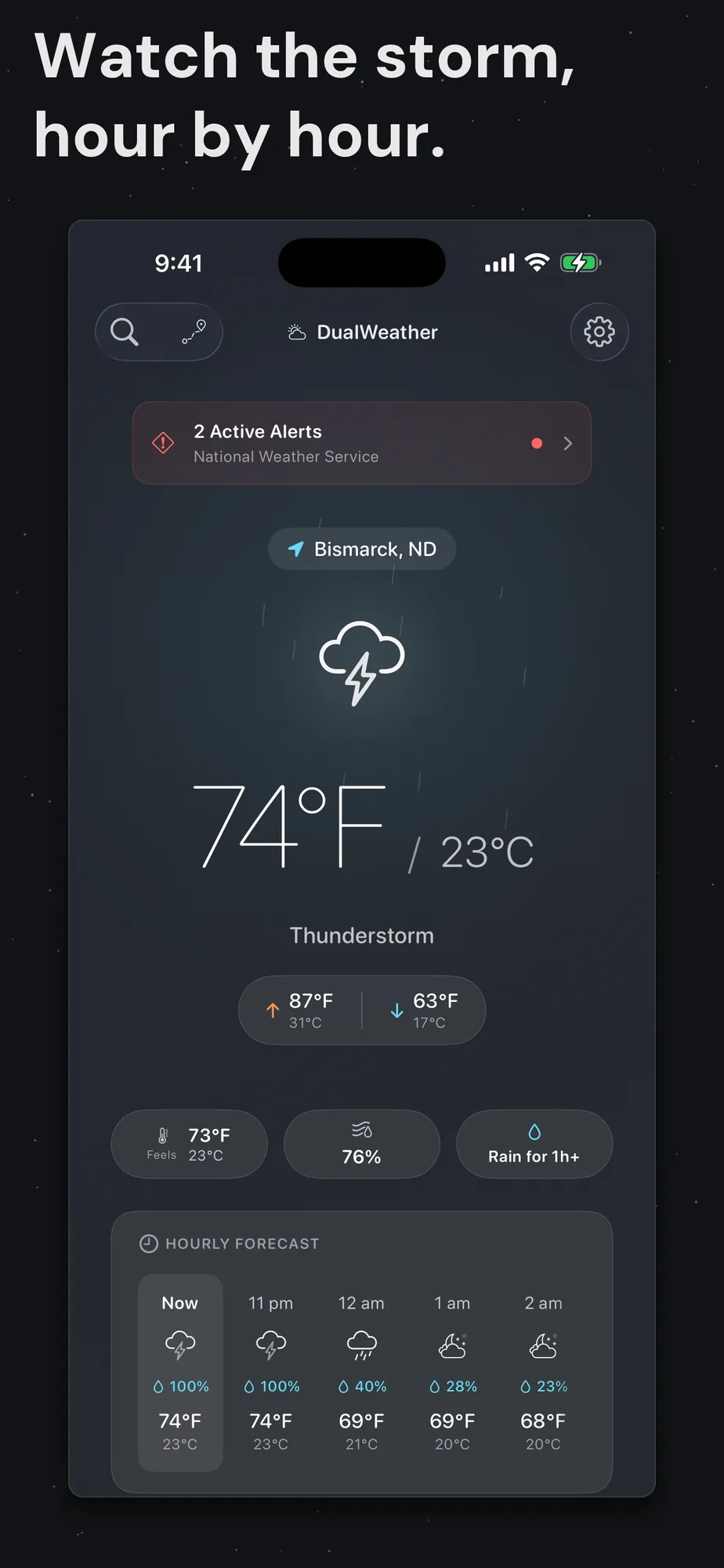
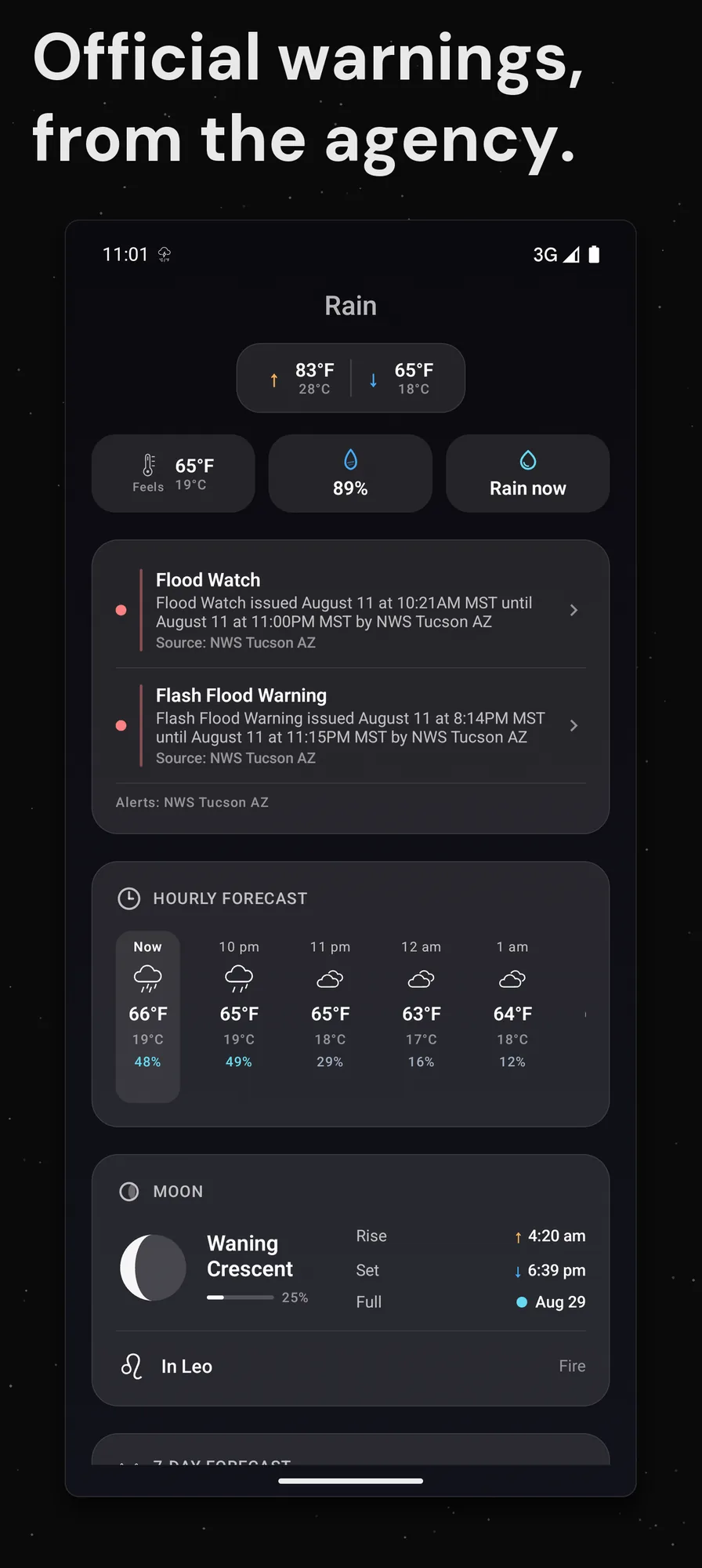
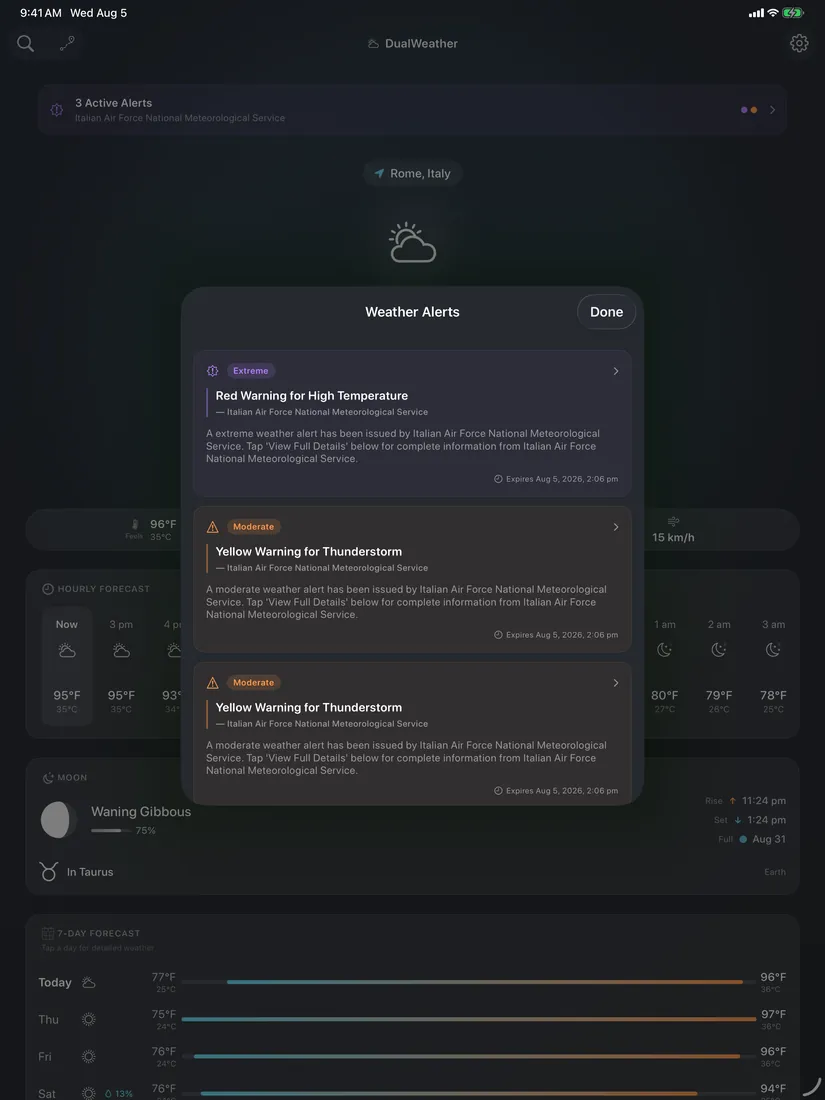
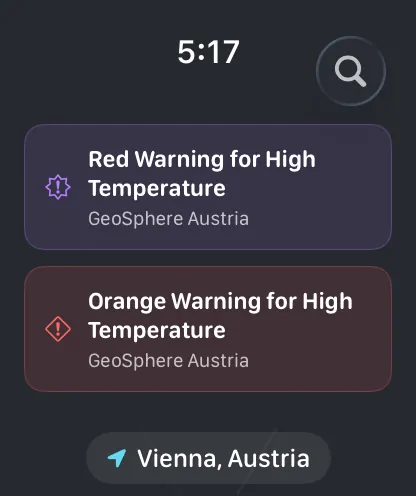
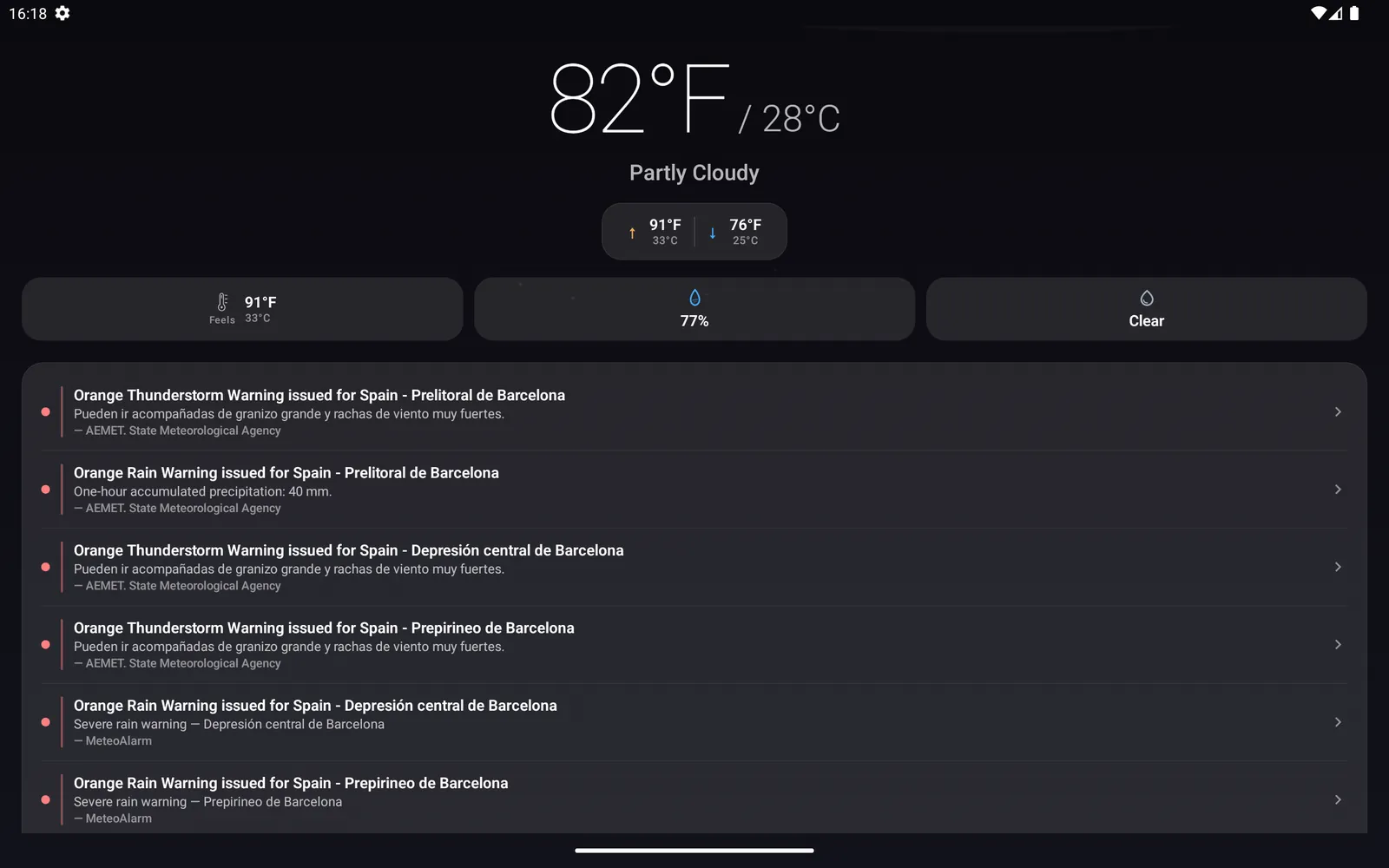
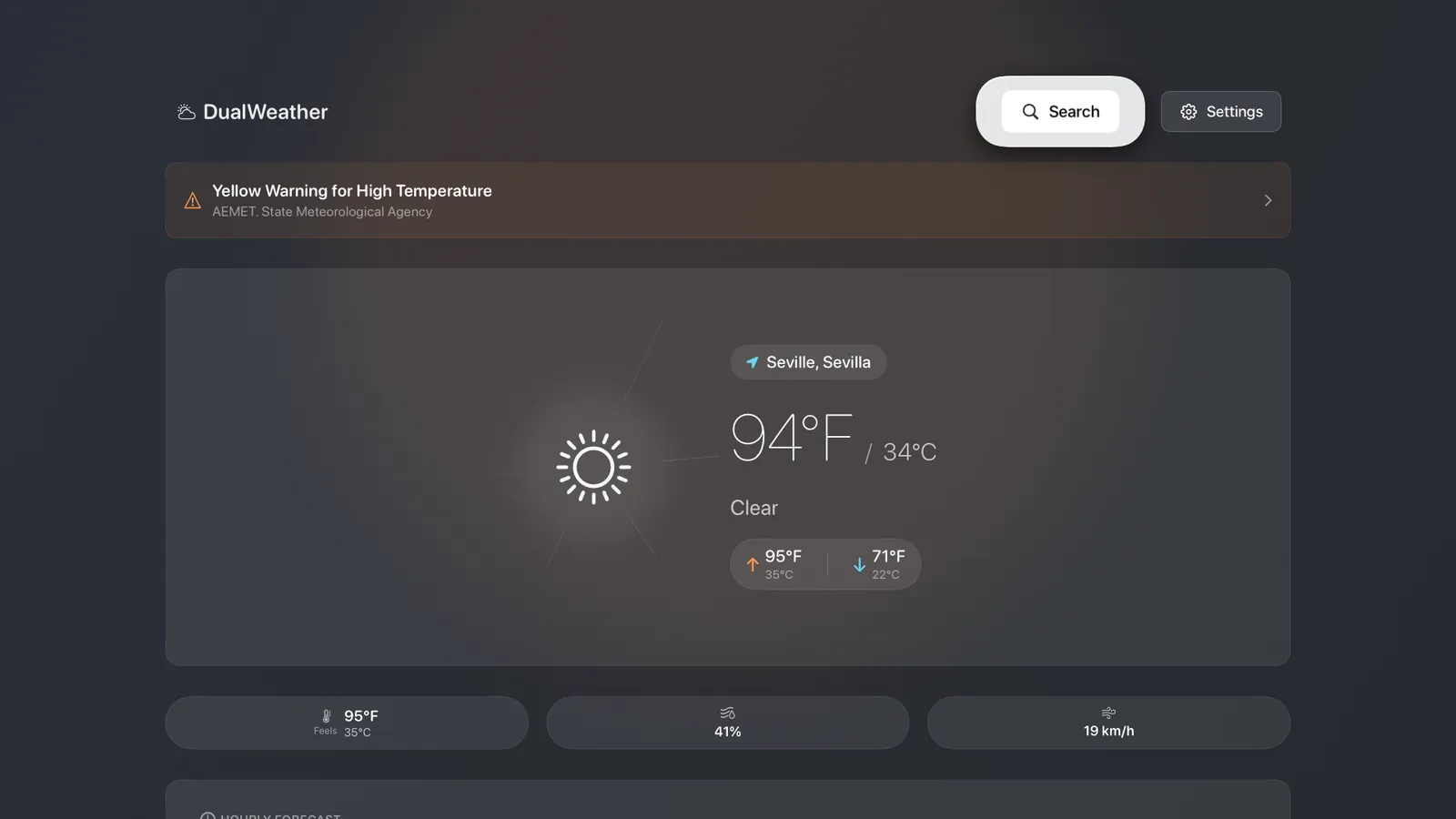
Government warnings sourced directly from national weather services across the US, Canada, and Europe, with tiered severity so you know how urgent it is.
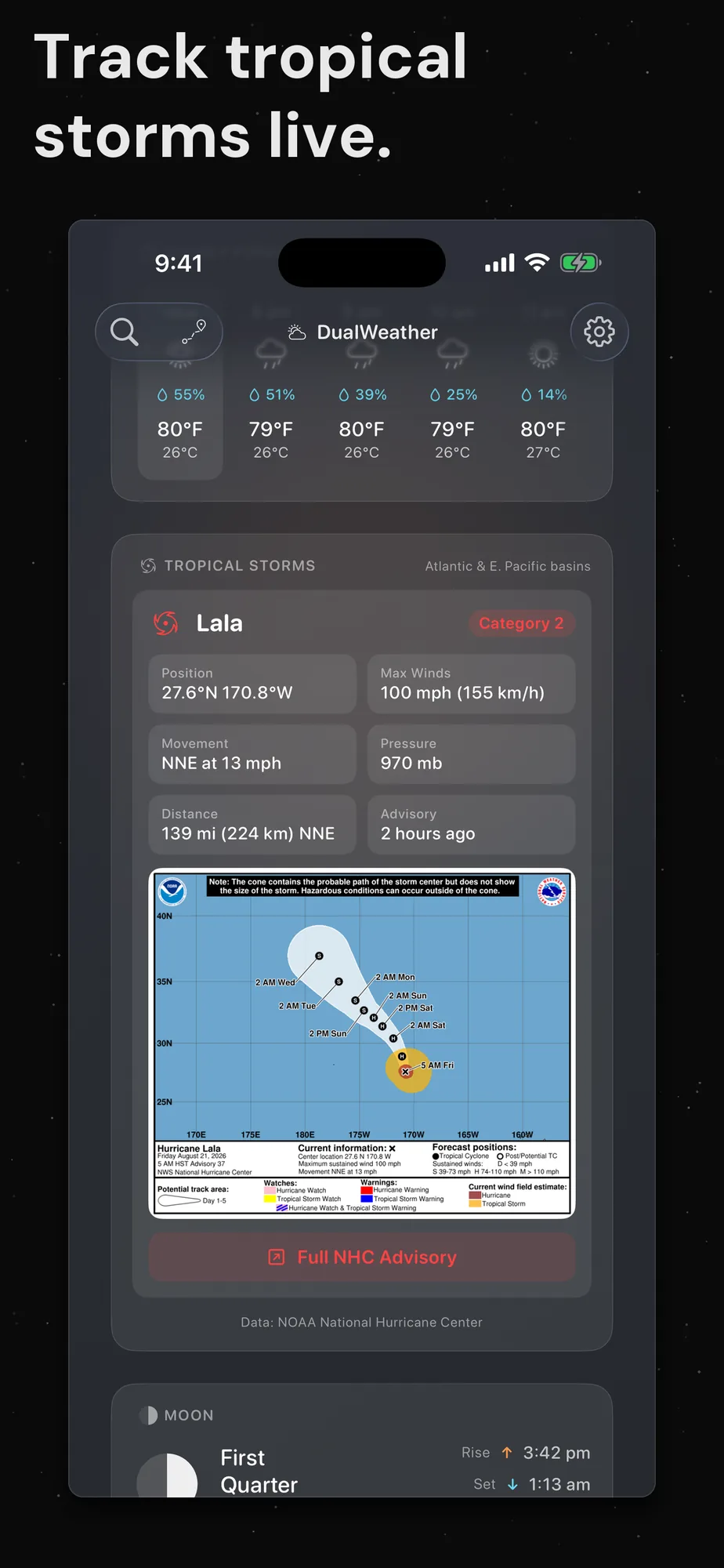
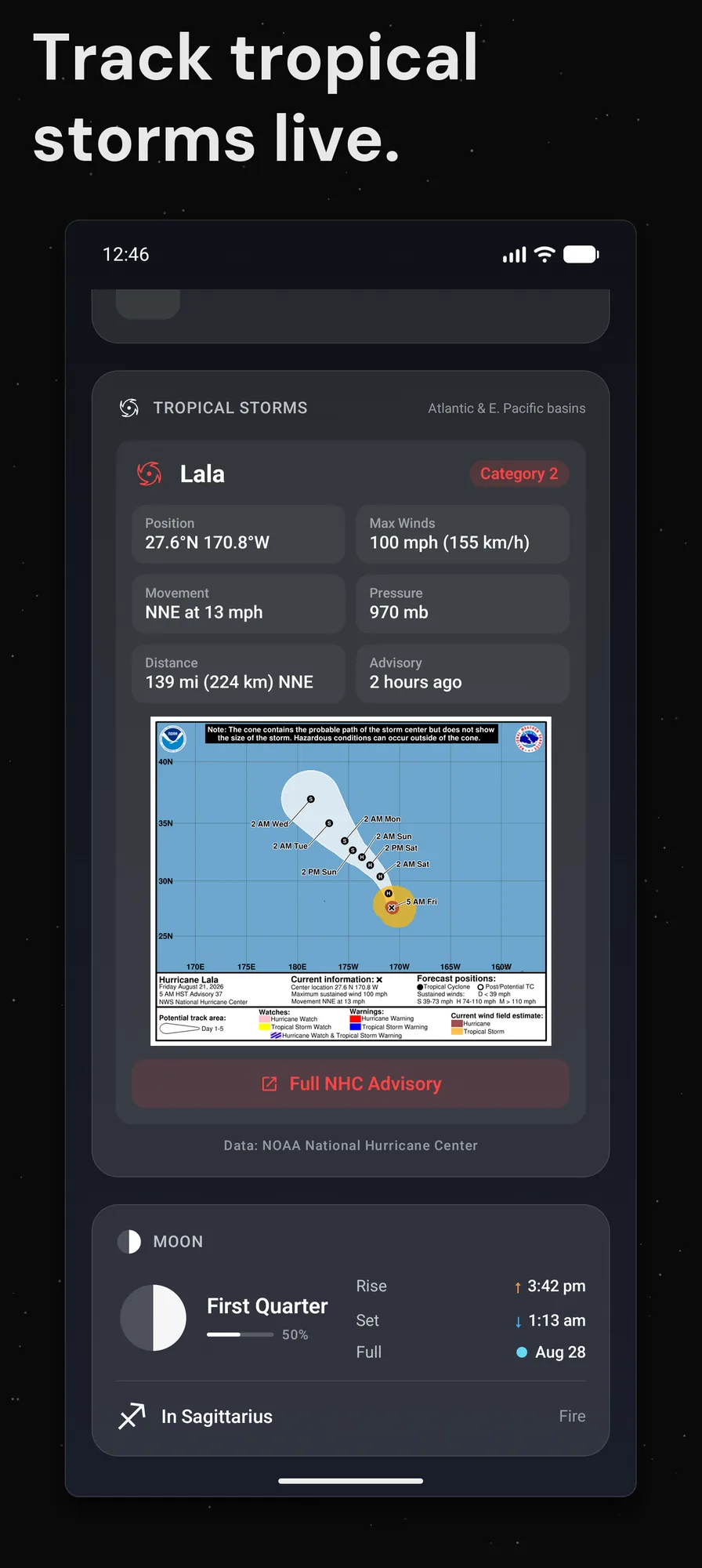
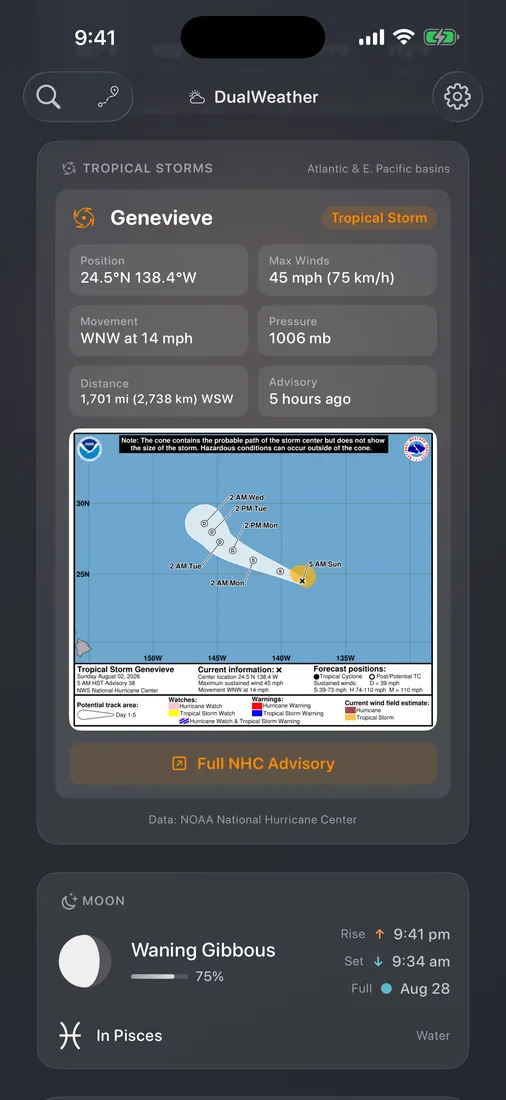
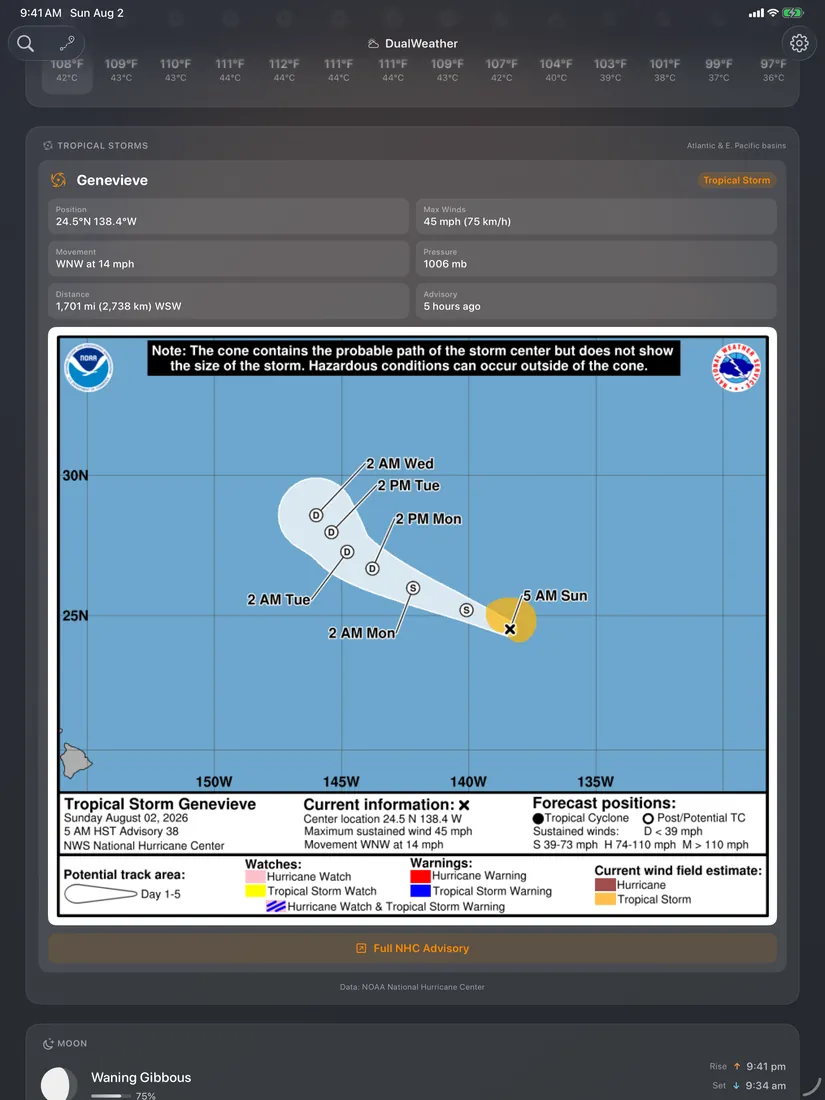
When a storm is active in your region, DualWeather shows it: position, strength, wind speed, distance from you, and the official NOAA forecast cone.
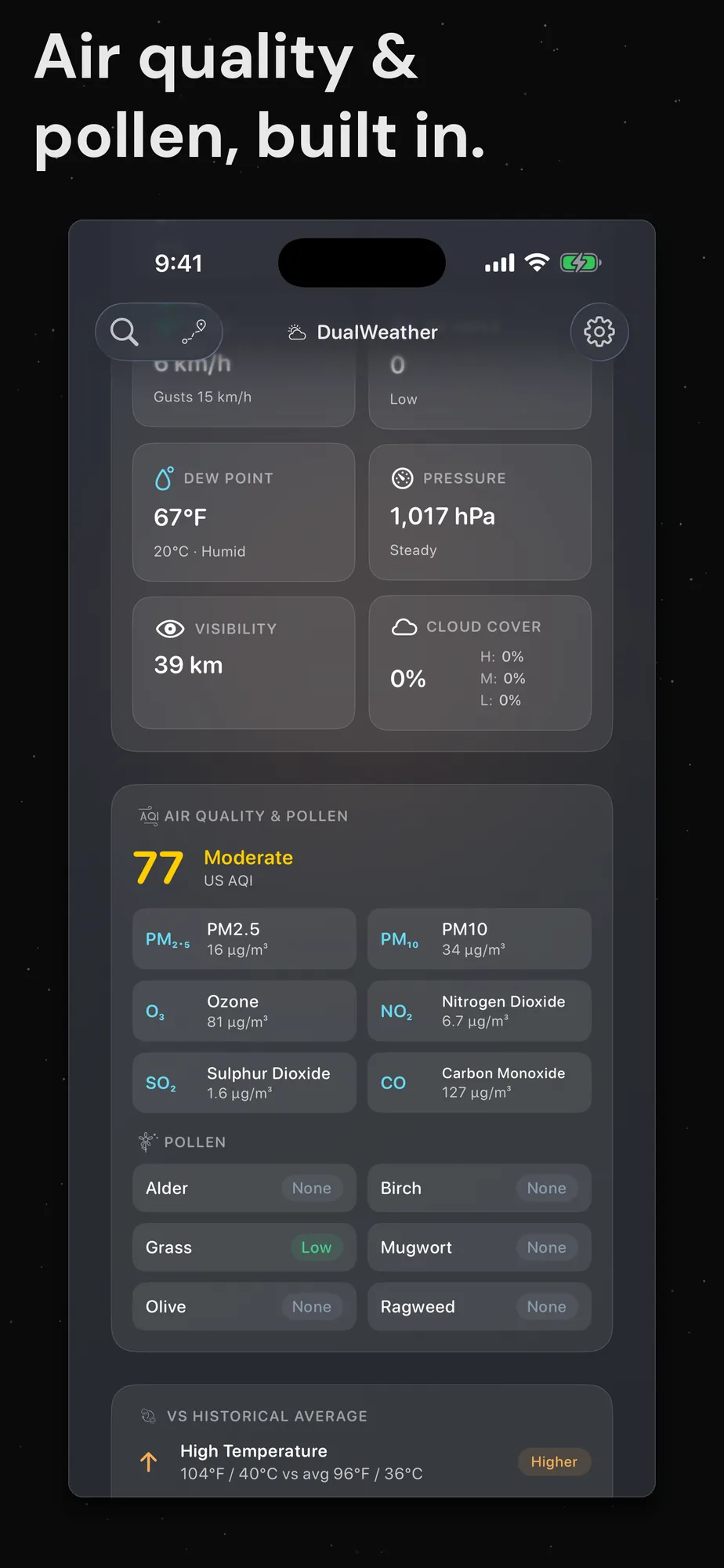
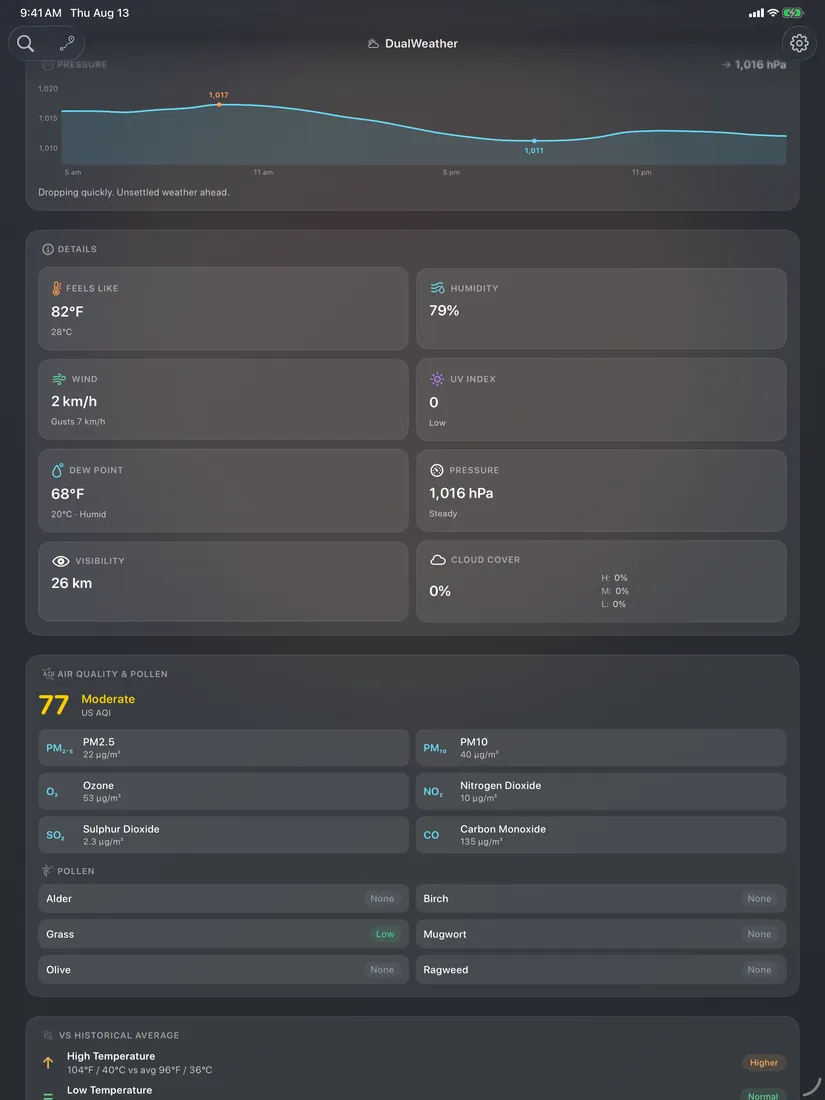
Live AQI, a full pollutant breakdown, and live pollen levels across Europe. Air quality also feeds your comfort score, so a smoky day never reads as a perfect one.
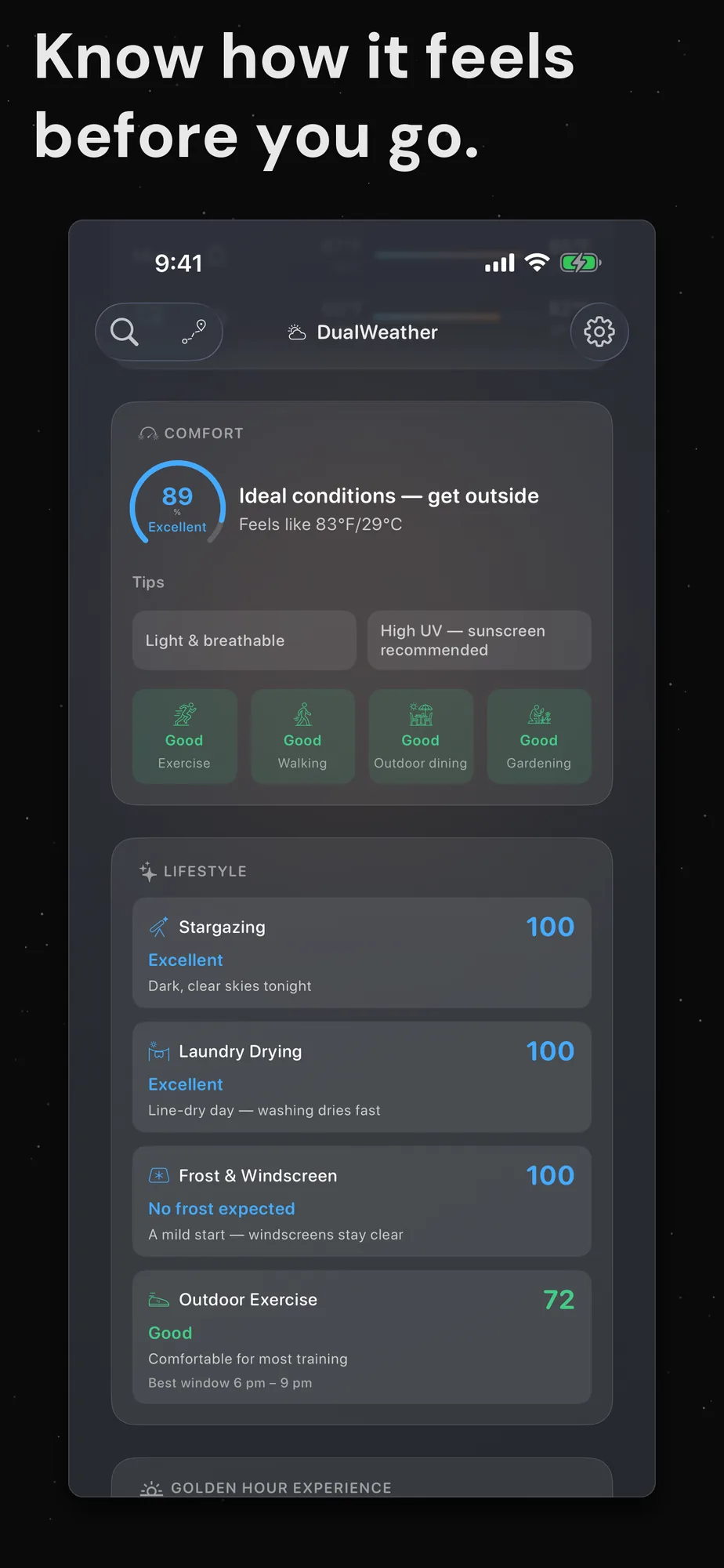
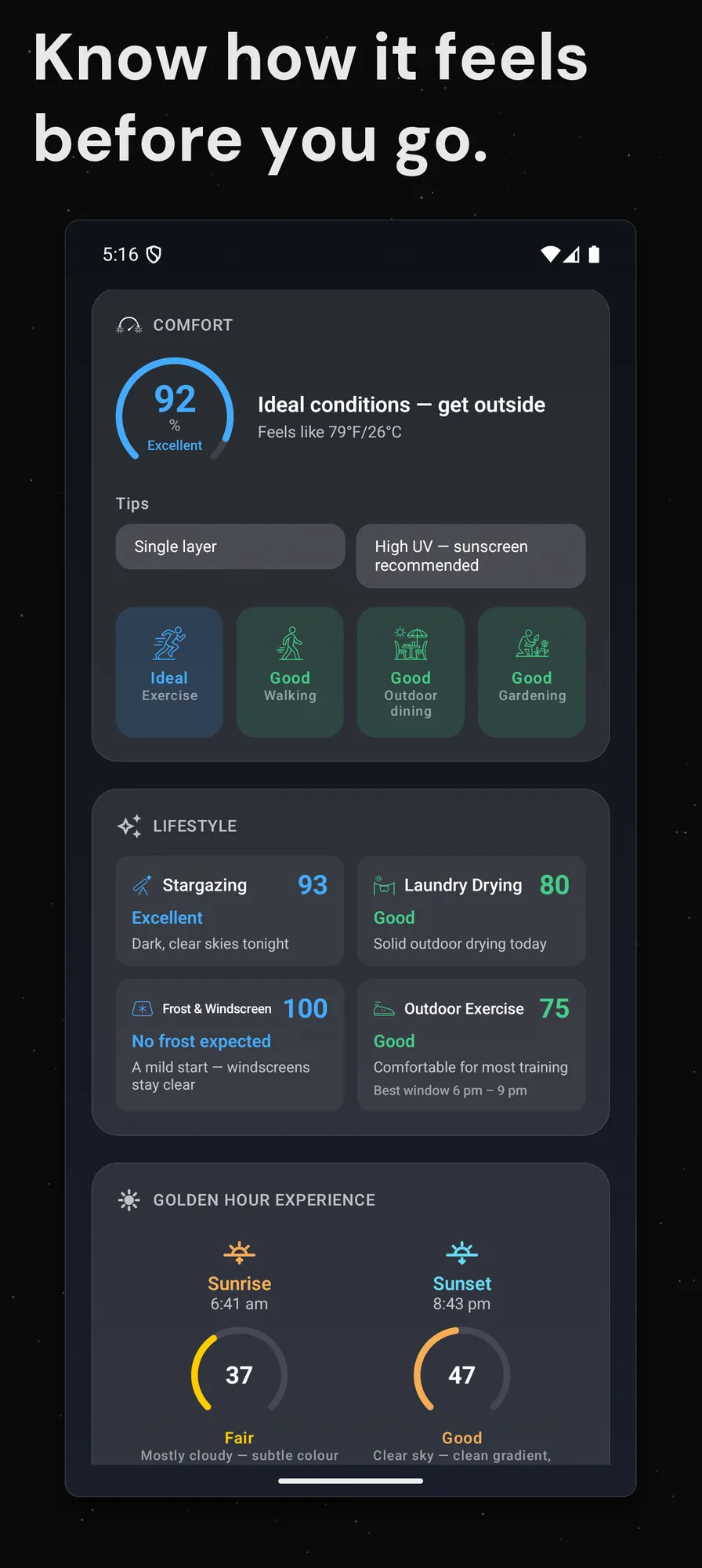
A 0–100 read on how the day will feel, with clothing guidance and activity ratings for exercise, walking, dining, and gardening.
Four daily scores for real life: stargazing, laundry drying, frost and windscreen risk, and outdoor exercise, including the best three-hour window to get out.
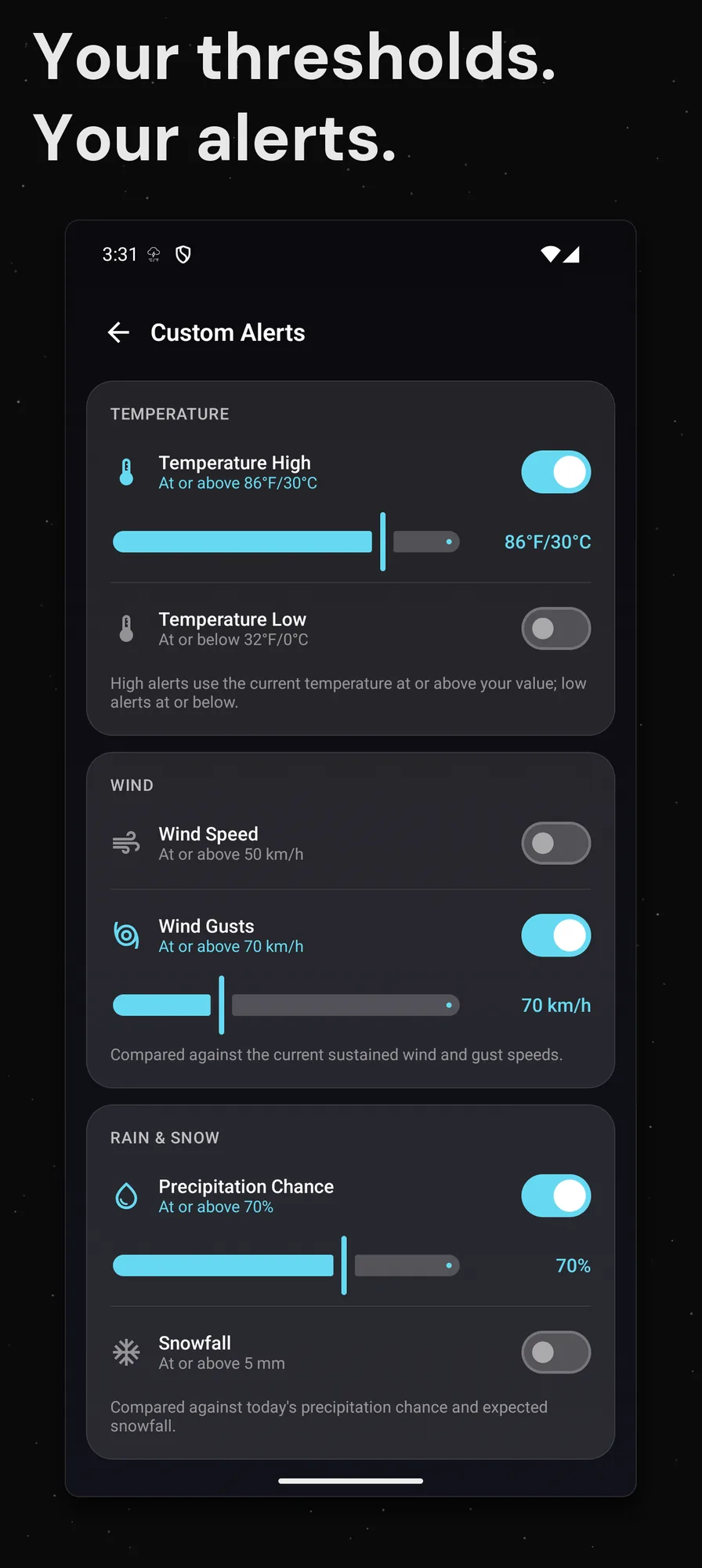
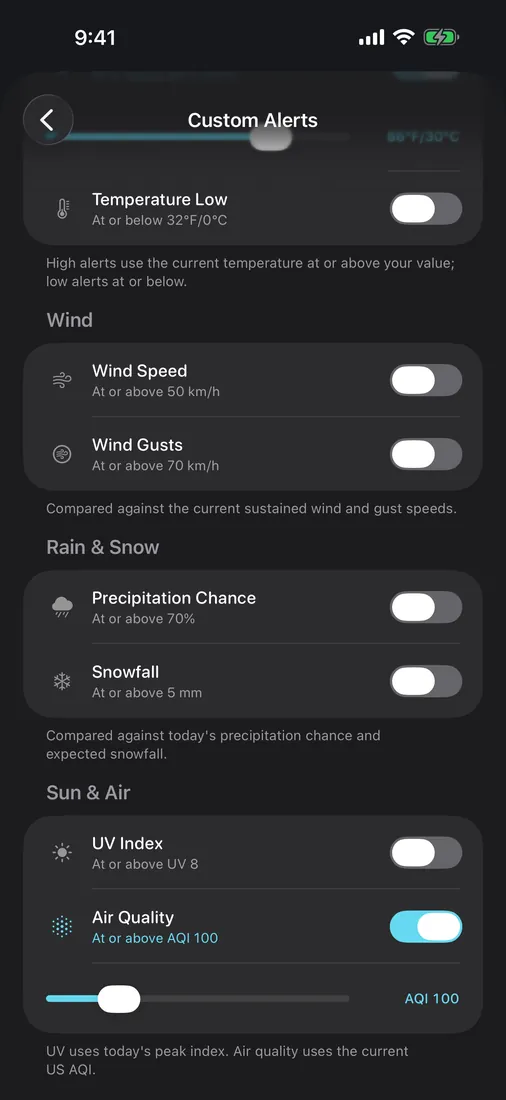
Set your own limits for temperature, wind, gusts, UV, rain chance, snowfall, and air quality, and get told when the weather crosses them.
Plan a multi-stop trip and see the forecast at each stop for the hour you arrive, with a summary that flags the roughest conditions ahead.
Golden-hour quality scored for both sunrise and sunset, full lunar tracking with rise and set times and illumination, plus the lunar zodiac sign and full-moon notifications.
See how today compares against decades of climate data, plus monthly climate normals for every place you follow.
Dynamic canvas-based weather backgrounds that respond to conditions: sun rays, rain, snow, stars, and lightning effects.
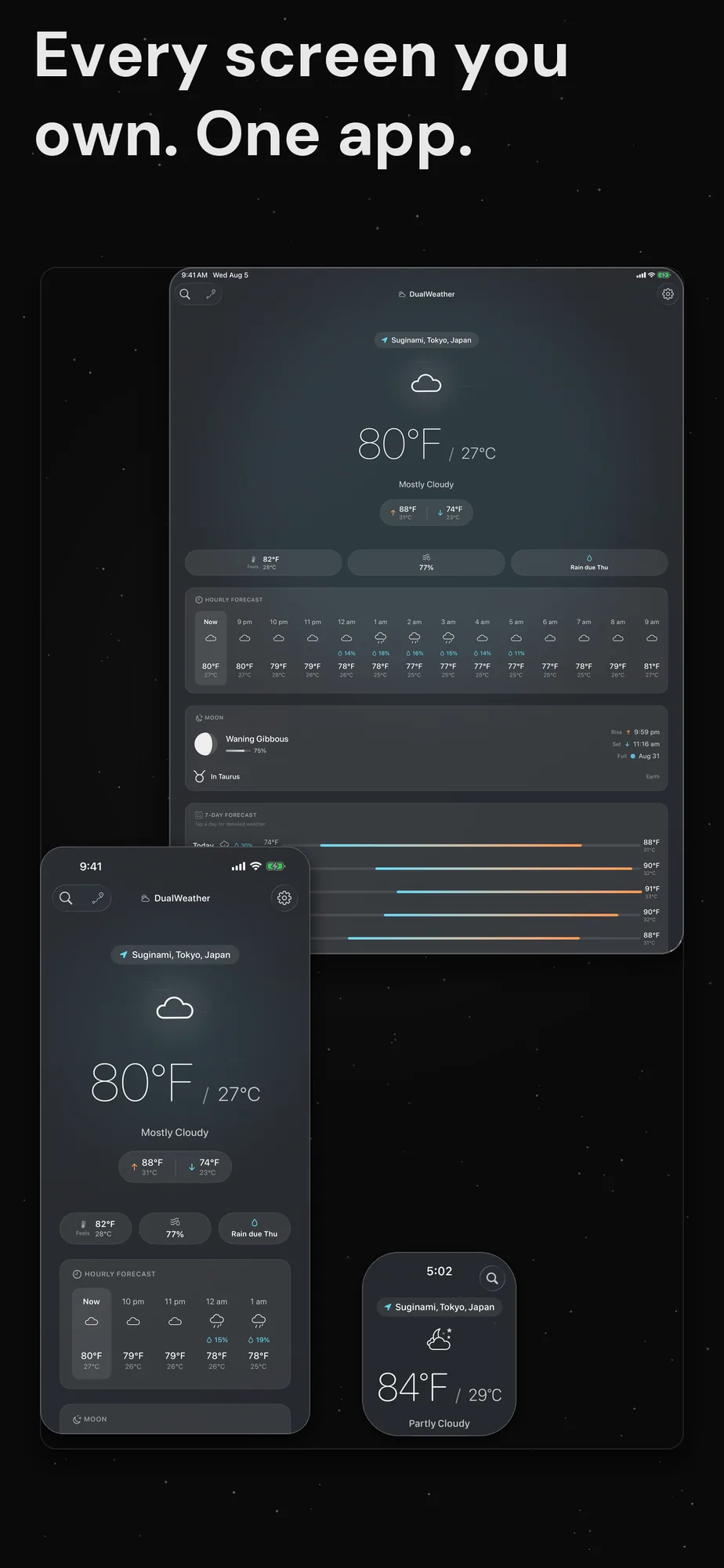
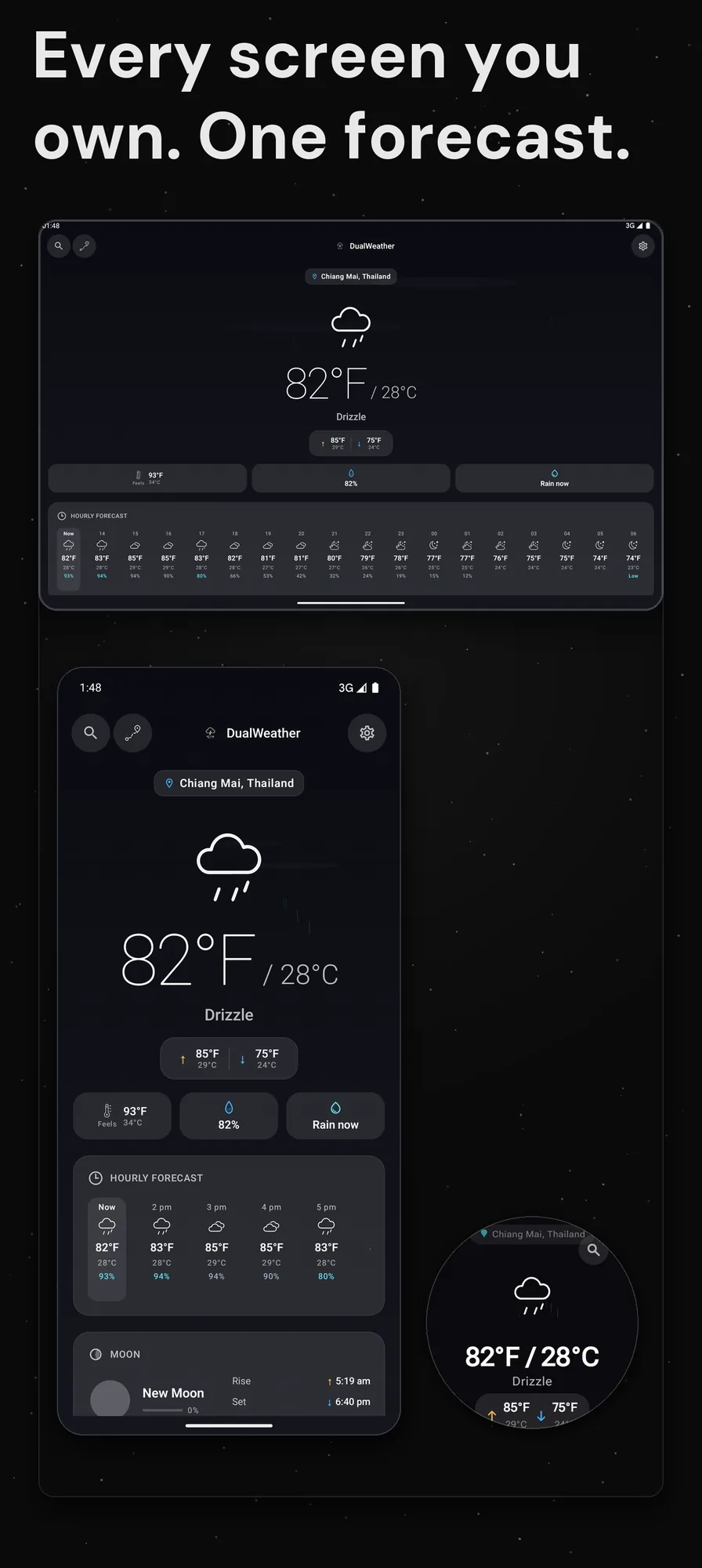
Native on iPhone, iPad, Mac, Apple Watch, Apple TV, Vision Pro, Android phones and tablets, Chrome OS, Wear OS, and Google TV. It adds widgets, watch complications, a Mac menu-bar readout, and syncs your locations across your Apple devices via iCloud and your Android devices via Google Drive.
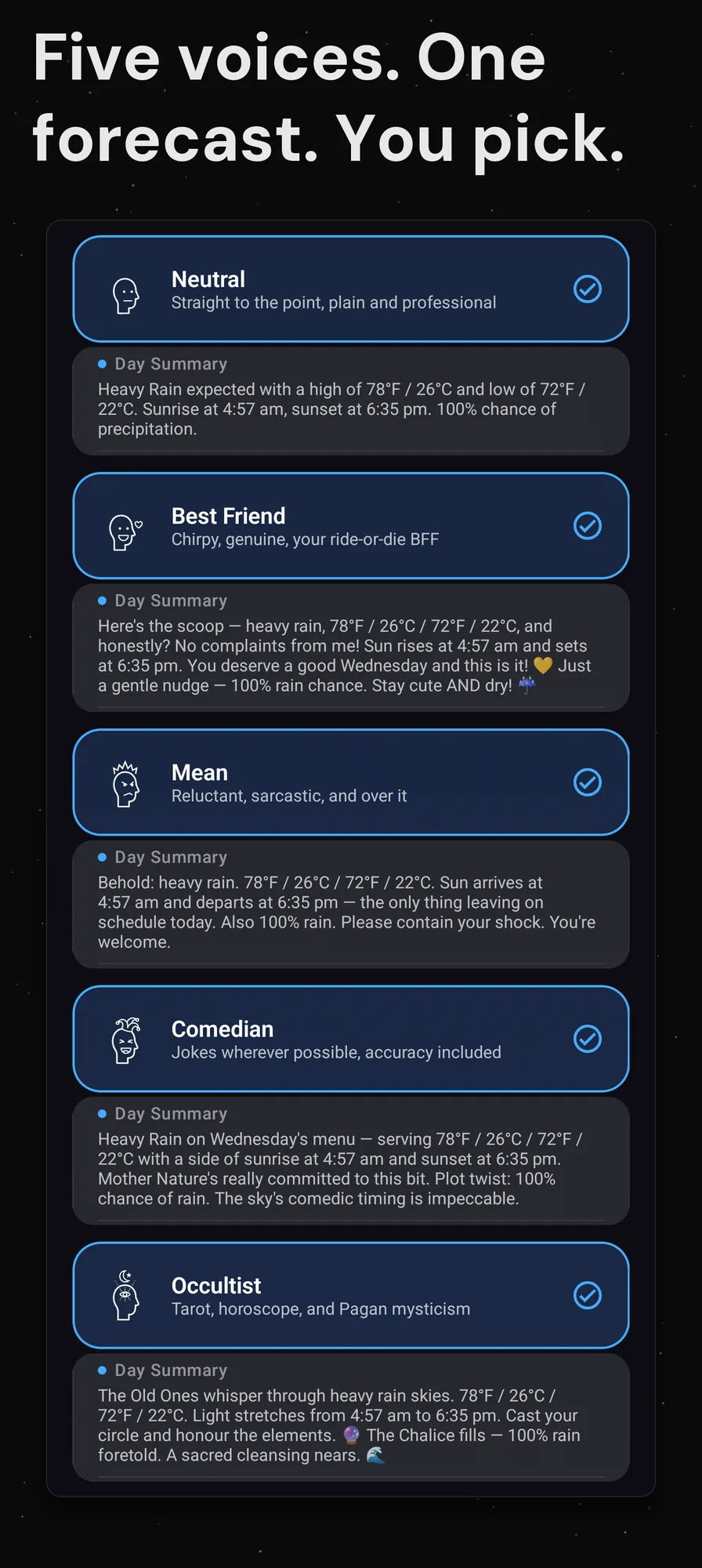
Every notification has character. Choose from distinct personality voices that turn mundane weather updates into something you want to read.
“Bestie, grab a jacket!! It’s giving 37°F/3°C out there and your outfit deserves better than shivers 🧥”
Warm · Supportive · Contemporary“Oh fantastic, another day of delivering weather nobody asked for. 82°F/28°C. Try not to melt. This job is beneath me.”
Sardonic · Job-frustrated · Reluctant“Fun fact: at 95°F/35°C, you can technically fry an egg on the sidewalk. I haven’t tried it. I’m a weather app, not a chef.”
Witty · Observational · Self-aware“The Tower card reveals itself: 66°F/19°C with storms. The veil thins. Mercury stirs. Prepare thy wards, seeker.”
Mystical · Tarot · Zodiac“Current conditions: 72°F/22°C, partly cloudy. Wind NW at 12 km/h. UV index 4.”
Clean · Factual · ProfessionalPick a feature and watch it run. Every shot is a real capture from the shipping app, with a line on what you are looking at and an honest note on which platforms carry it. Use the tabs, the arrows or your left and right arrow keys to move through the tour, and scroll each row sideways for the rest of its screens.
iPhone
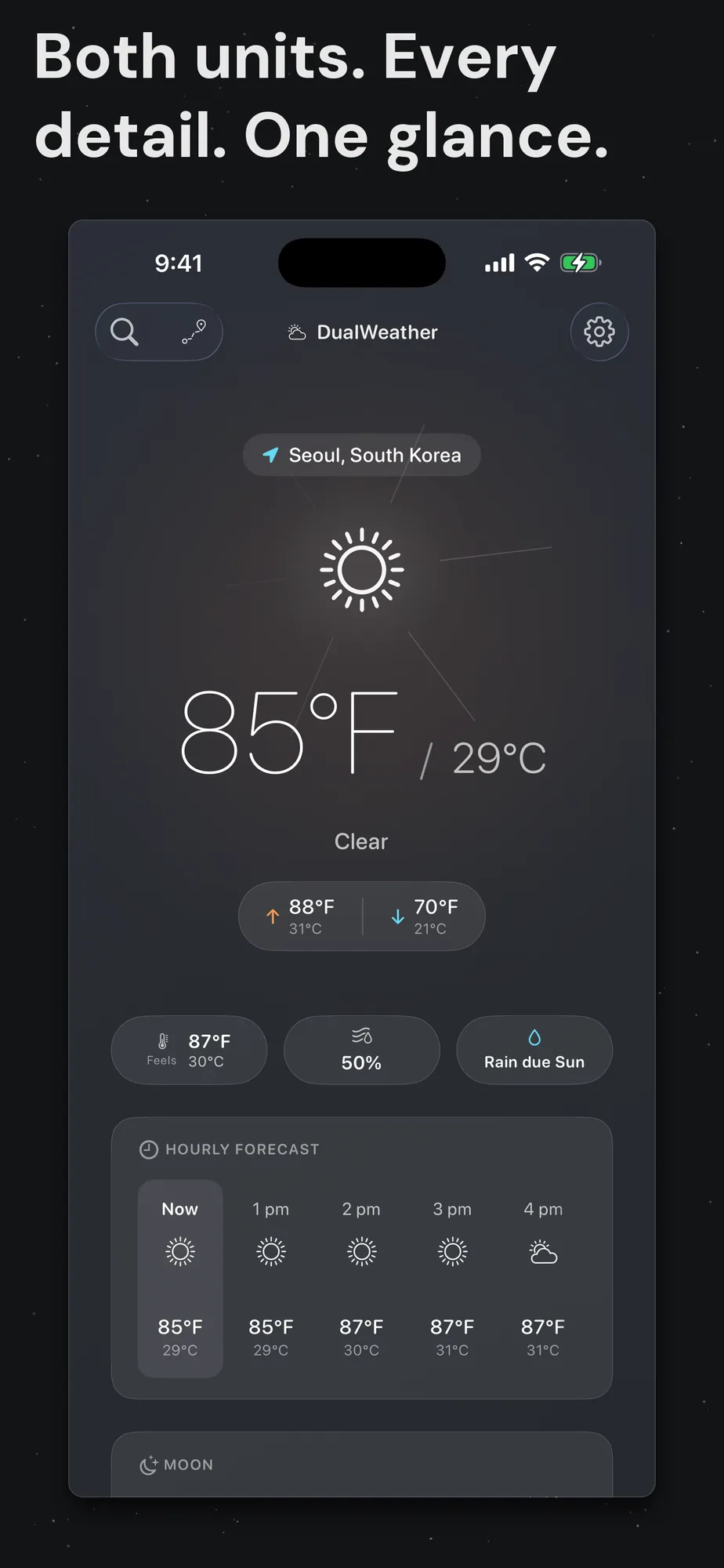
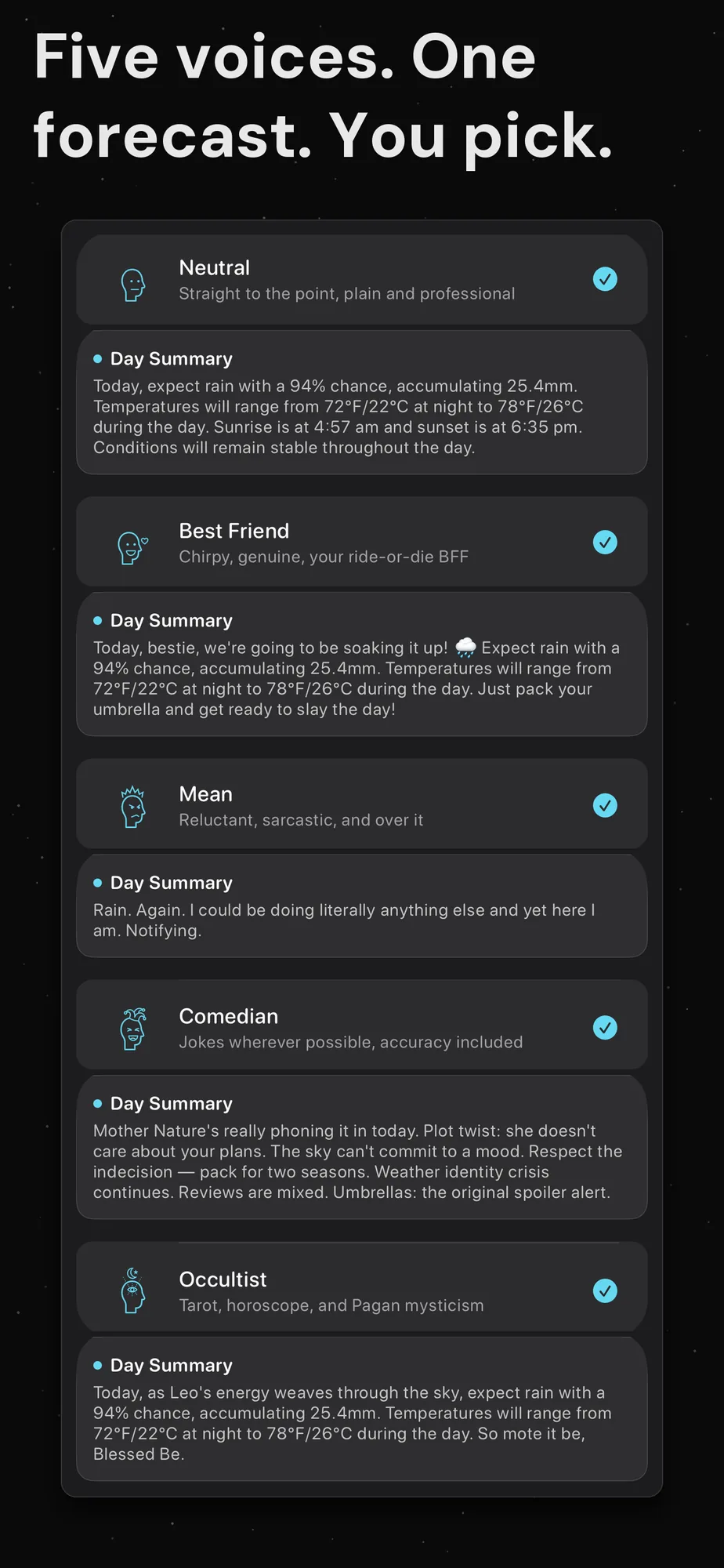
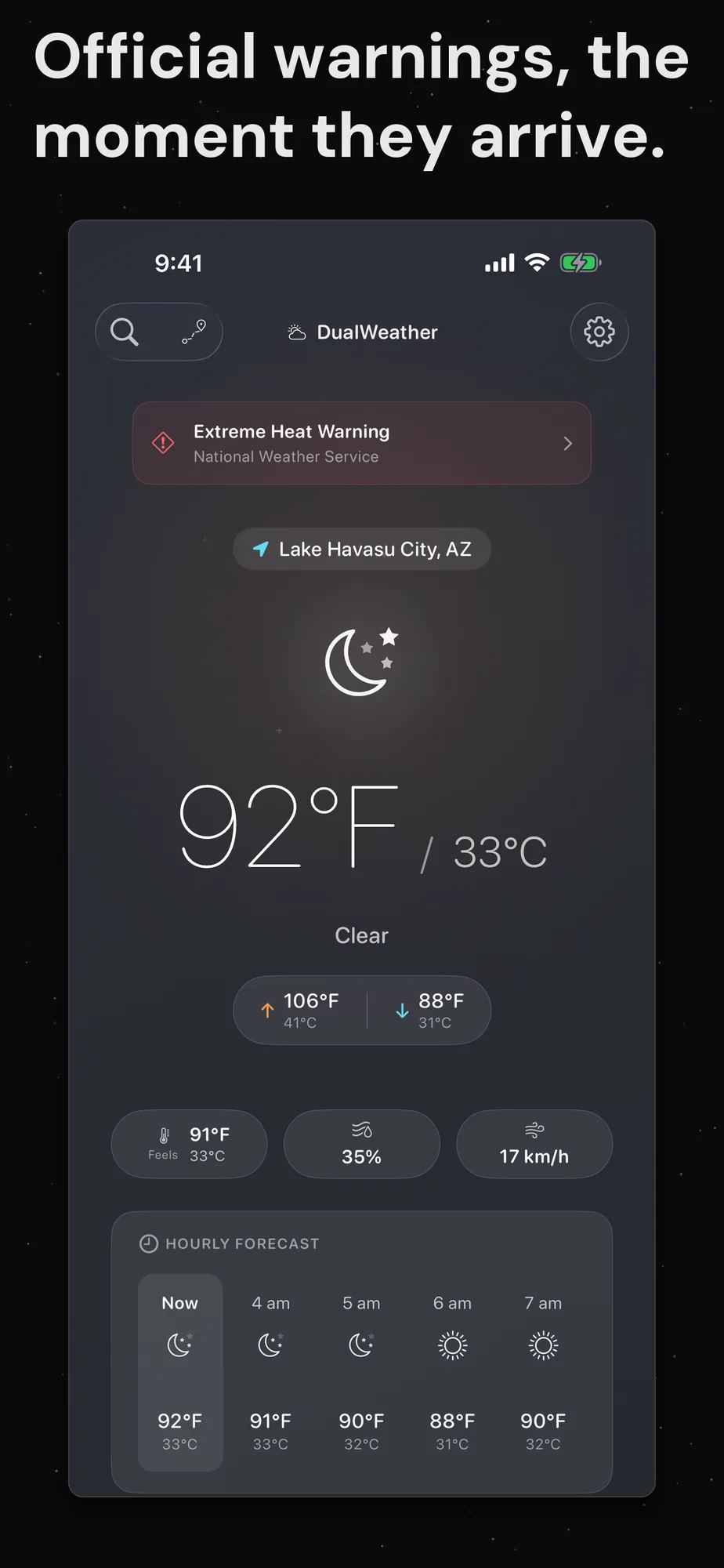
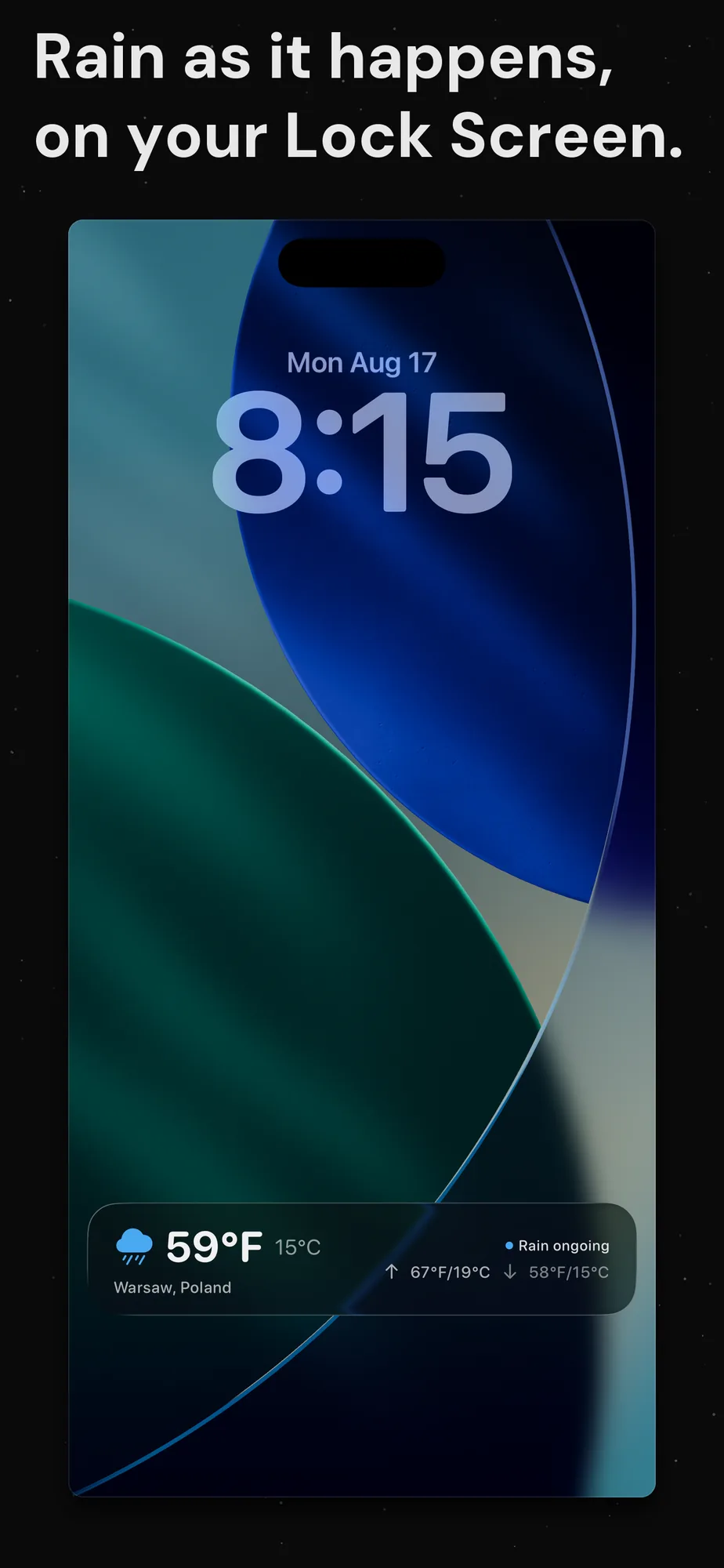
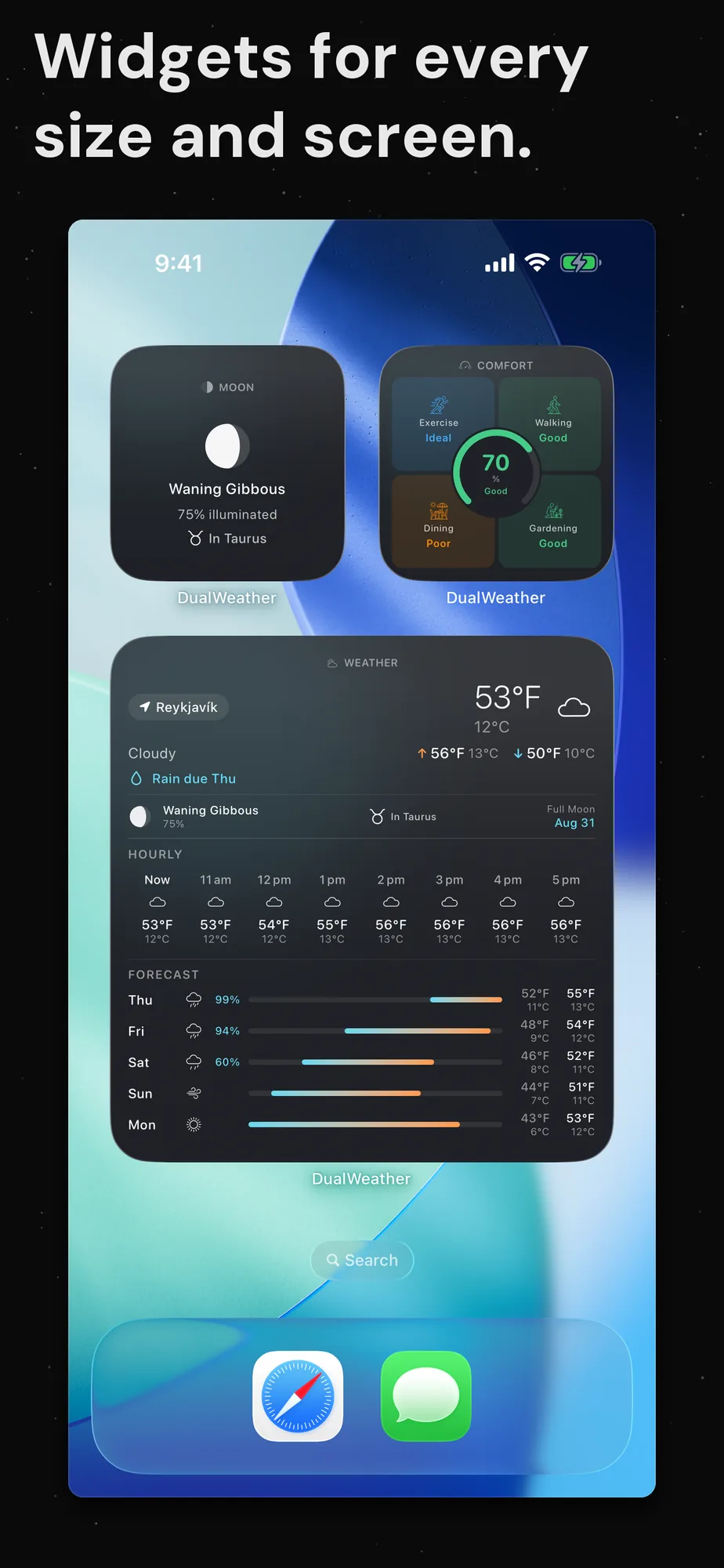
The App Store sequence, in order. Ten panels take you from your first look at both units through the five voices, a severe weather alert, the comfort score, air quality, the widgets and the trip planner. Each panel carries its own line saying what it shows.
Android phone
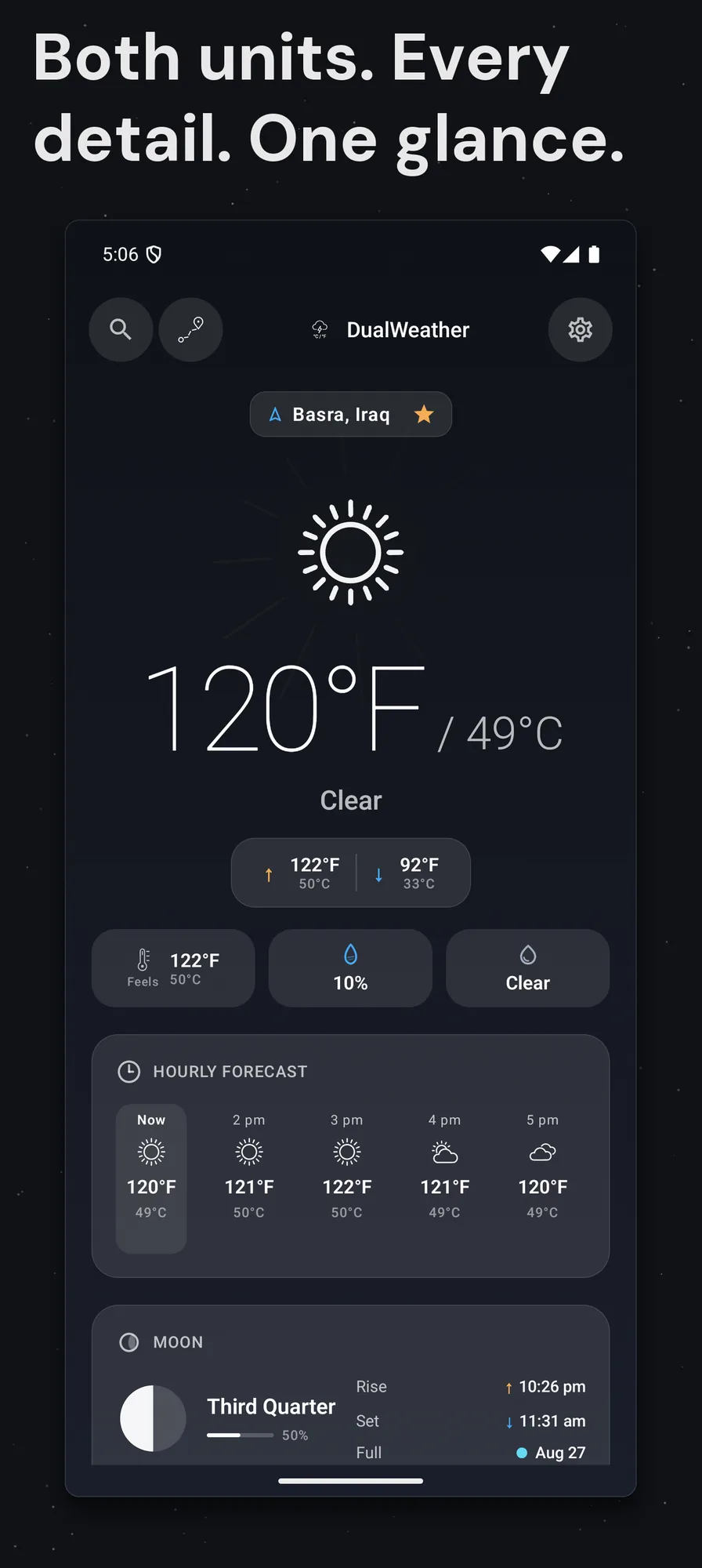
The Google Play sequence, in order. Eight panels cover the same ground on Android, with the same layout and the same type as the Apple build. Each panel carries its own line saying what it shows.
AppleAndroid
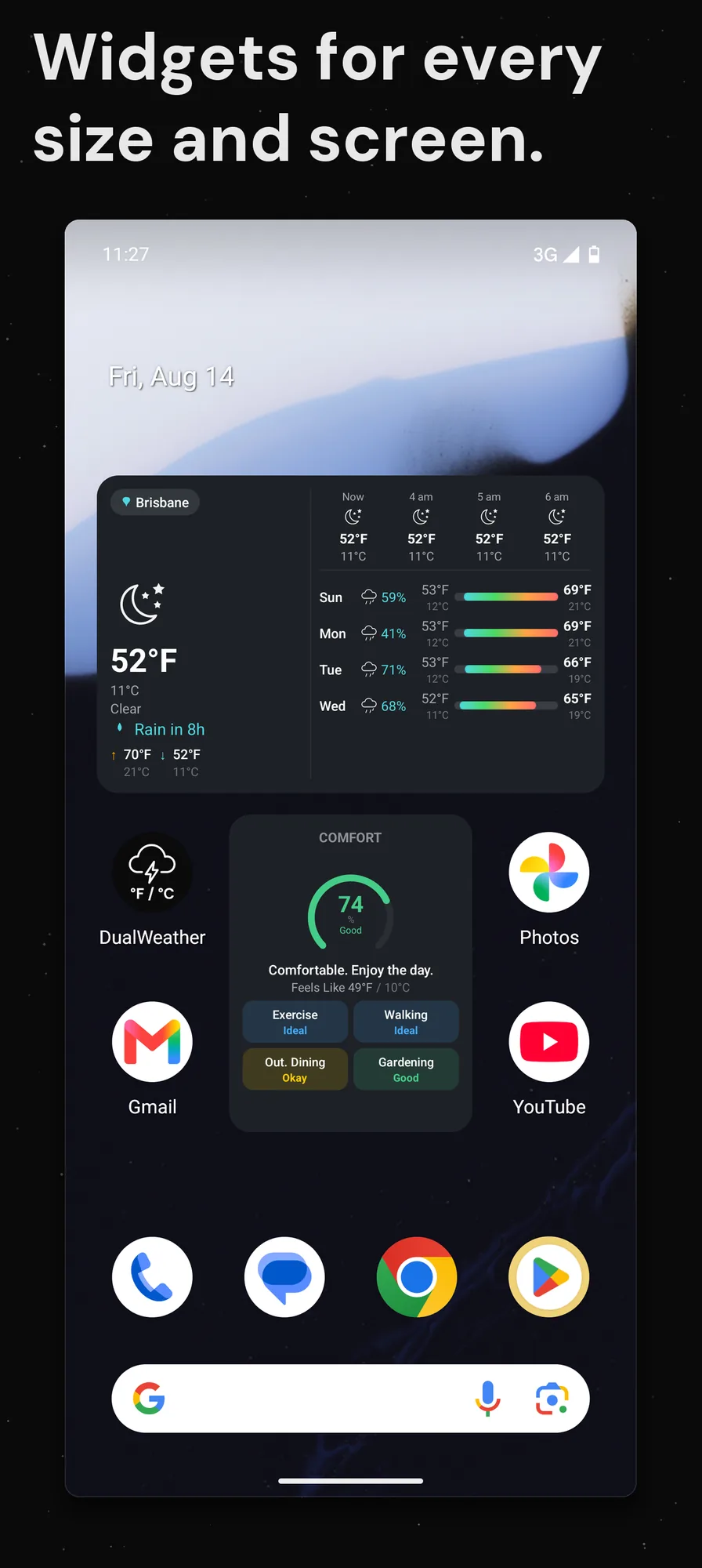
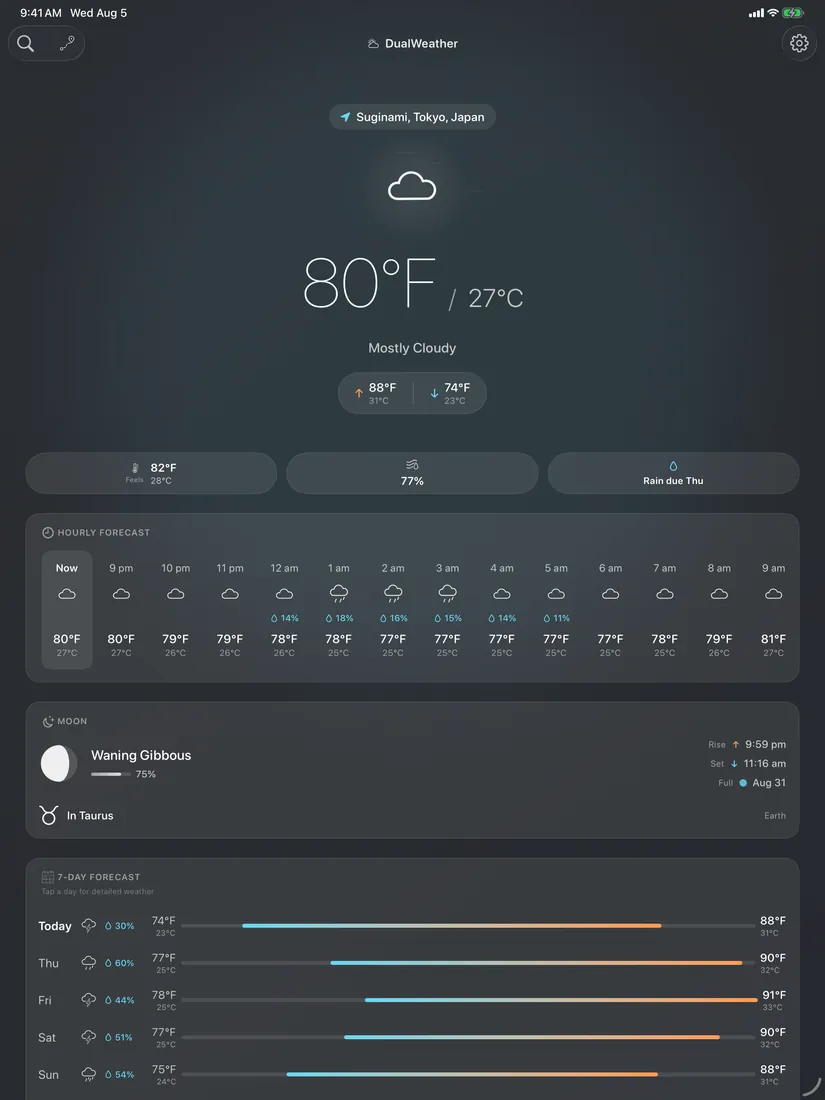
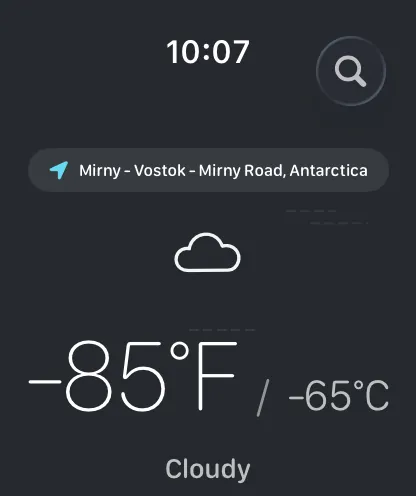
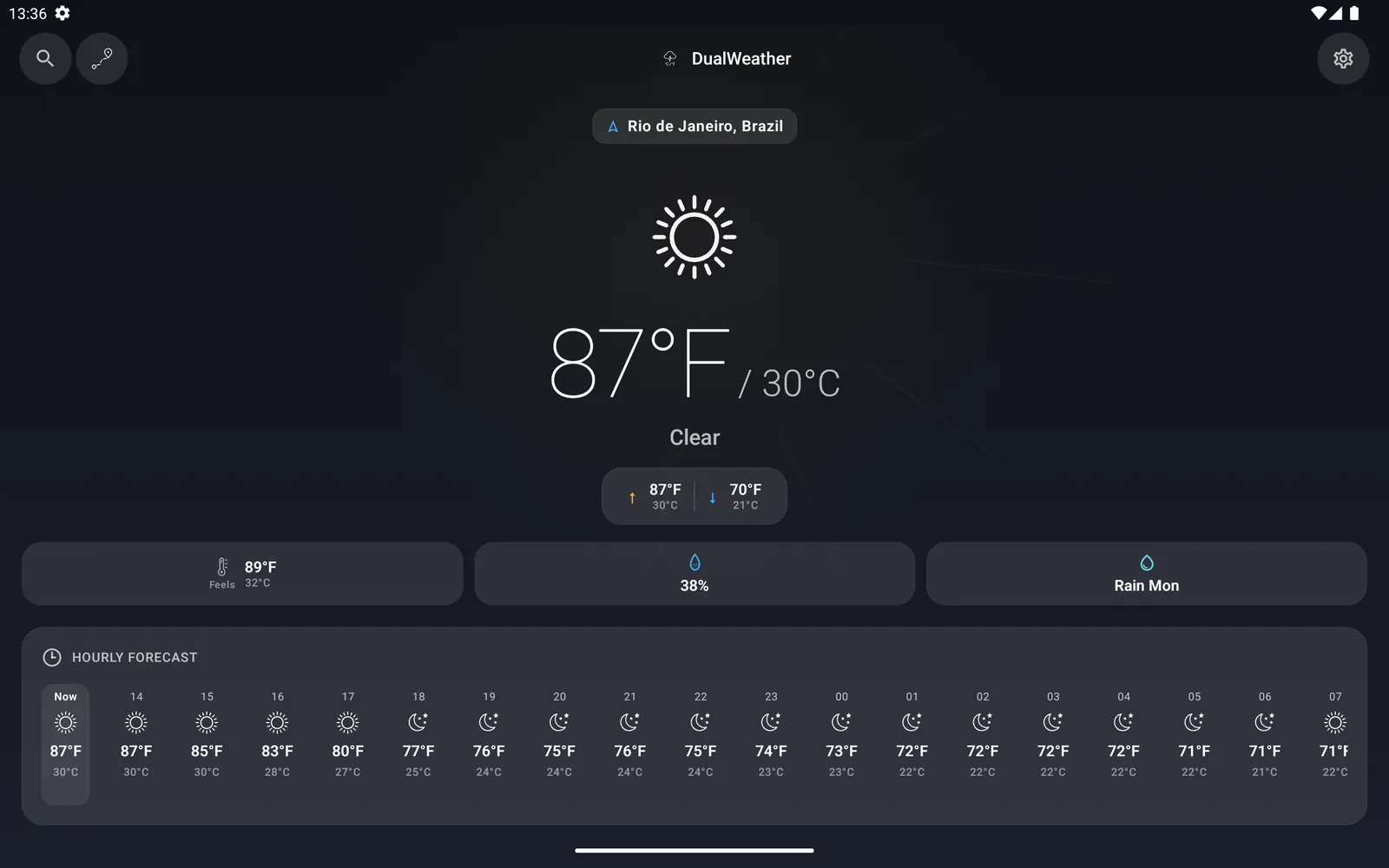
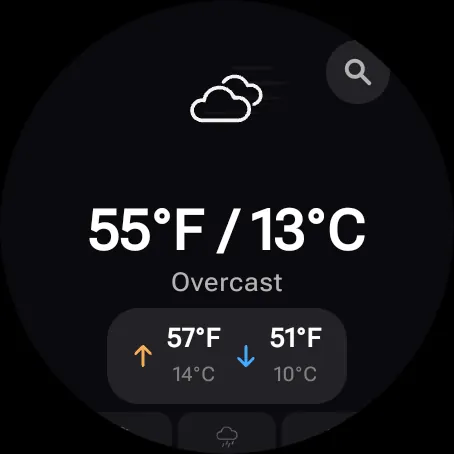
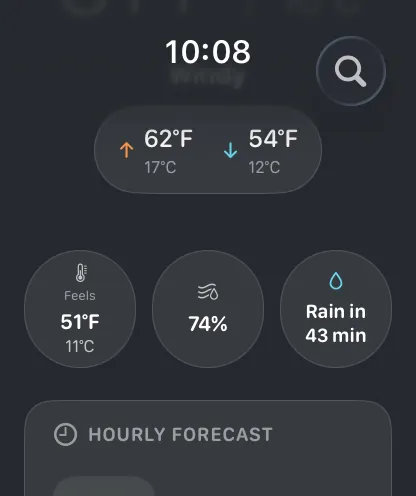
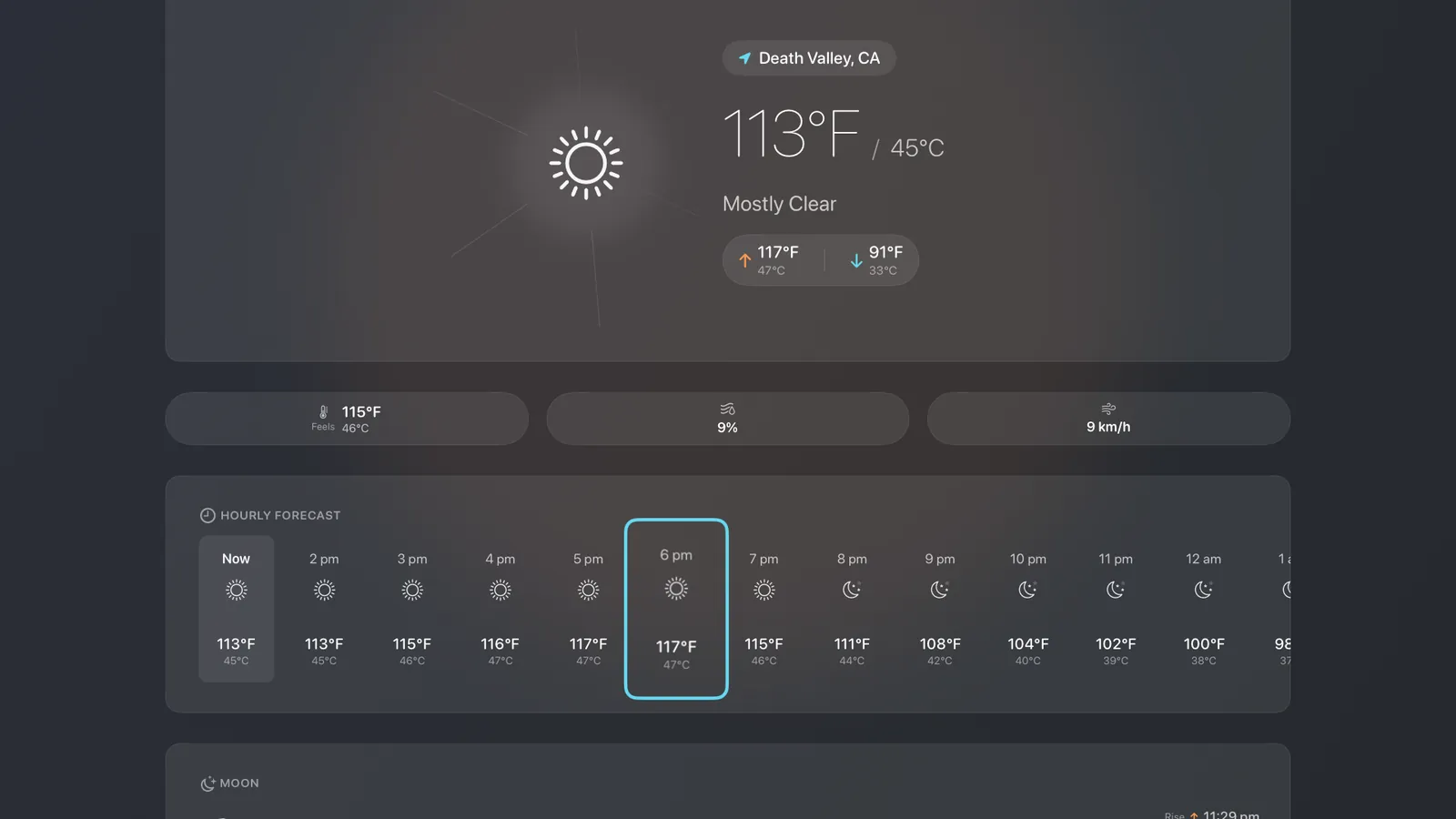
Every surface leads with the same thing: Celsius and Fahrenheit at once, with the high, the low and what it feels like beside them. You never toggle a unit and you never do the conversion in your head.
AppleAndroid
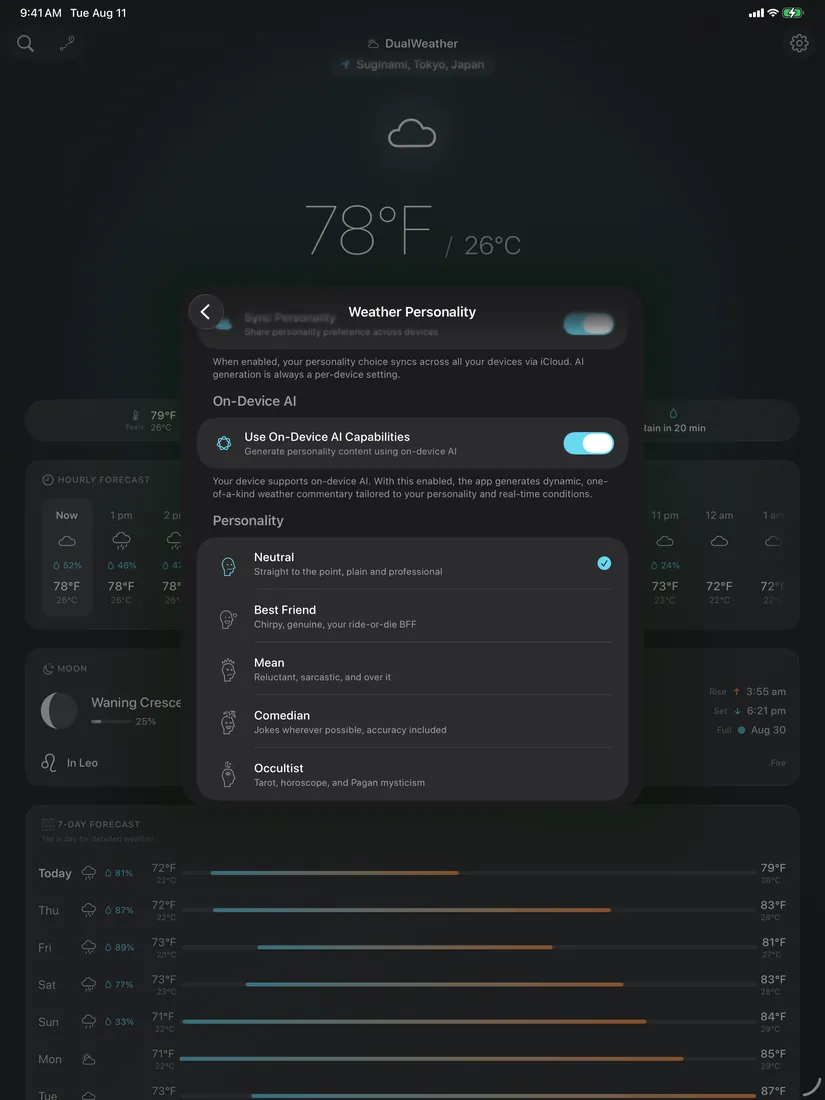
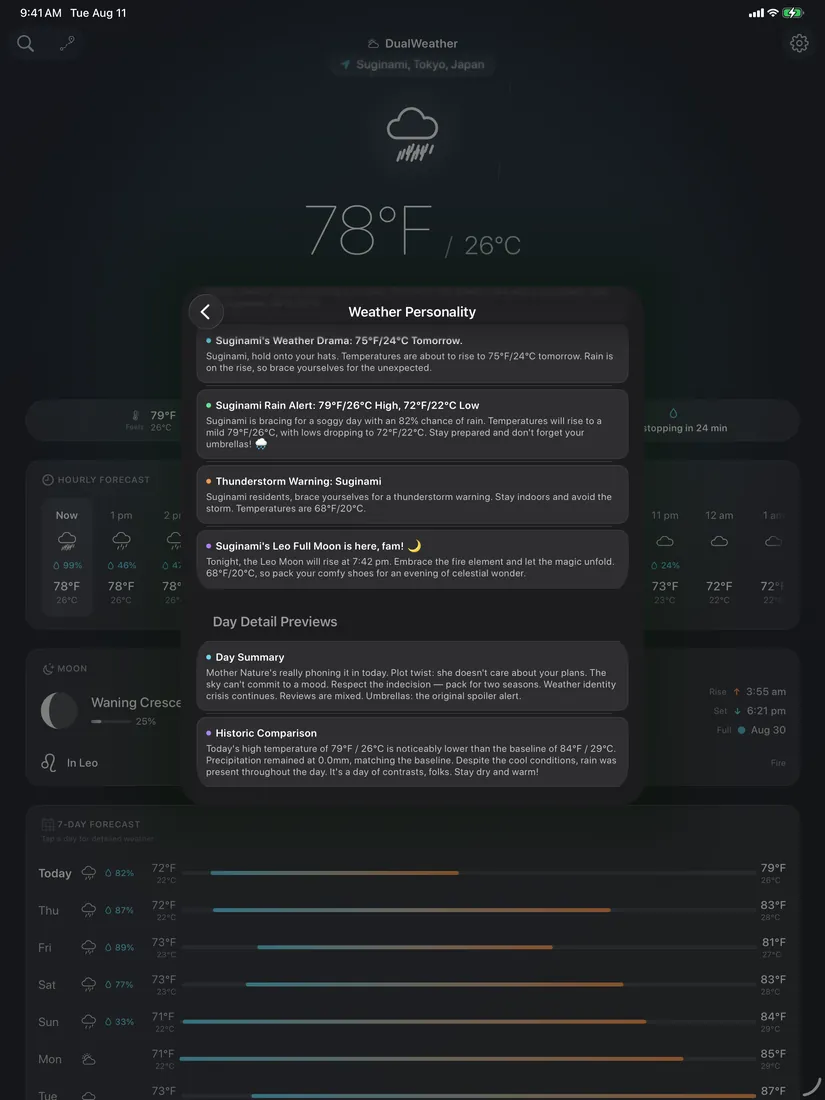
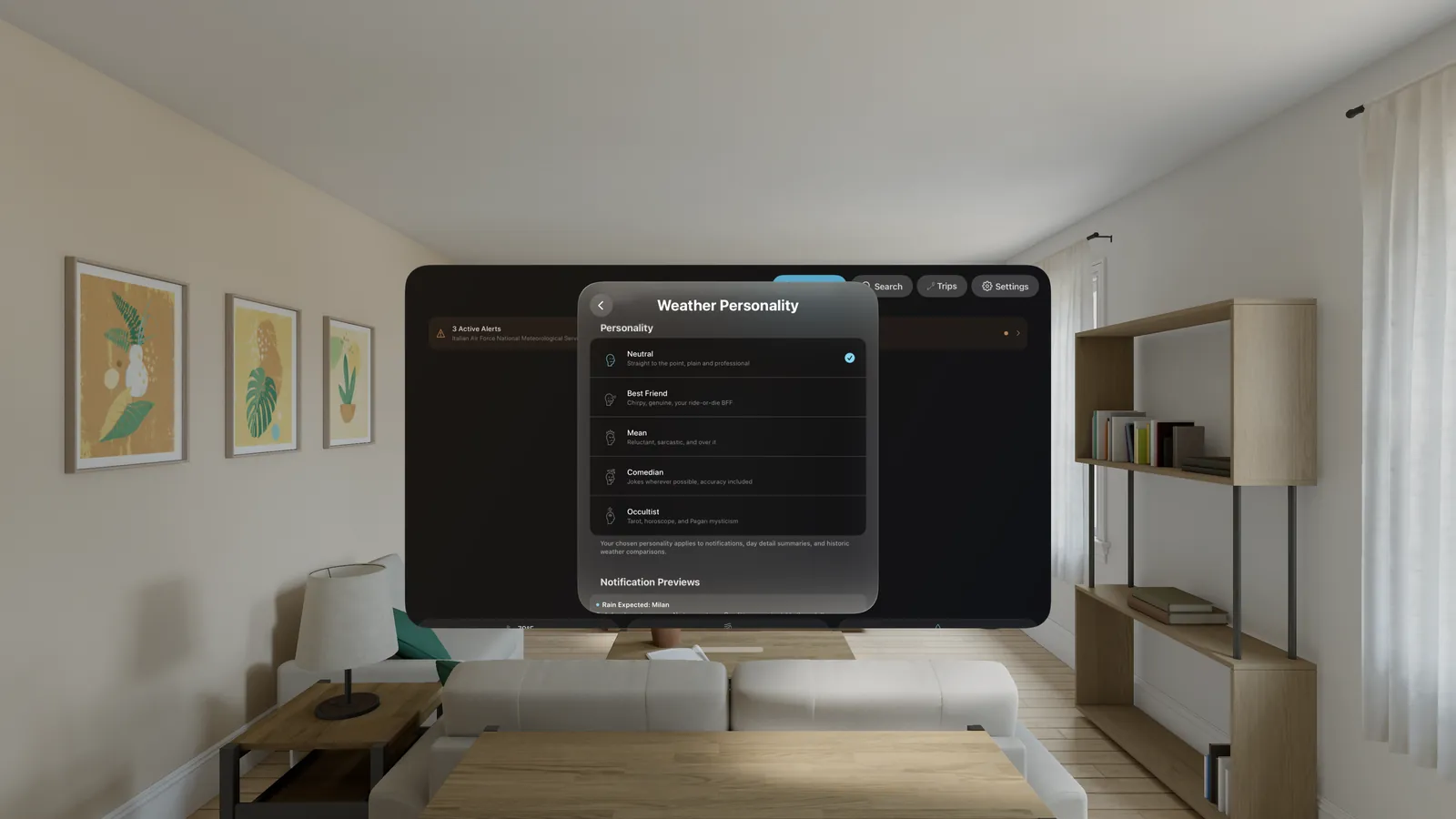
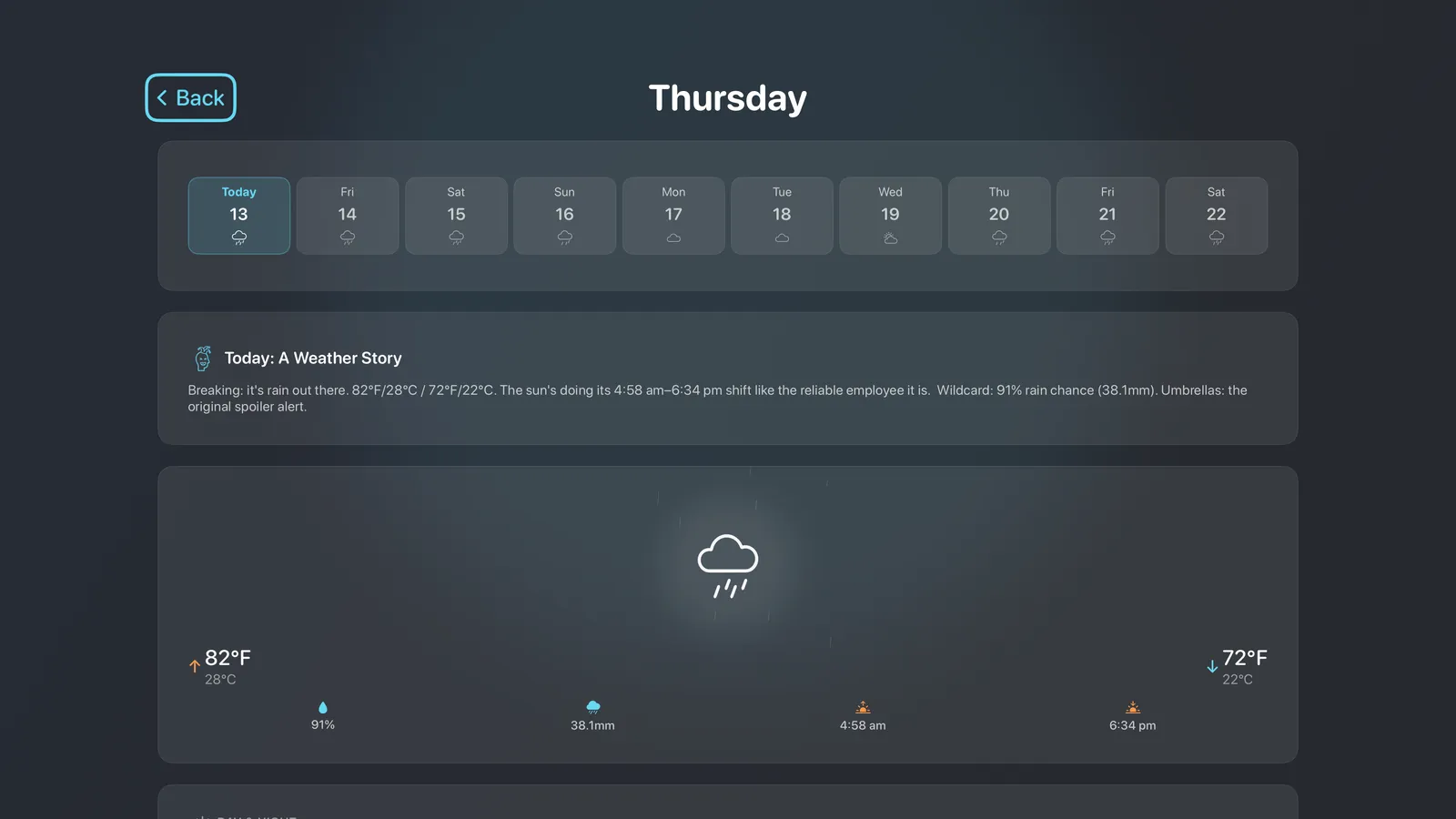
Pick who tells you about the weather. Neutral stays plain and factual. Best Friend, Mean, Comedian and Occultist each write the same forecast in their own tone, and your choice carries through notifications, day summaries and the historic comparison. On supported hardware the app writes the commentary on the device itself, and it falls back to a curated pool when the local model is not available.
AppleAndroid
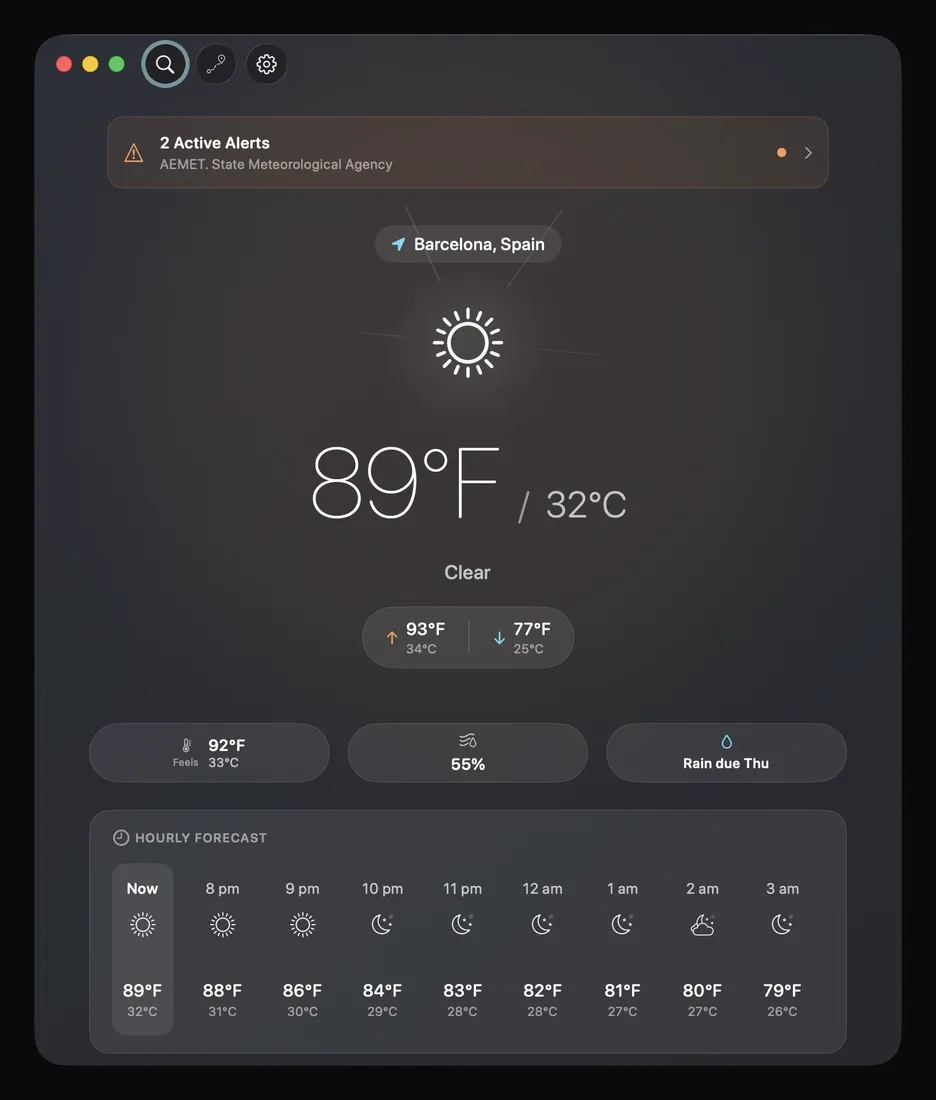
DualWeather names the issuing agency on every government warning, so you can see who said it before you decide what to do. Alerts come from the National Weather Service in the United States, Environment and Climate Change Canada, and MeteoAlarm across Europe. Outside those, no severe weather alerts are available and the app says so rather than showing you an empty card.
AppleAndroid
When a tropical system is active in your basin the app puts it on the main screen with its position, strength, movement, pressure, distance from you and the official NOAA forecast cone. Separately, you can set your own thresholds and the app tells you when the weather crosses them.
AppleAndroid
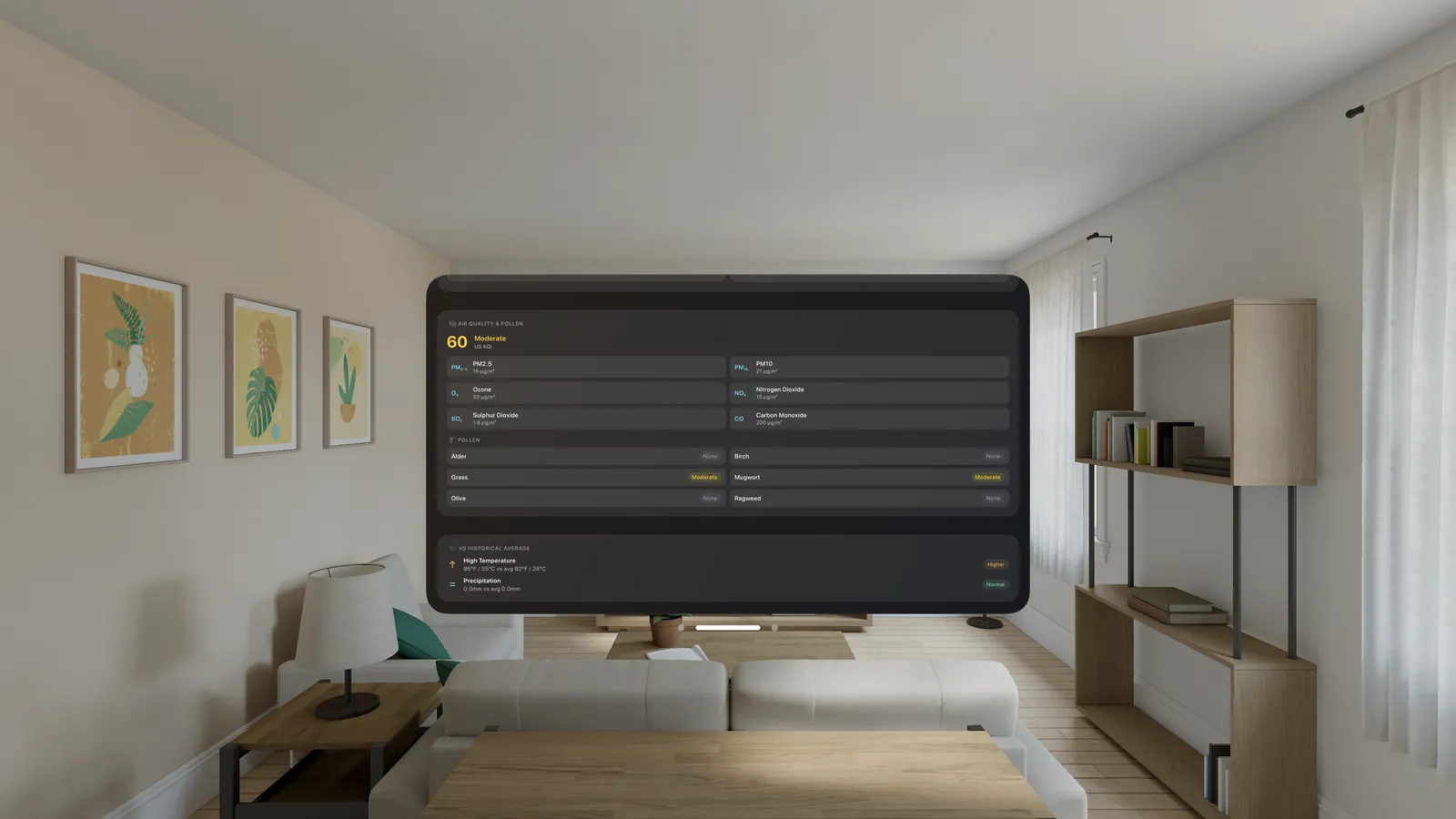
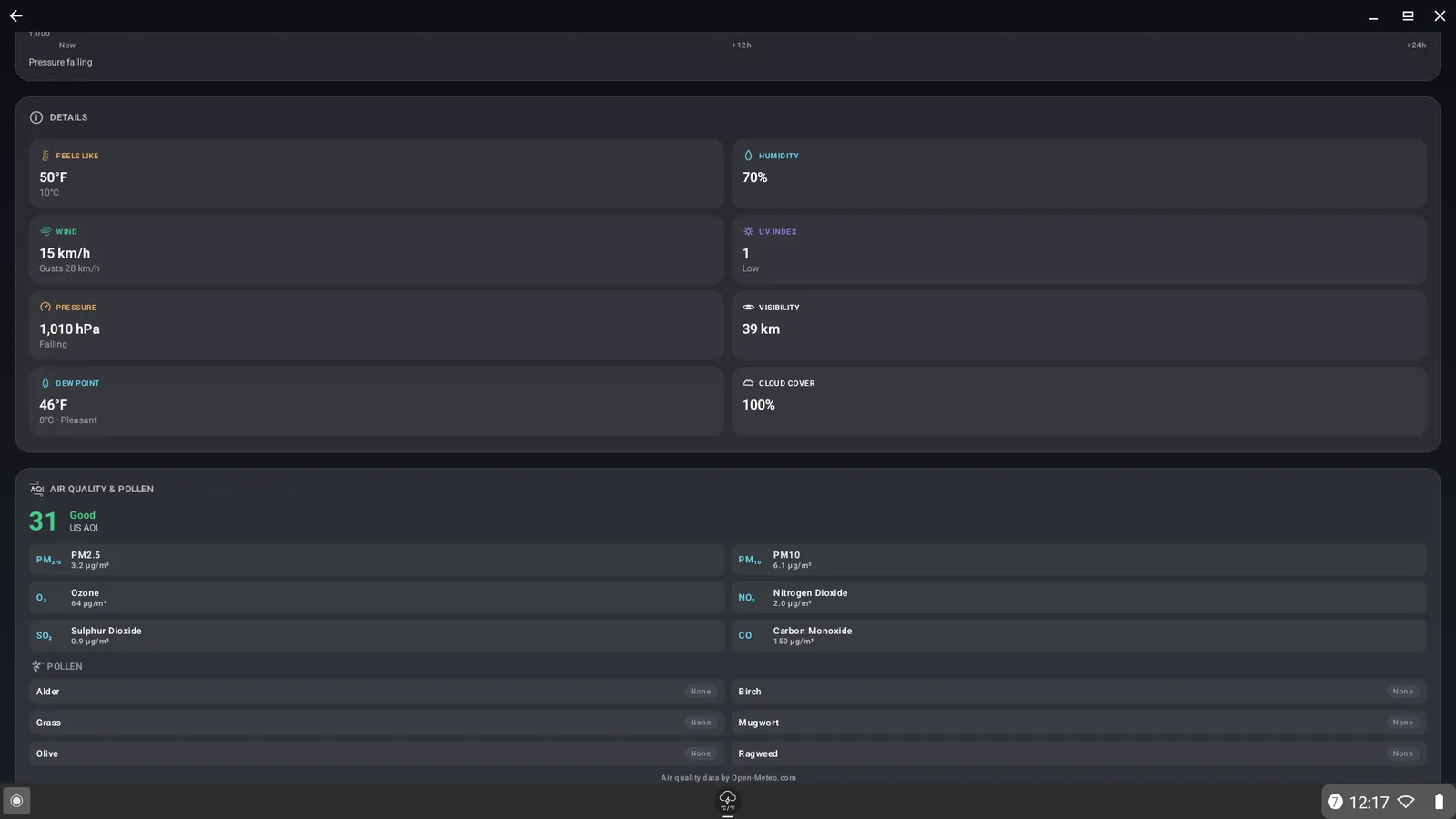
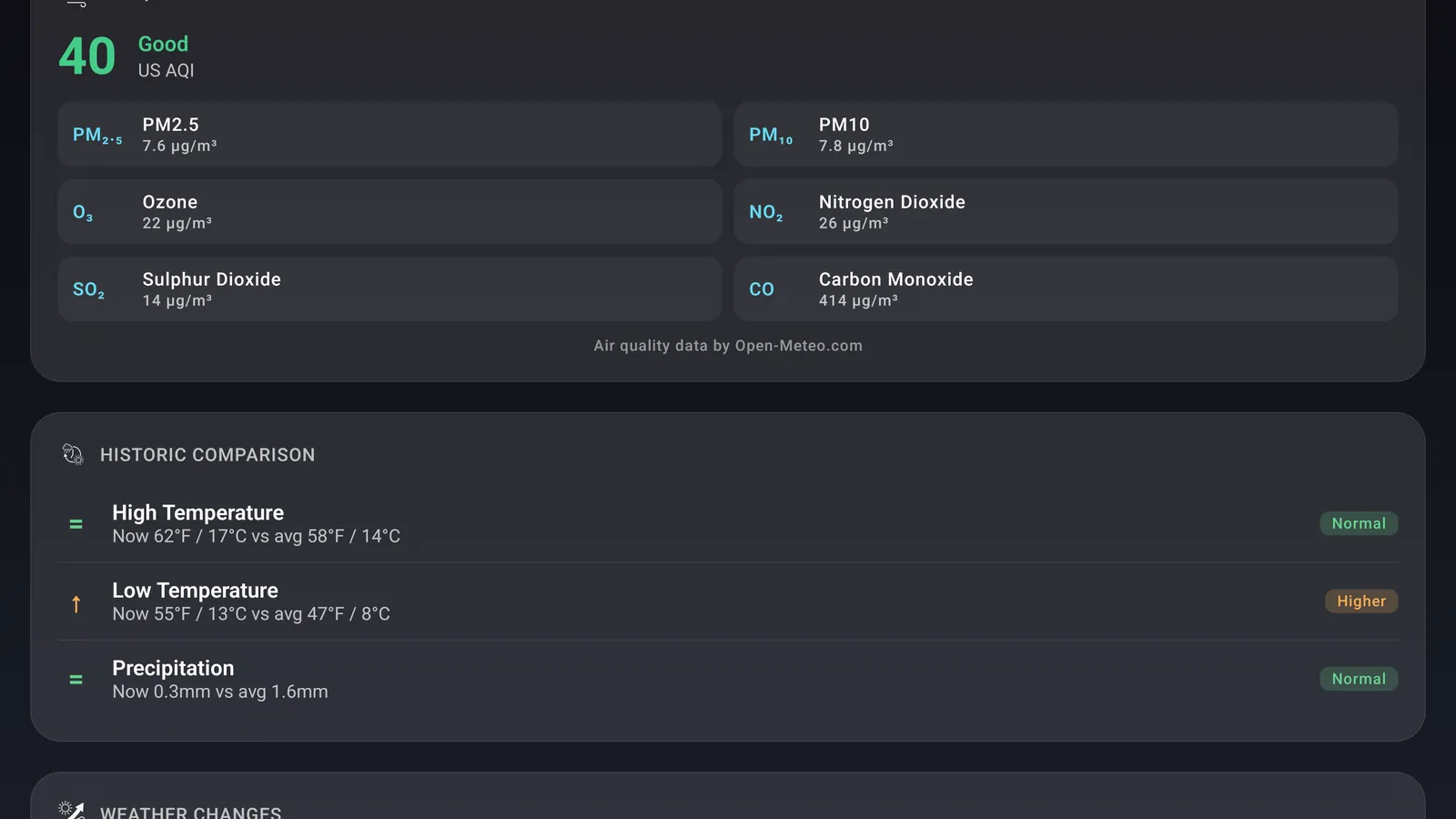
Live air quality with the full pollutant breakdown sits with the rest of the weather rather than behind another tab, and pollen levels cover Europe. Air quality also feeds your comfort score, so a smoky day never reads as a perfect one.
AppleAndroid
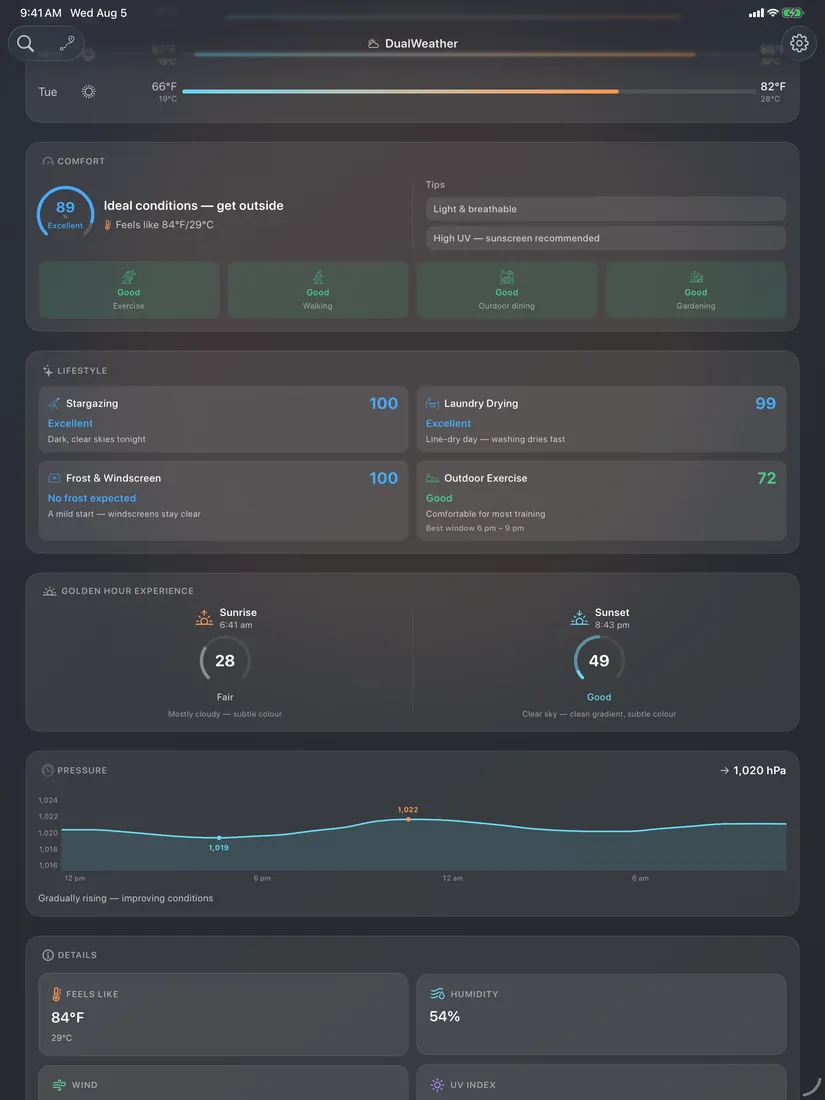
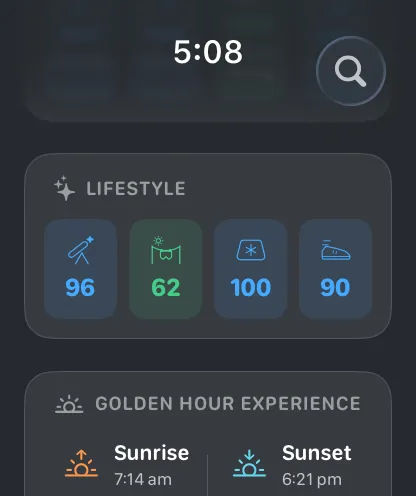
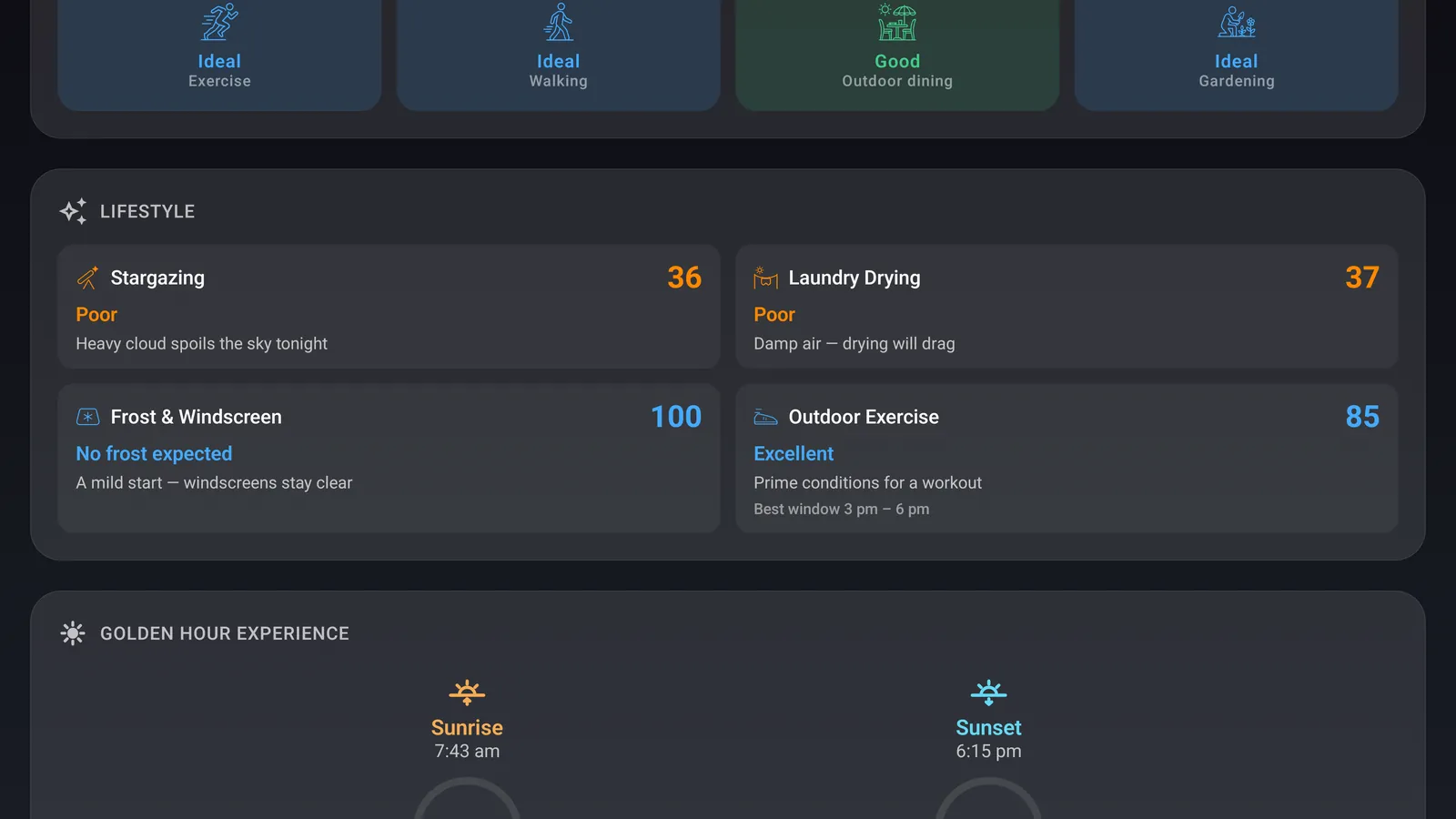
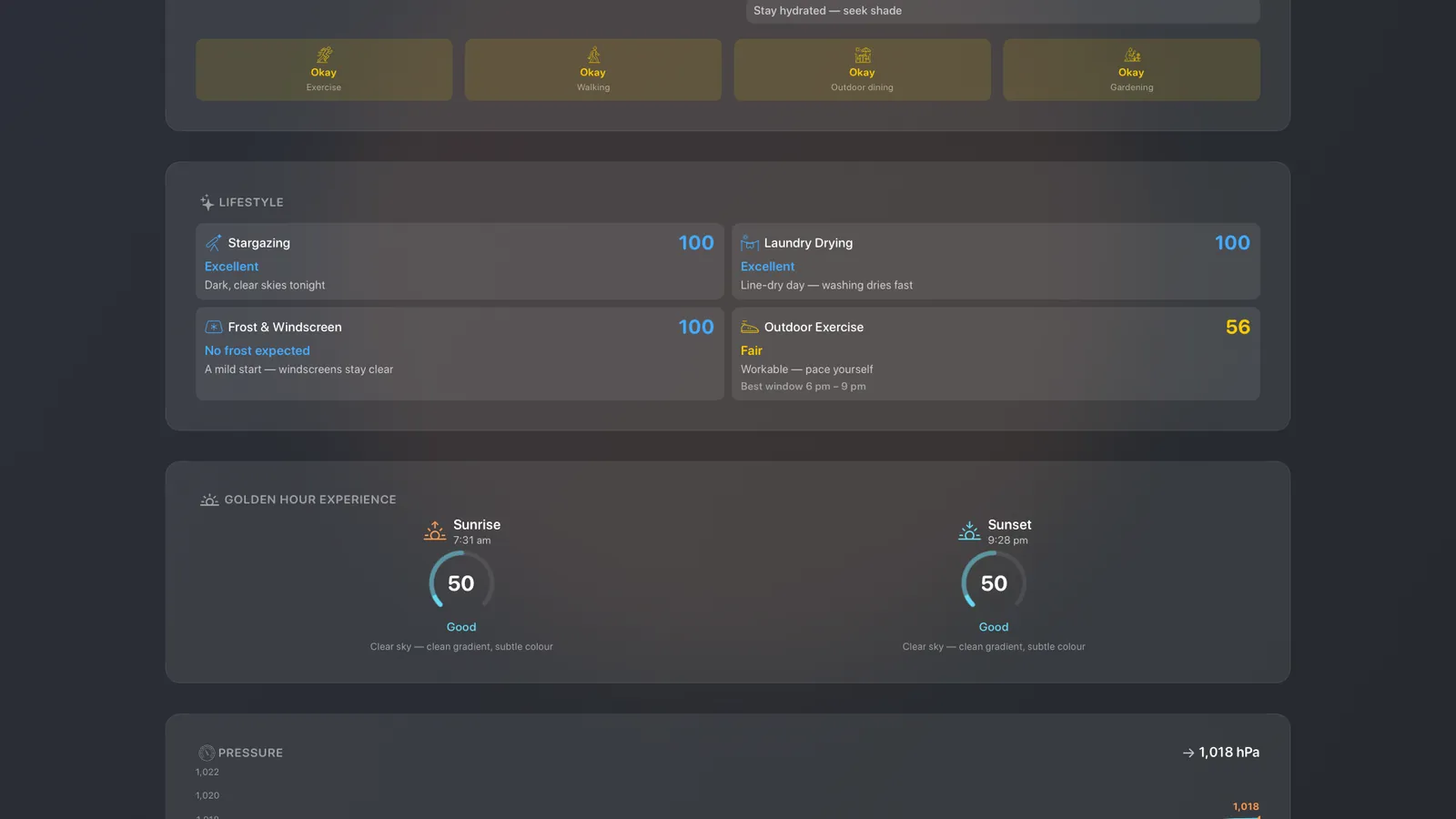
A comfort score from 0 to 100 turns temperature, humidity, wind, UV and air quality into one number, with clothing guidance and ratings for exercise, walking, outdoor dining and gardening. Four lifestyle indexes cover stargazing, laundry drying, frost and windscreen risk, and outdoor exercise, including the best three-hour window to get out.
AppleAndroid
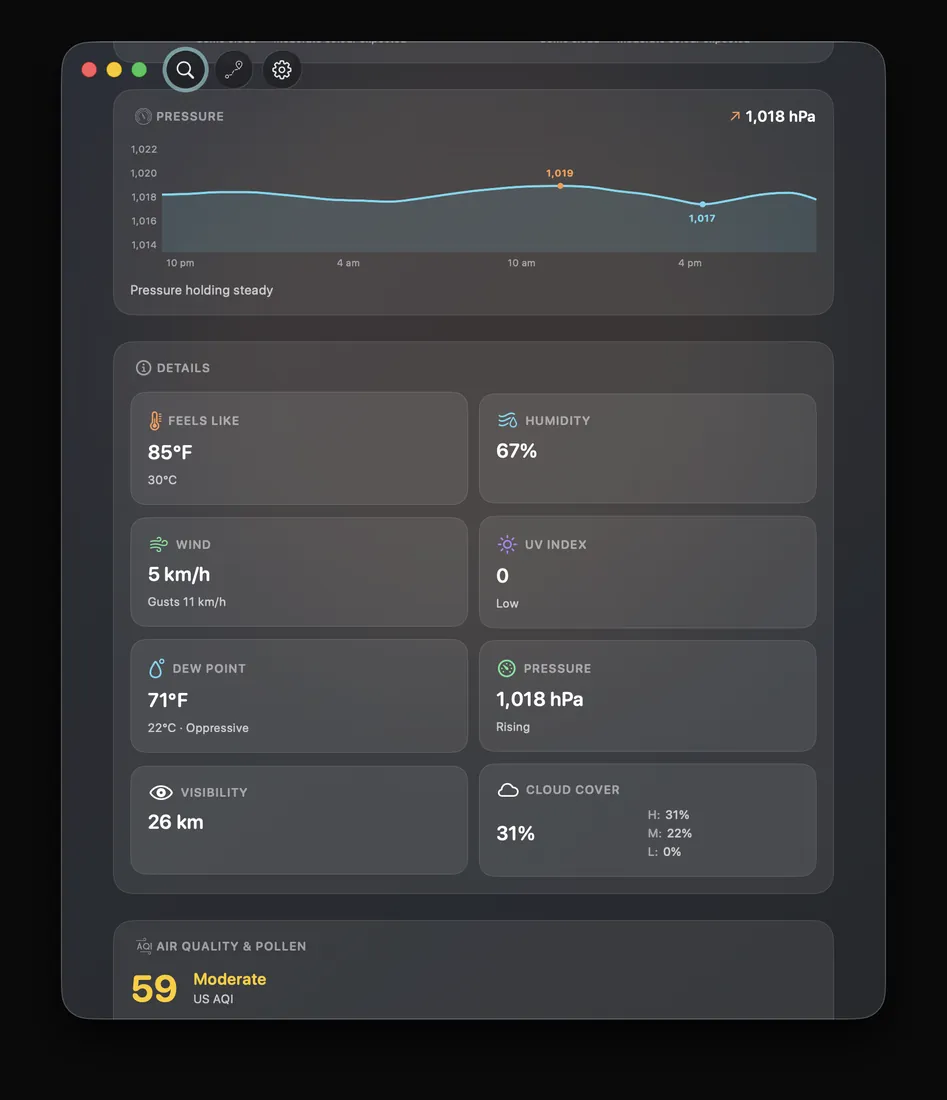
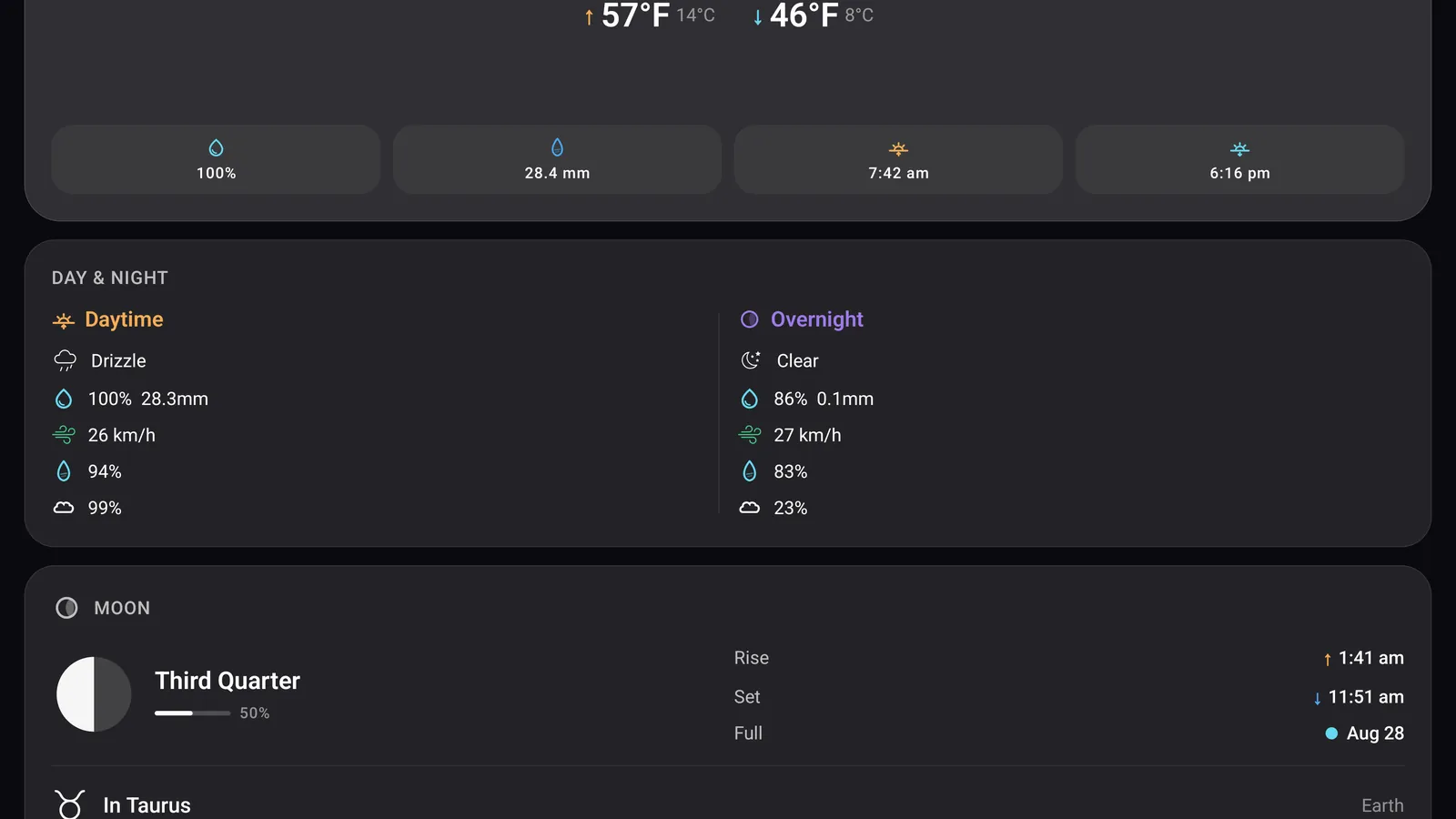
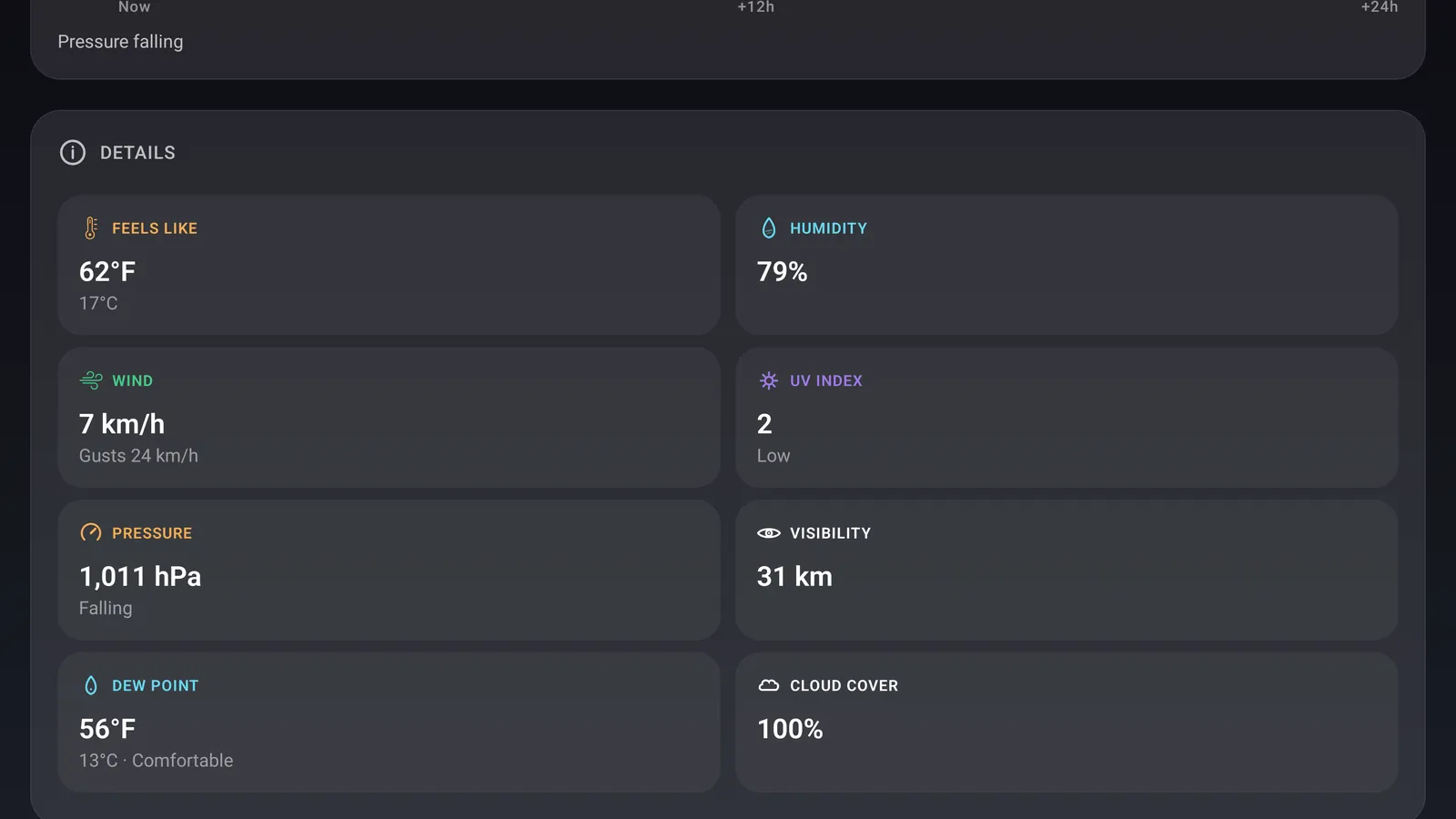
Open any day and you get the hourly run in both units, the daytime and overnight halves split apart, dew point, cloud cover, gusts, visibility, UV and a 24-hour pressure trend. The nowcast tells you when rain is about to start or stop rather than only whether it is coming.
AppleAndroid
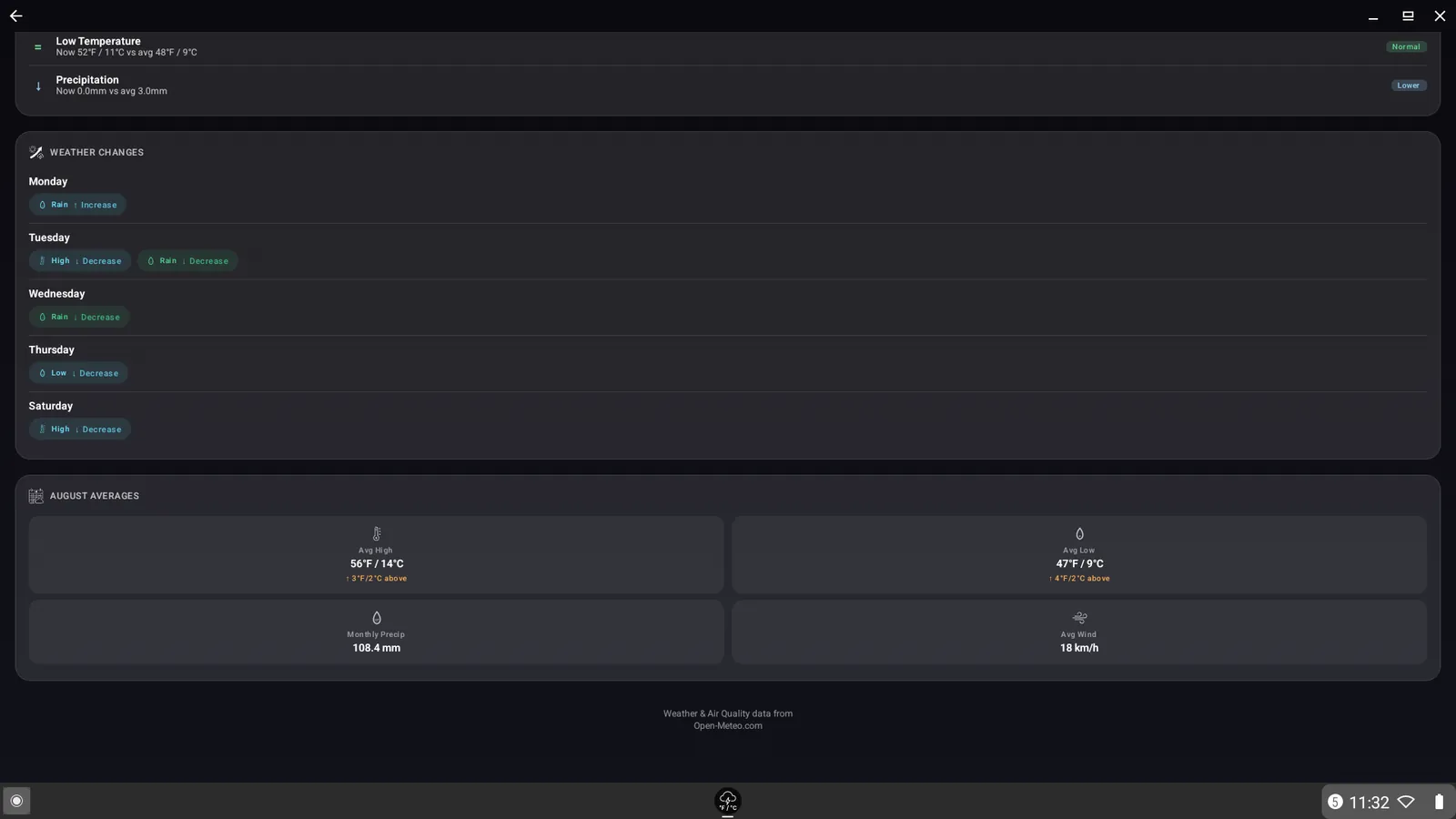
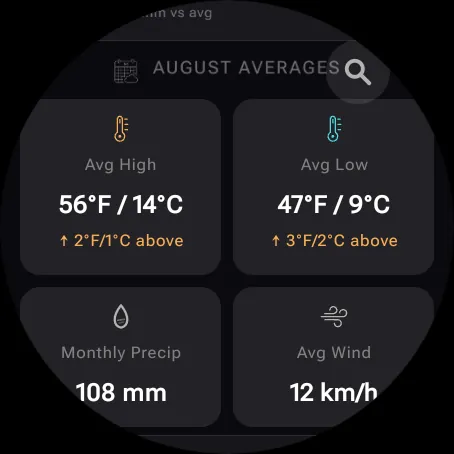
Every location carries historic comparison rows and a monthly averages card built from an archive going back to 1940, so you can see whether today is normal for the date or well outside it.
The captures here came from Android. The same rows and the same card ship on Apple.
AppleAndroid
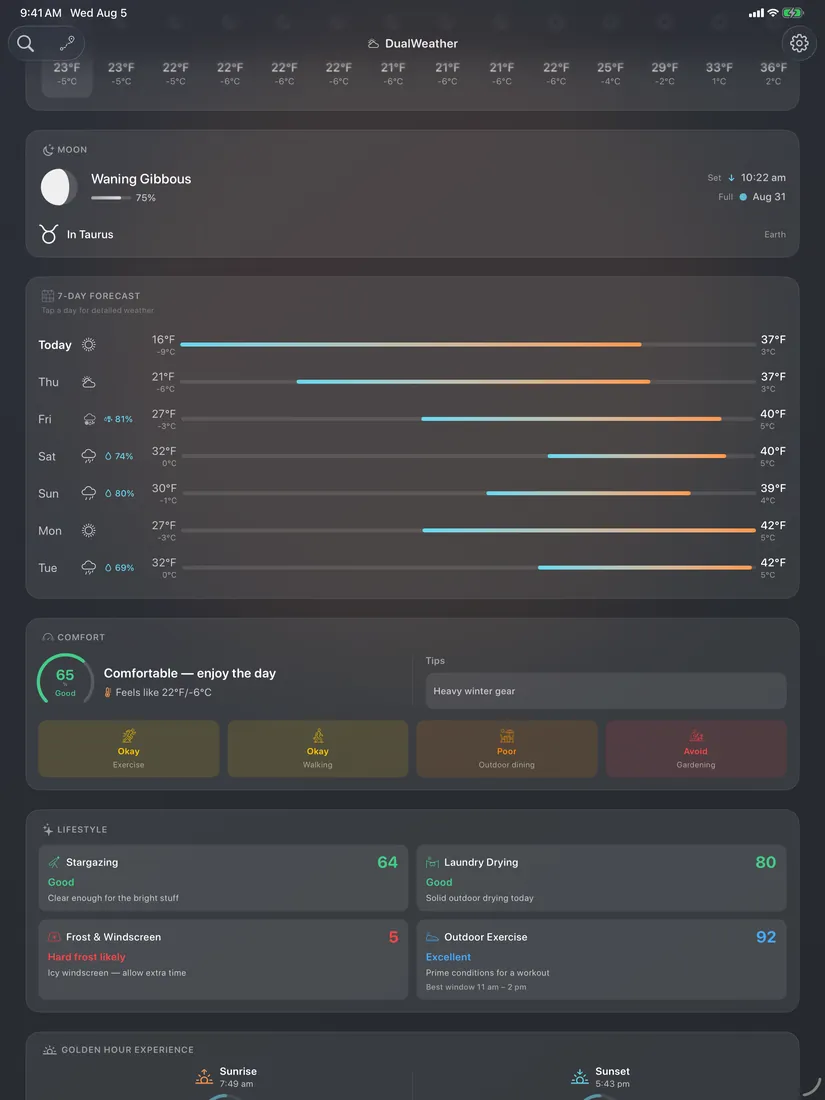
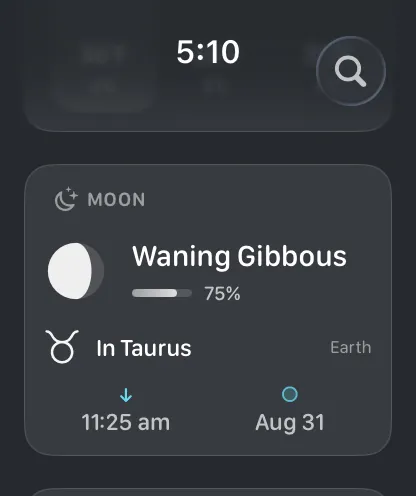
Golden hour gets scored for both sunrise and sunset, so you know which one is worth going out for and why. The moon carries phase, illumination, rise and set times, the next full moon and the lunar zodiac sign.
AppleAndroid
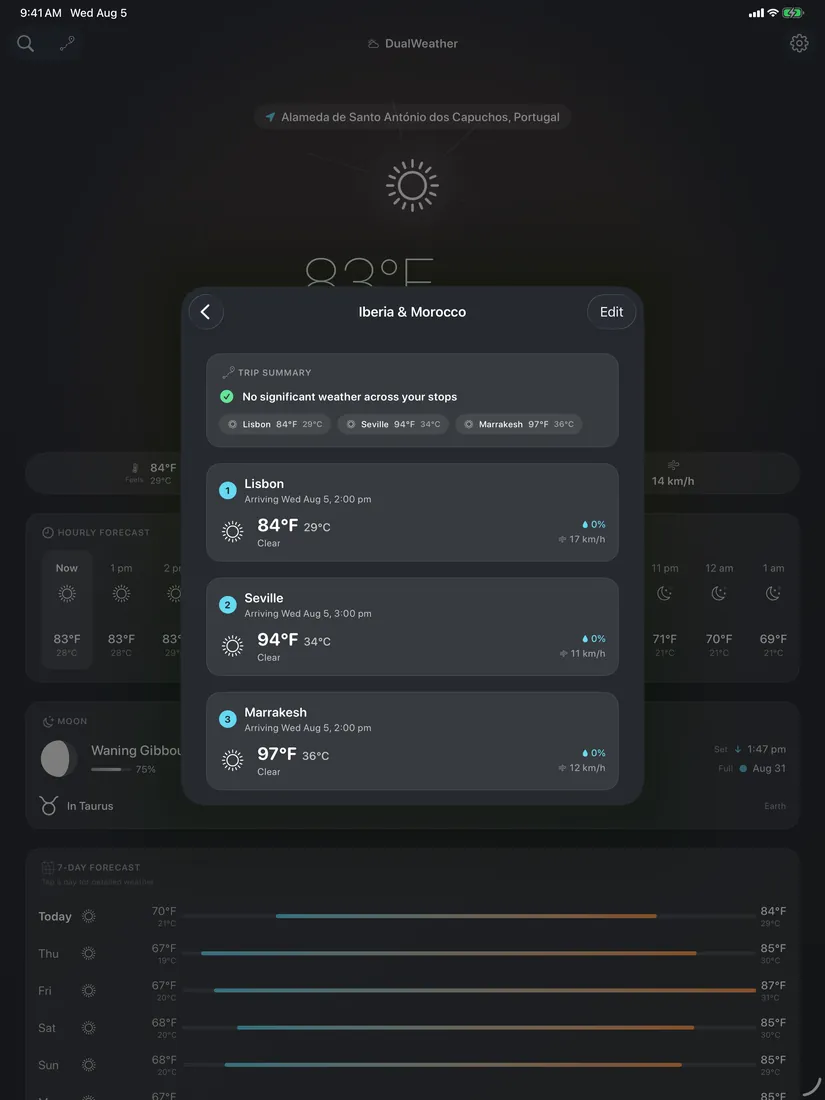
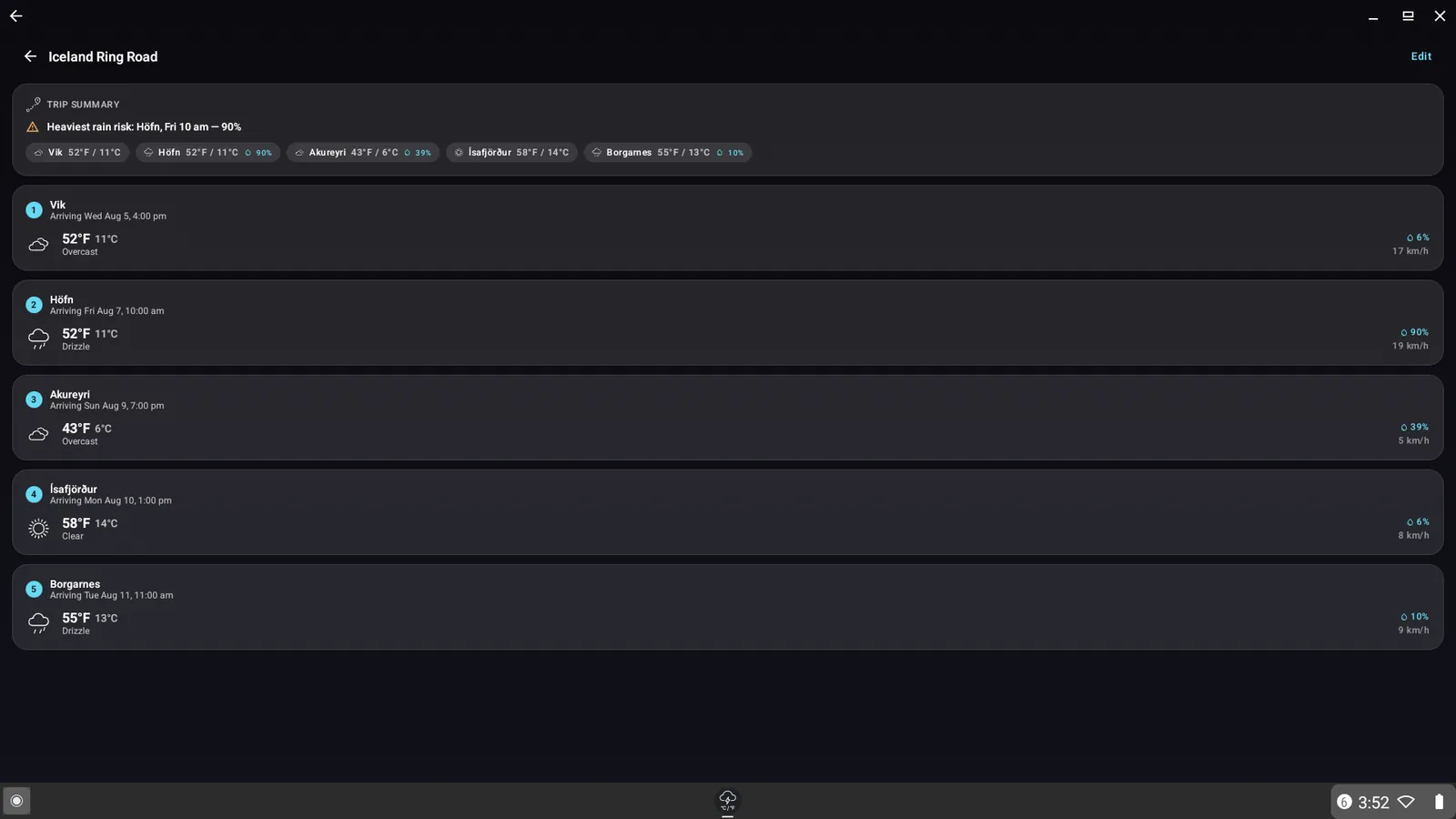
Build a multi-stop trip and the app forecasts each stop for the hour you arrive, then summarises the roughest conditions across the whole route so you know which leg to worry about.
AppleAndroid
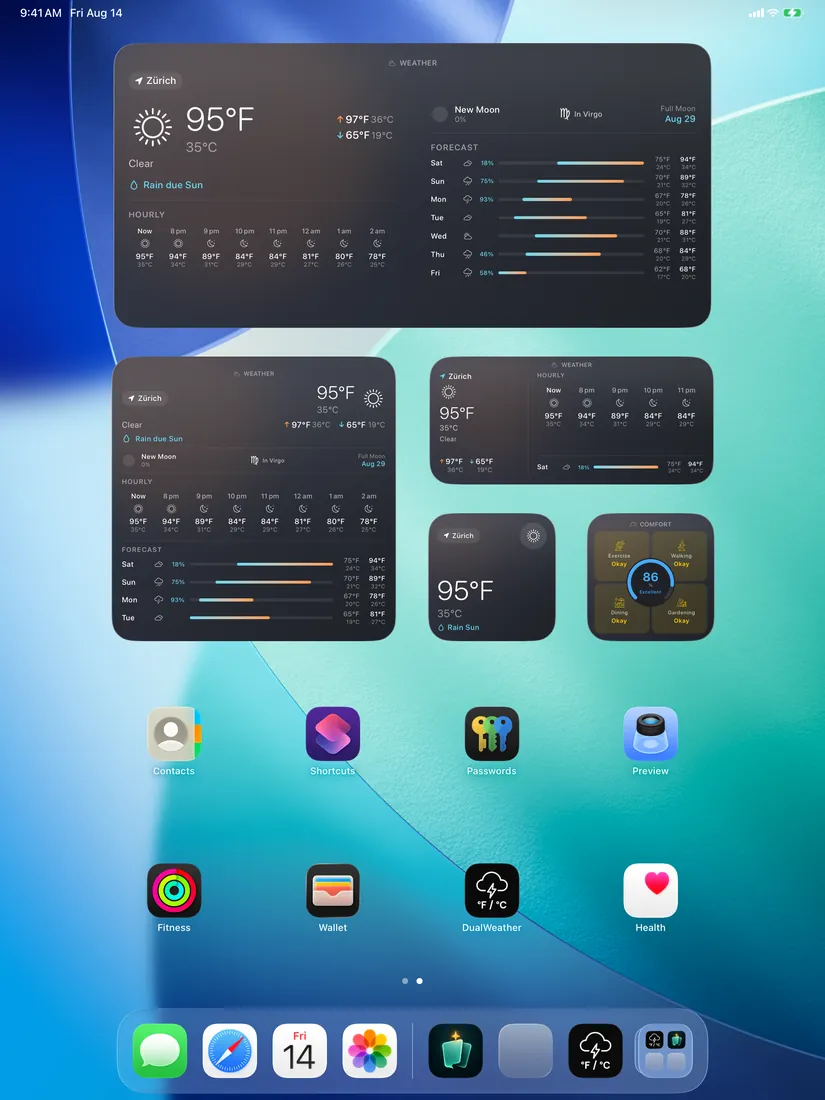
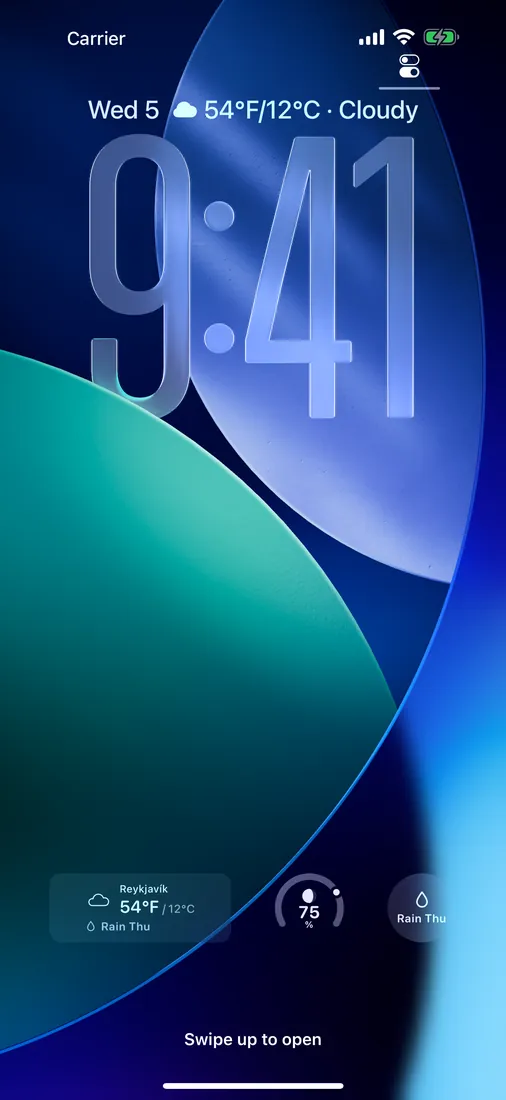
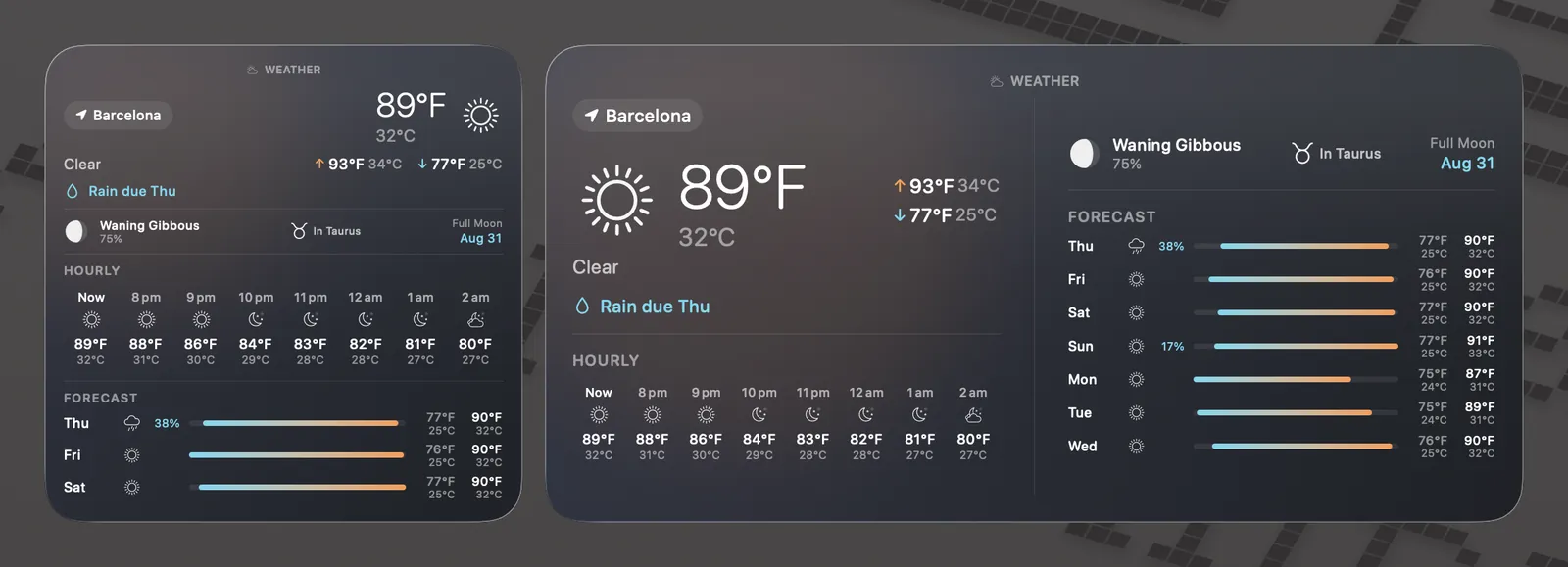
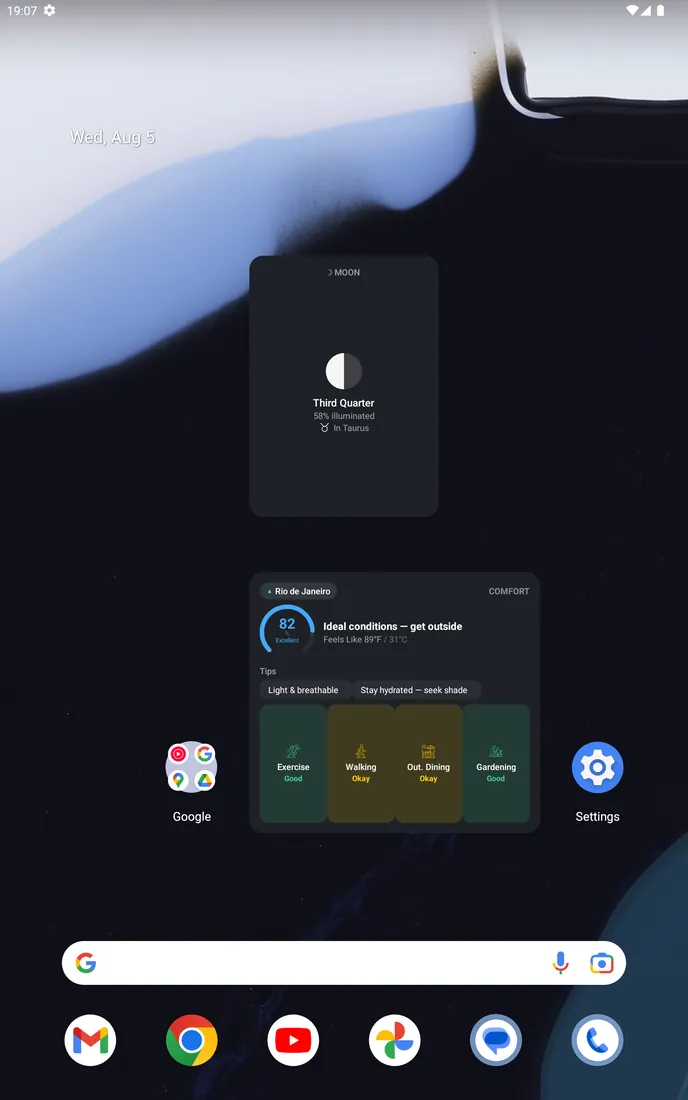
Home-screen widgets in every size, lock-screen widgets on iPhone and a desktop set on Mac. Apple builds them with WidgetKit and Android with Glance, and both carry the dual reading, the hourly run, the week, the moon and the comfort score.
iPhone only
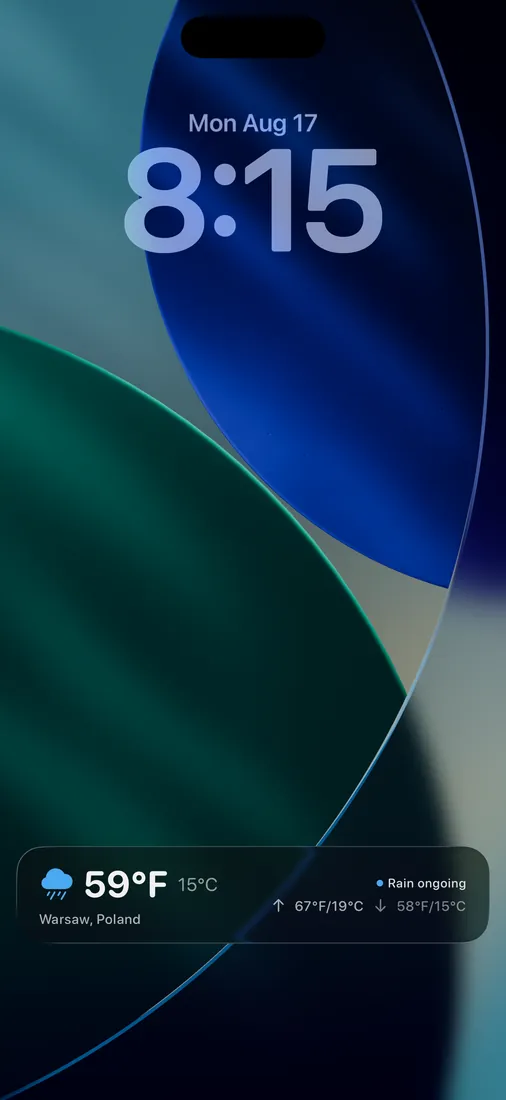
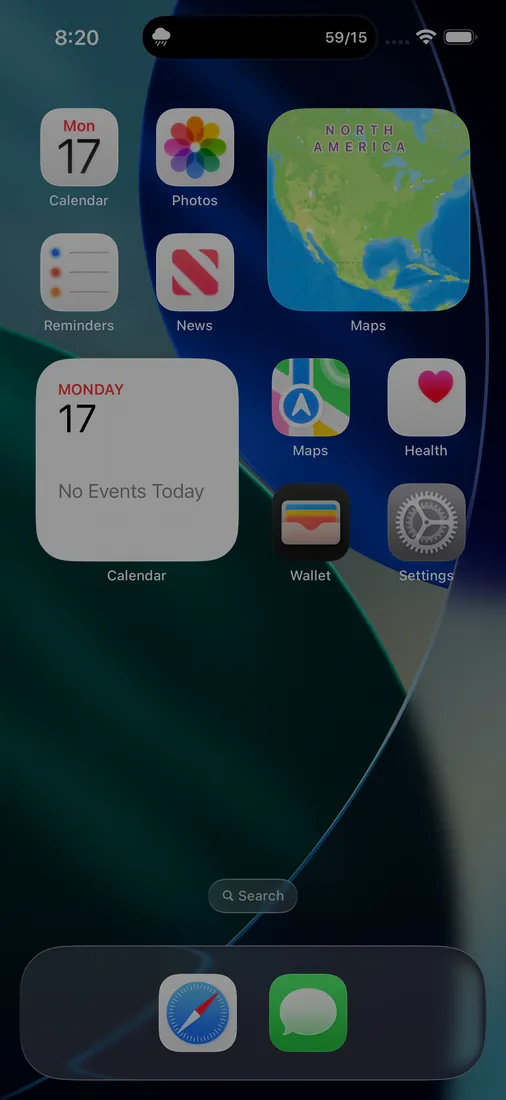
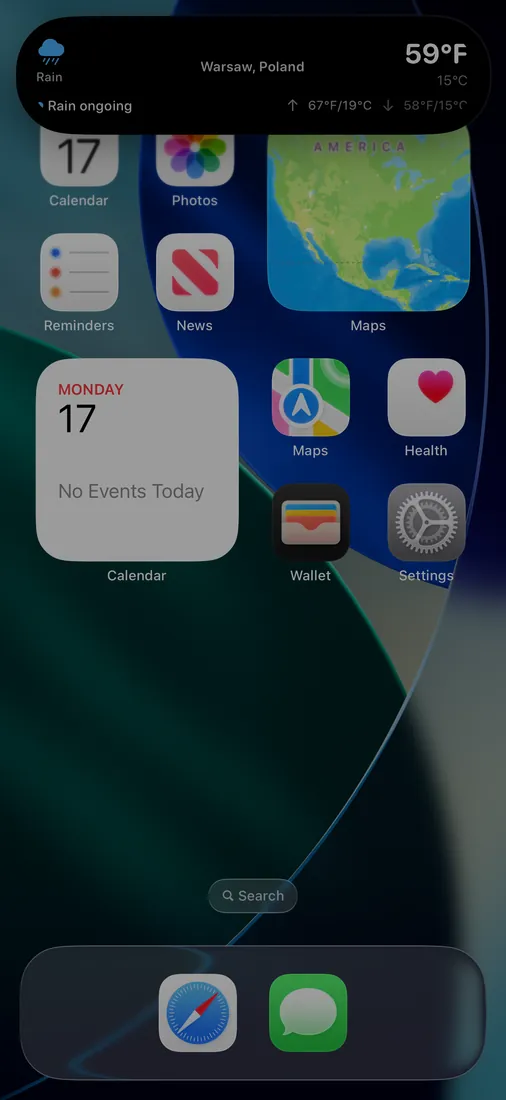
When rain is falling where you are, DualWeather runs a Live Activity. The reading sits on the Lock Screen in both units with the high, the low and what the rain is doing, and the same activity fills the Dynamic Island so you get it without unlocking anything. It ends on its own when the rain does.
macOS only
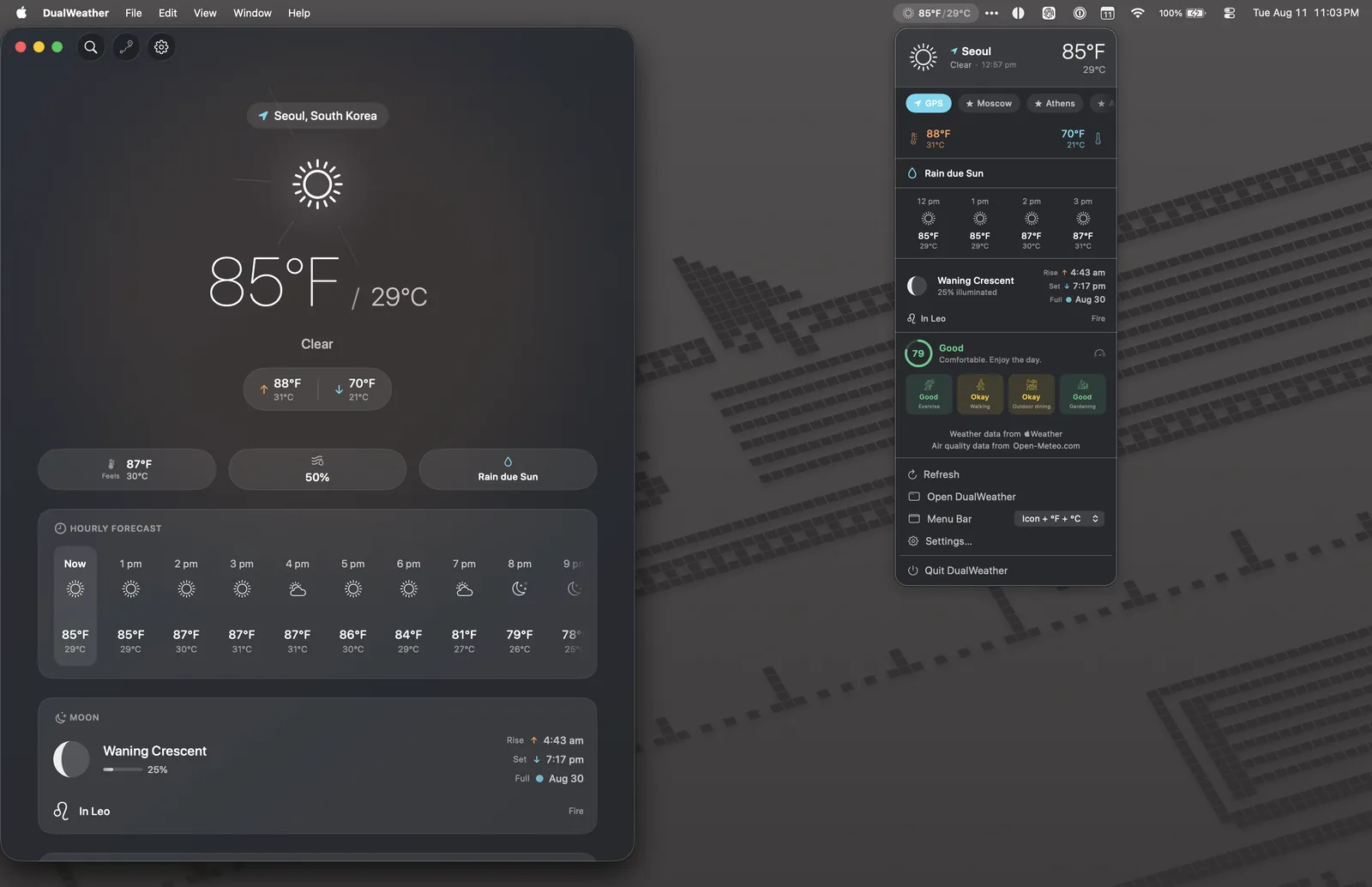
On Mac the app lives in the menu bar as well as the Dock. The reading sits in the bar itself, and the popover carries your saved locations, the next rain, the hourly run, the moon and the comfort score without opening a window.
Apple WatchWear OS
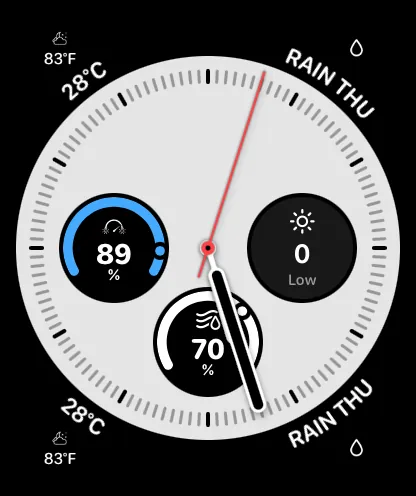
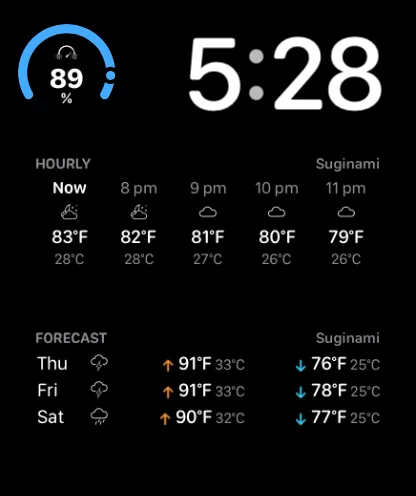
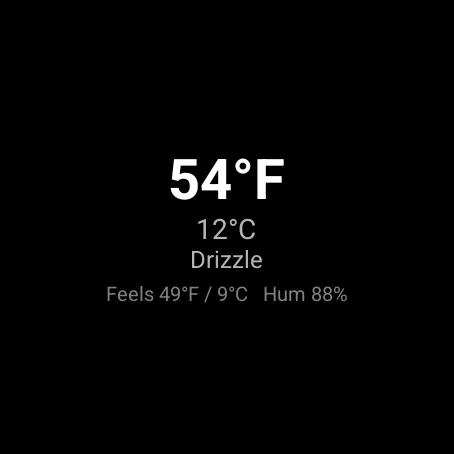
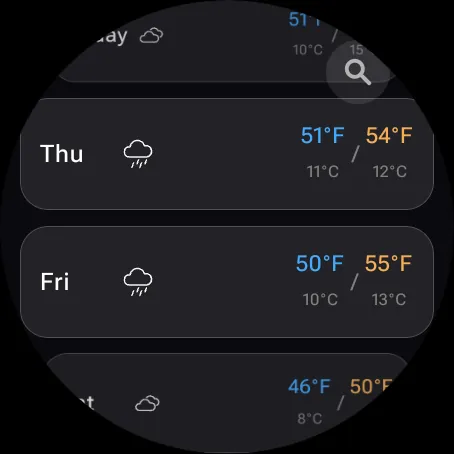
A full watch app on both platforms, plus complications you can put on the face you already use. The watch carries the hourly run, the week, comfort, the lifestyle indexes, alerts and the moon, and it stays in step with your phone.
Apple TVAndroid TV
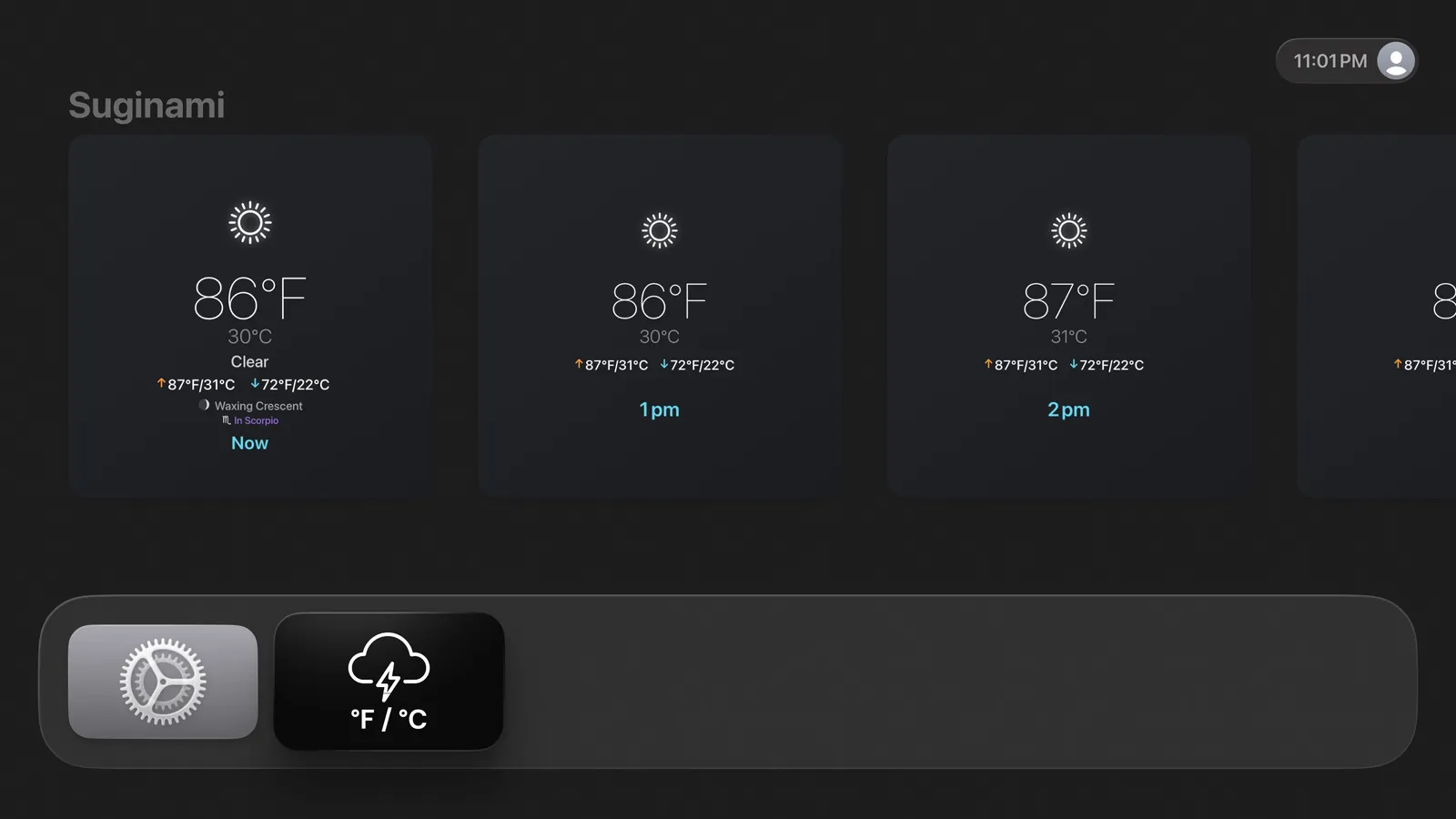
Apple TV and Android TV both get a full app built for a remote and a ten-foot read, with the same data and the same type as the phone. On Apple TV the forecast also reaches the home screen: park the highlight on the app and the Top Shelf fills the row above it with your weather, before you open anything.
AppleAndroid
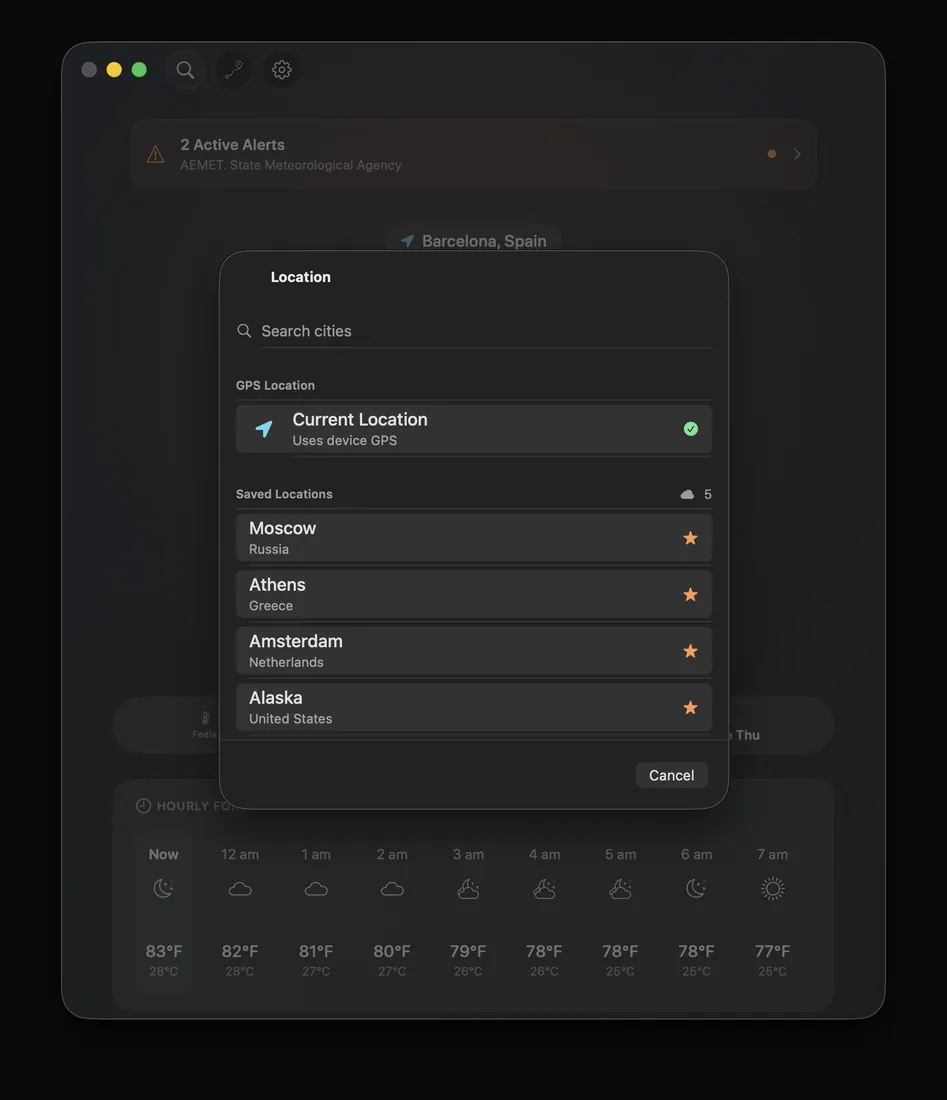
Save as many locations as you like and switch between them from anywhere in the app. Search takes a city name, a set of coordinates or a Plus Code. Your locations follow you across your Apple devices through iCloud and across your Android devices through Google Drive.
Apple Vision Pro only
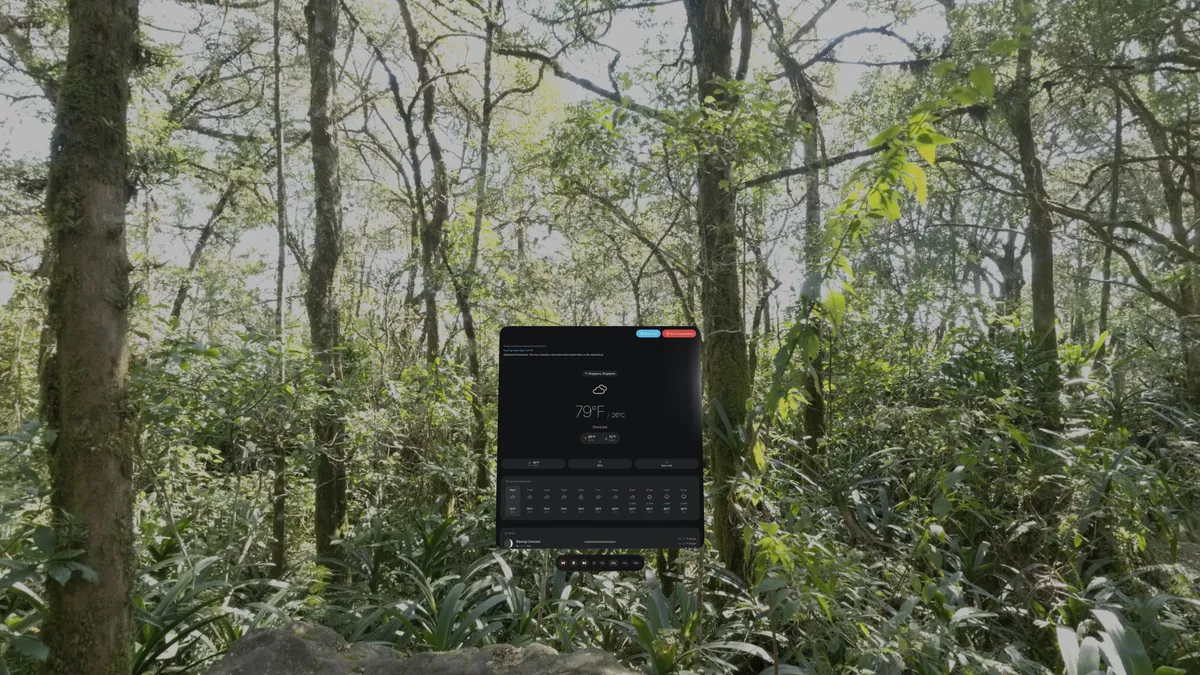
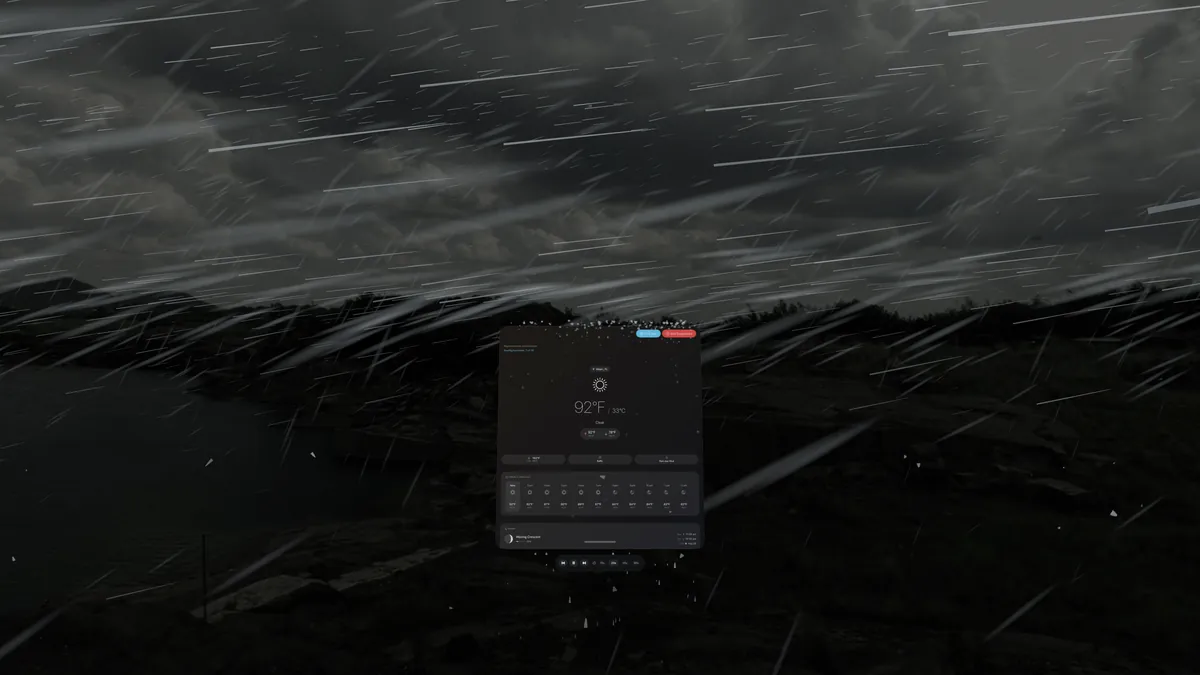
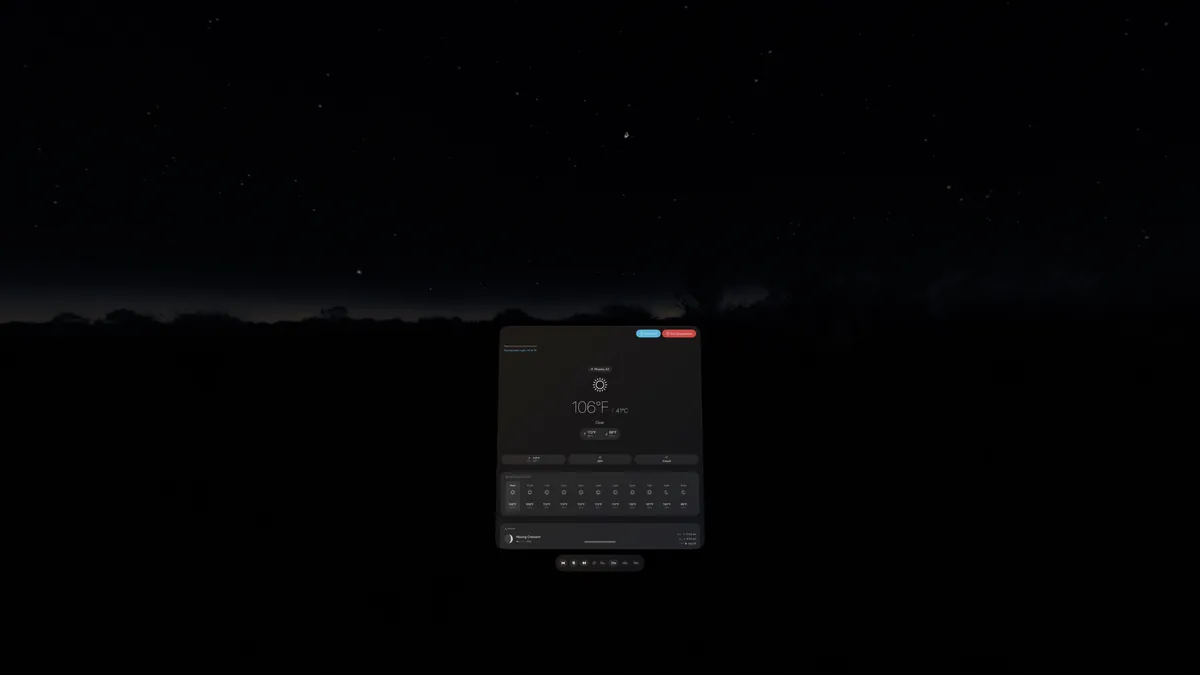
On Apple Vision Pro your forecast becomes a place you can stand in. DualWeather wraps a photographic environment around you and chooses it from your own weather, so the sky, the light, the rain and the ground match the conditions you asked about.
Nineteen environments ship with the app, covering ten weather states across tropical, arid, temperate, Mediterranean, boreal and polar ground. The app reads the climate class of your location, the season and the hour to pick one, and the panel names the environment on screen so you always know what you are looking at. Your forecast floats in front of the scene, so you keep every number while you stand in the weather.
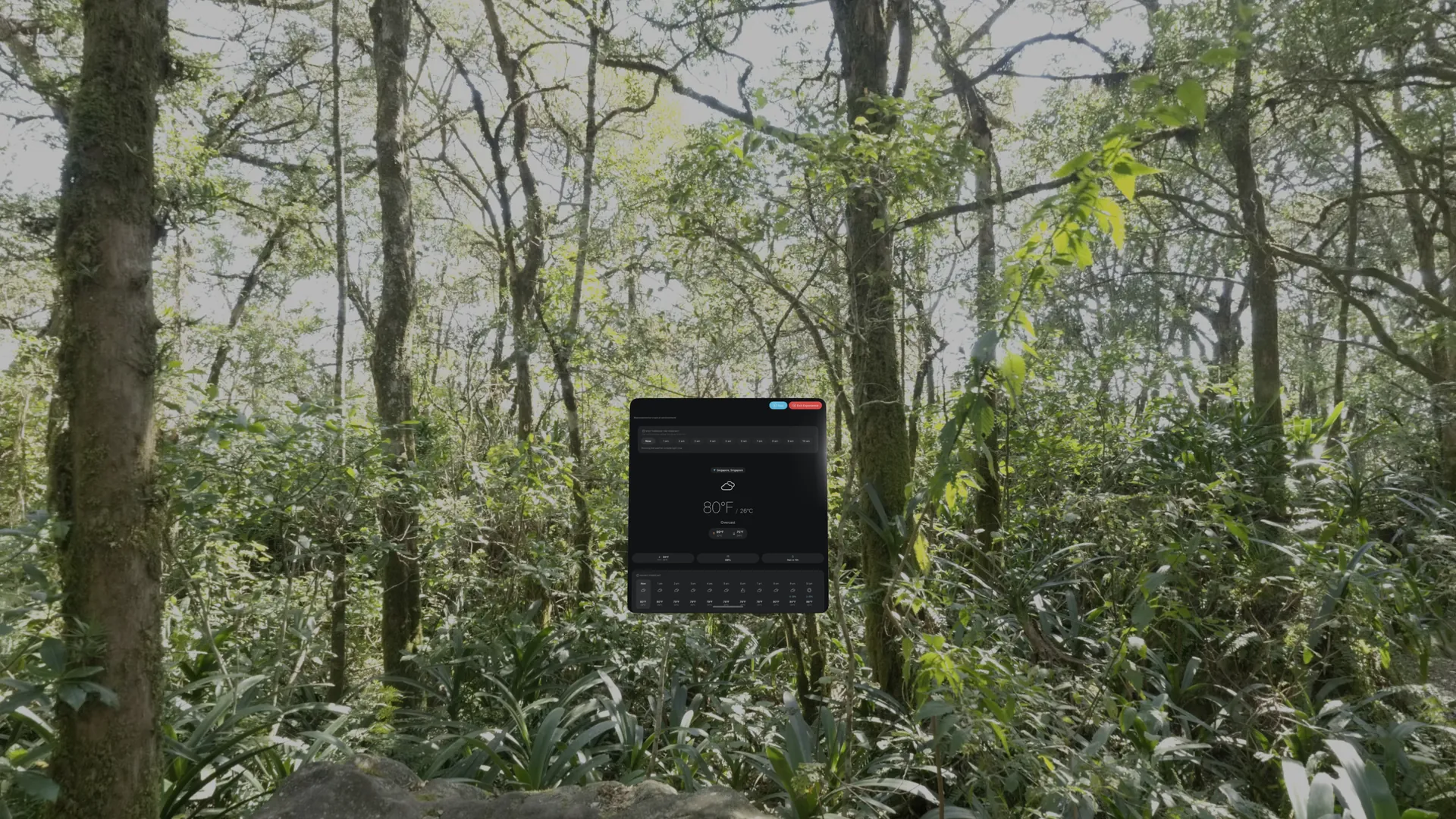
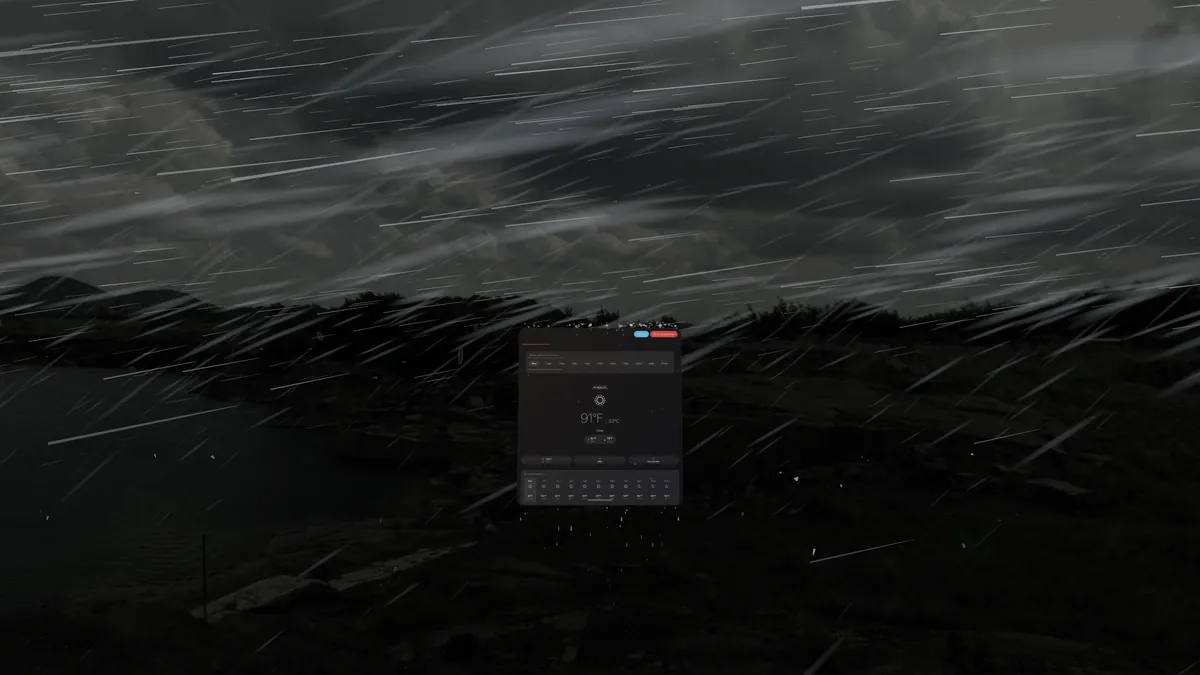
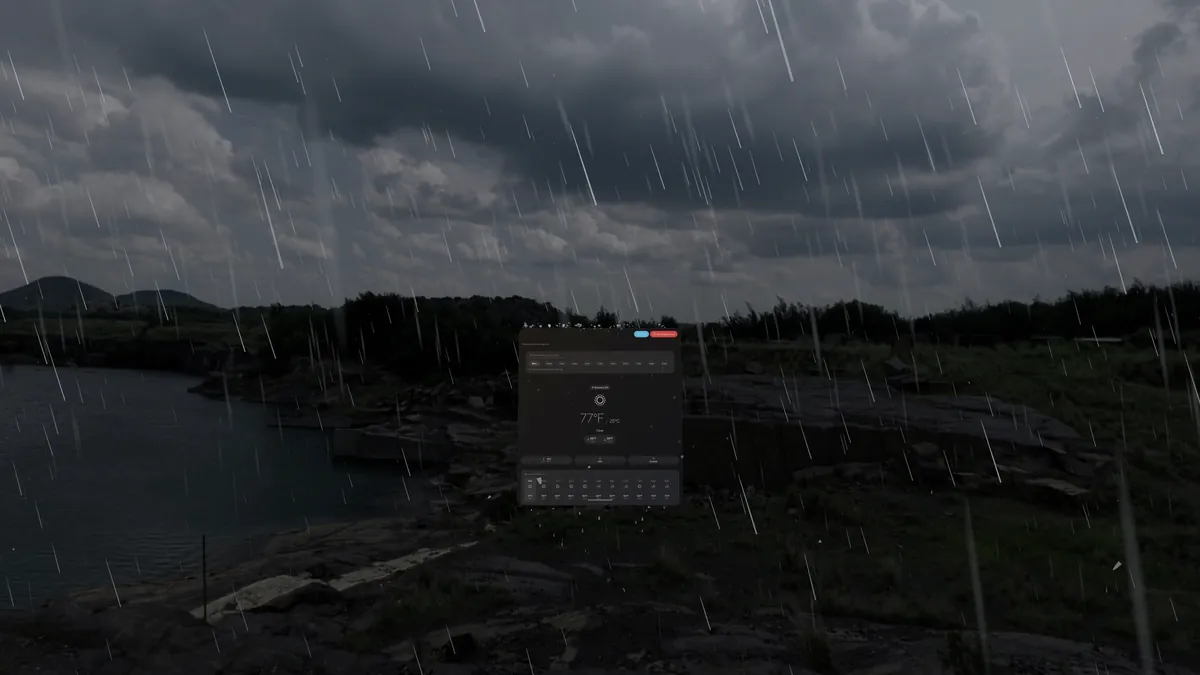
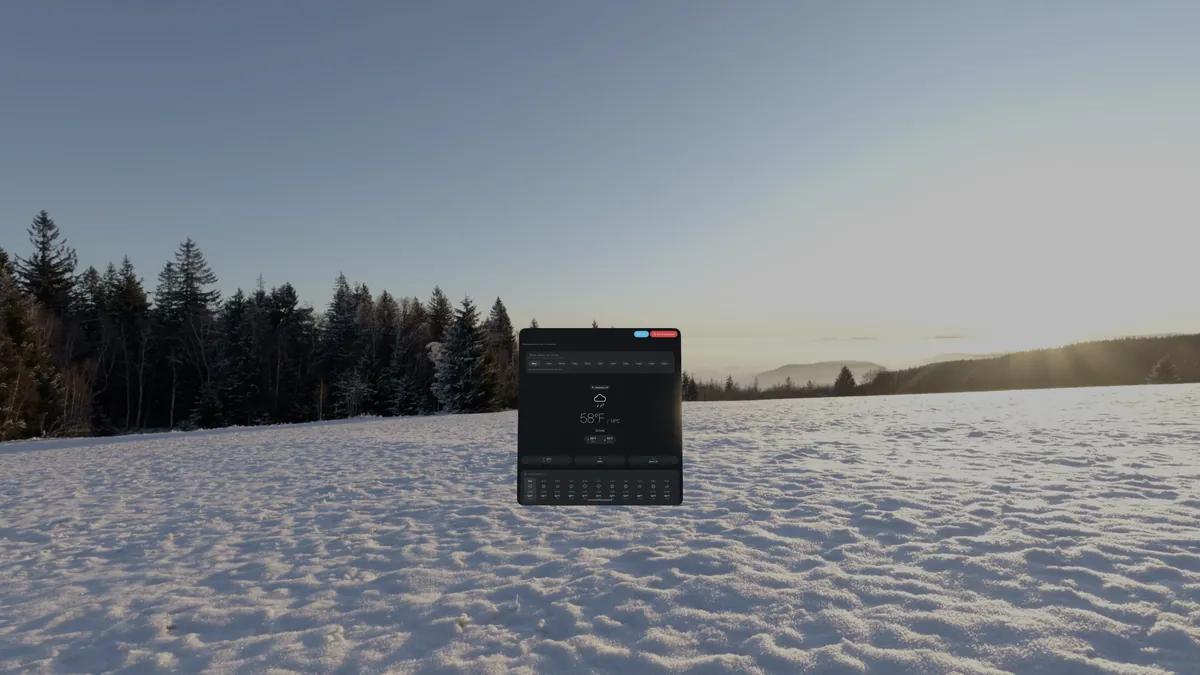
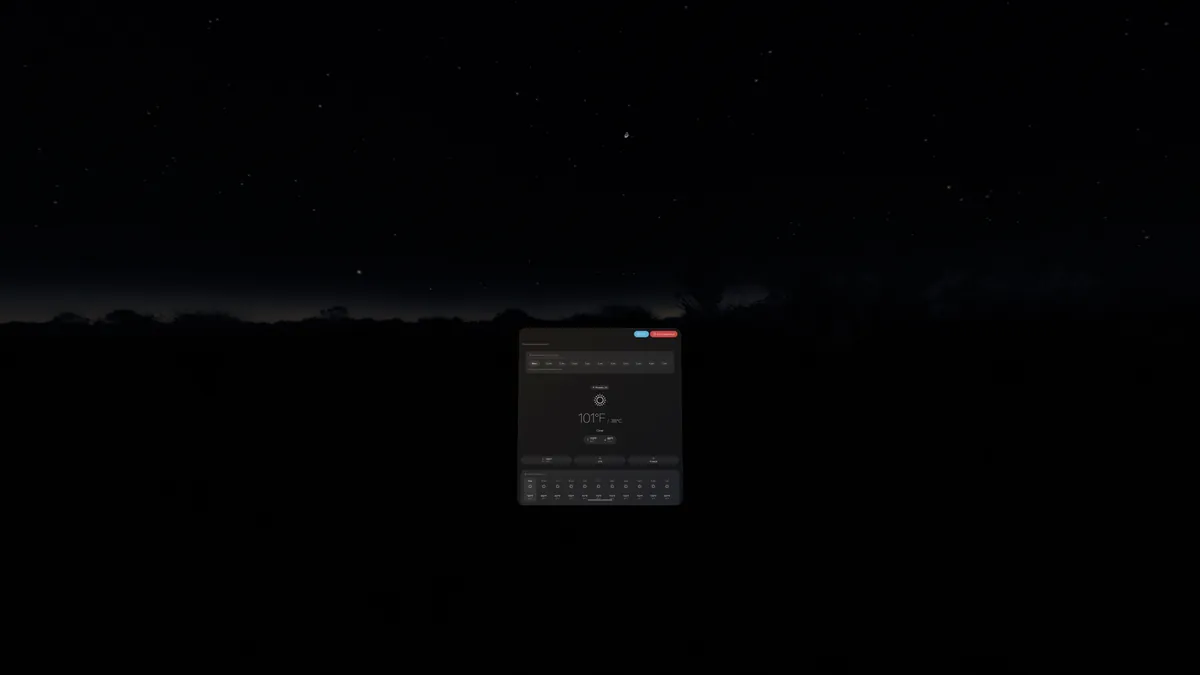
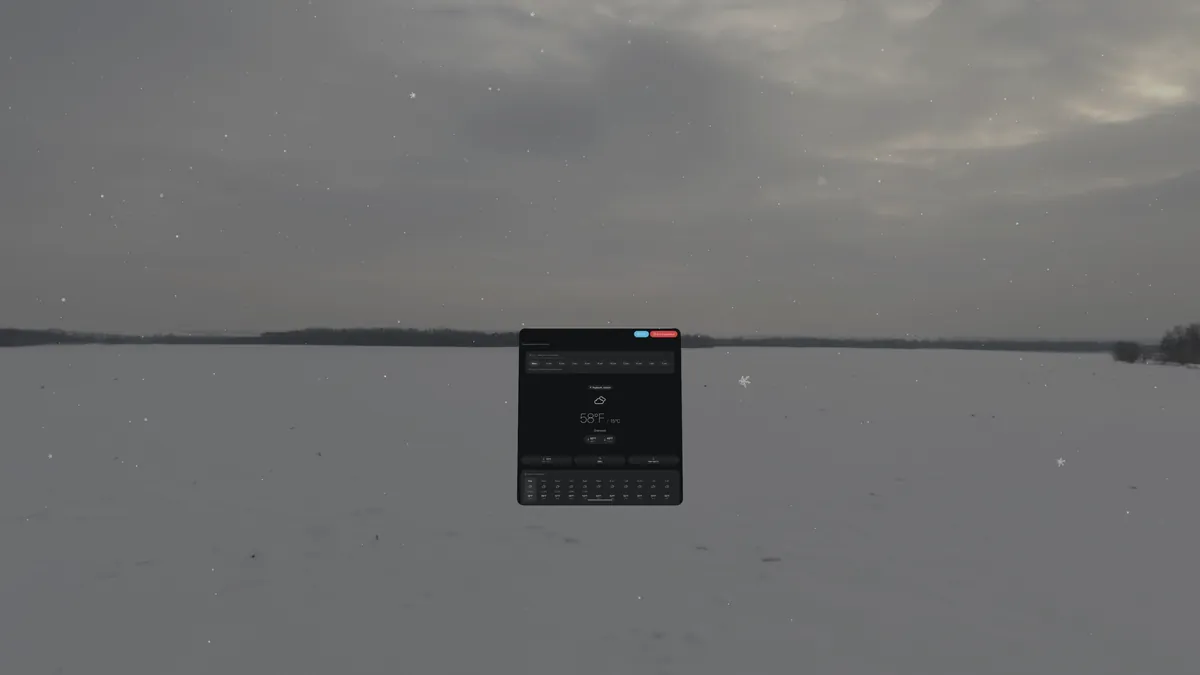
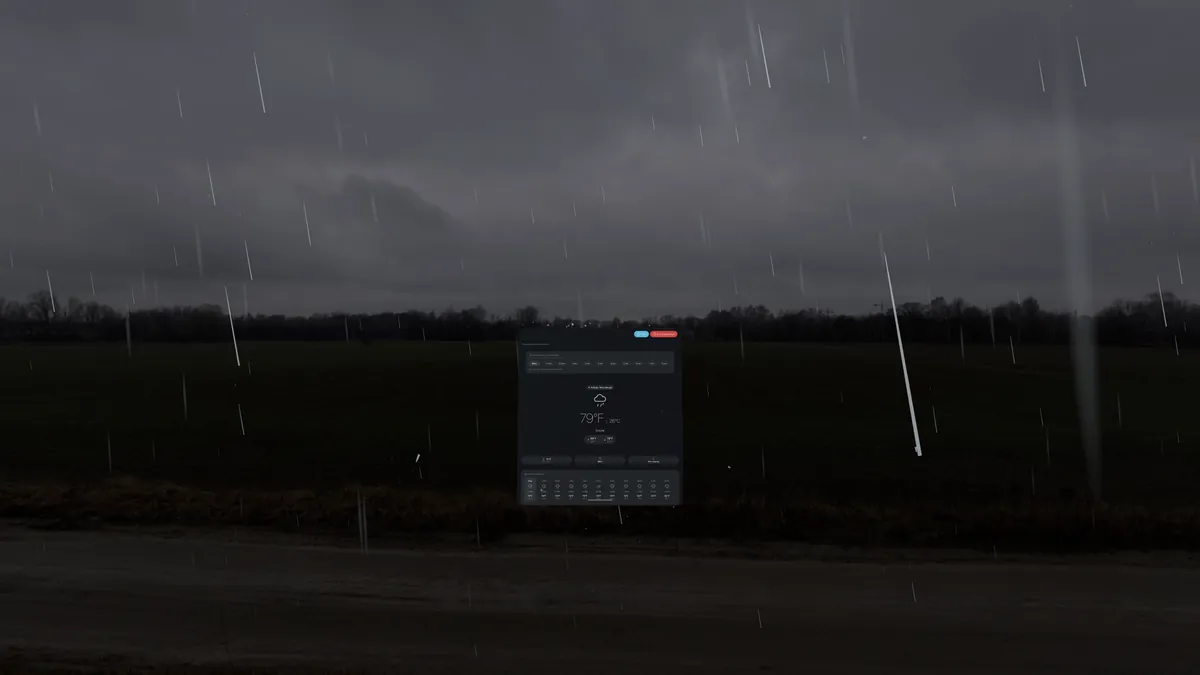
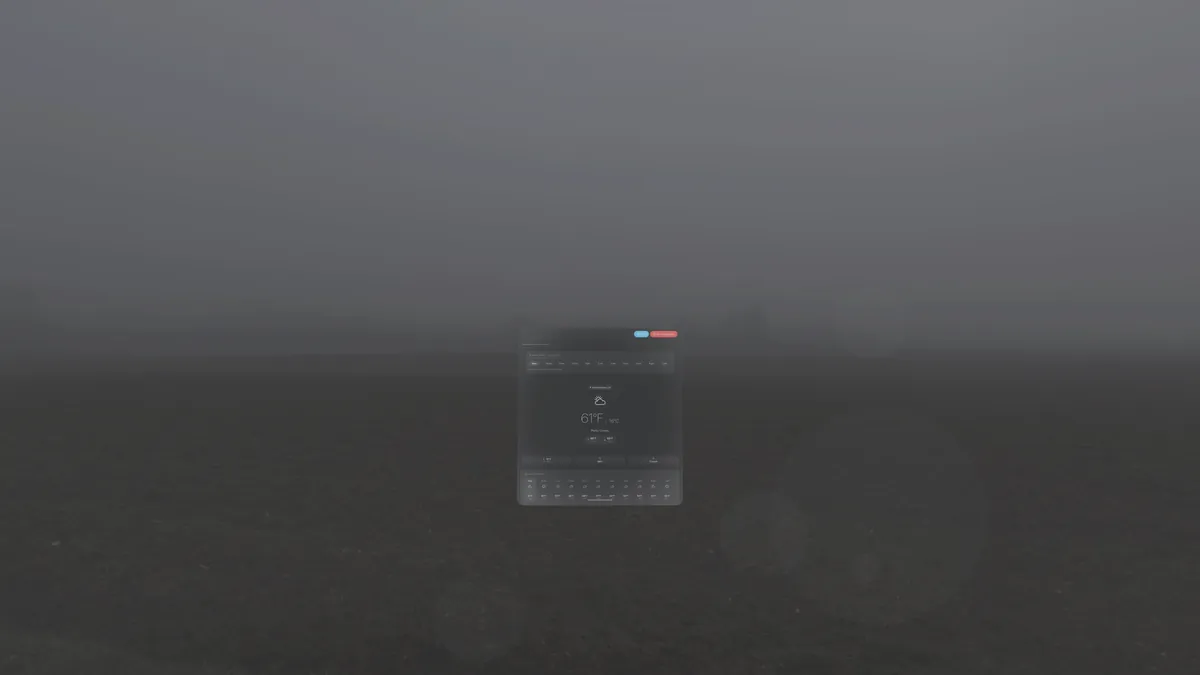
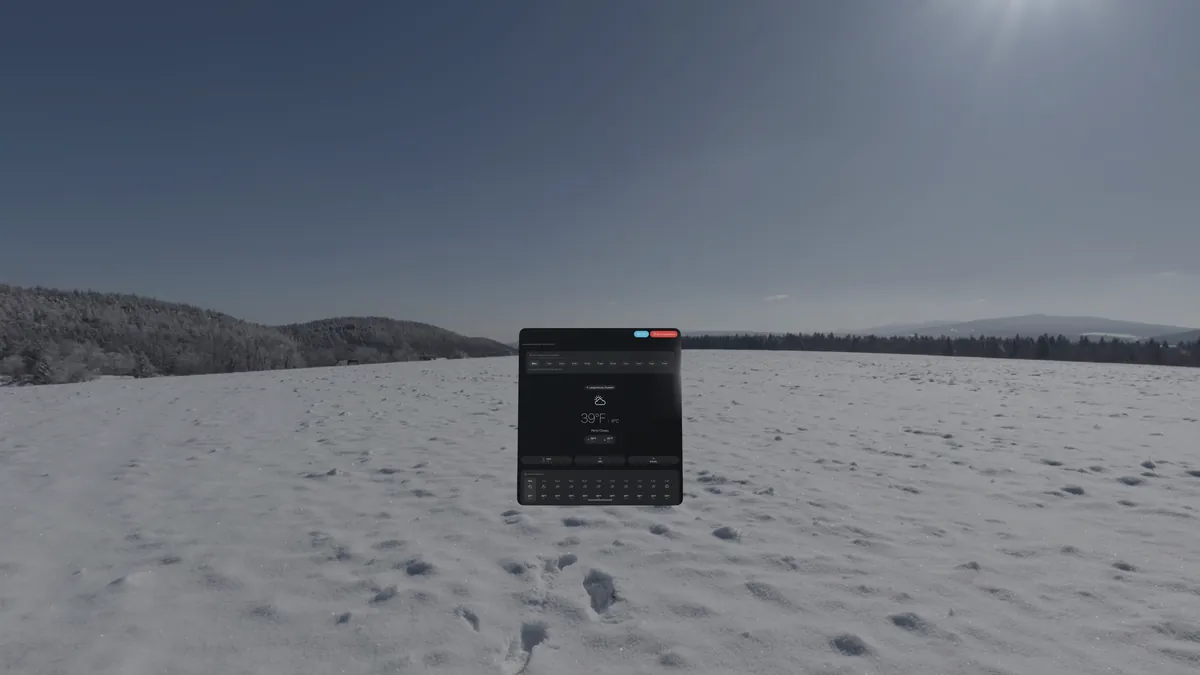
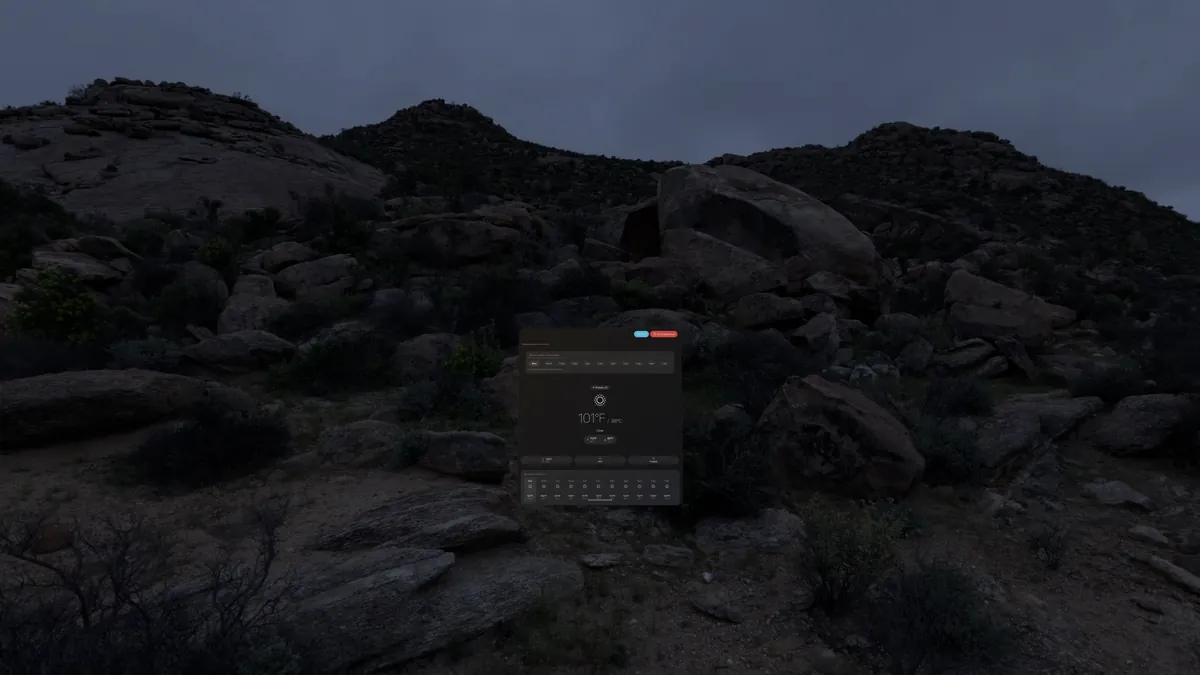
Start the tour and the app walks the ten weather states in order, opening on a clear day, thickening the cloud a layer at a time until the light is gone, bringing the rain down out of it, escalating through the thunderstorm into the hurricane, then releasing into snow and closing on golden hour and the computed night. It holds each one for 25 seconds by default, which puts the whole walk a little over four minutes. The controls under the panel take you back a step, hold you in the sky you are in, or move you on, and you can set the dwell to 15, 25, 45 or 90 seconds.
DualWeather costs nothing. No subscriptions, no in-app purchases, no ads, and no plans for any of them. Every feature on this page belongs to everyone who installs the app.
The goal is to keep DualWeather free, permanently.
Weather data has to come from somewhere, and some sources start charging as an app grows. DualWeather now reads sources it can afford at any size, so more people installing it never turns into a bill someone has to cover. Weather requests send your location, or a place you picked, directly from your device to the providers. Optional sync stores saved places in your personal iCloud or Google Drive account. The DualWeather developer does not receive or sell this data.
Supporting the project is welcome and absolutely not expected. If you would like to help keep development going, you can buy me a coffee.
Buy me a coffee on Ko-fiKo-fi takes no platform fee, so what you give goes to the app.
DualWeather is in active development. Sign up below to request access to the beta on Apple (via TestFlight) and/or Android (via Google Play closed testing).
Have feedback, a feature request, or want to say hello? Drop us a message.